

RTX 5050 Avowed FPS: Performance Benchmark & Best Settings
RTX 5050 Avowed FPS: Performance Benchmark. Real-world benchmark data, FPS numbers & performance analysis. What SA gamers can actually expect.
Read more144Hz laptop: Discover whether a 144Hz screen truly improves racing game performance, required FPS, and if it's worth the extra cost. Quick verdict, testing tips, and buying advice. 🏁💡
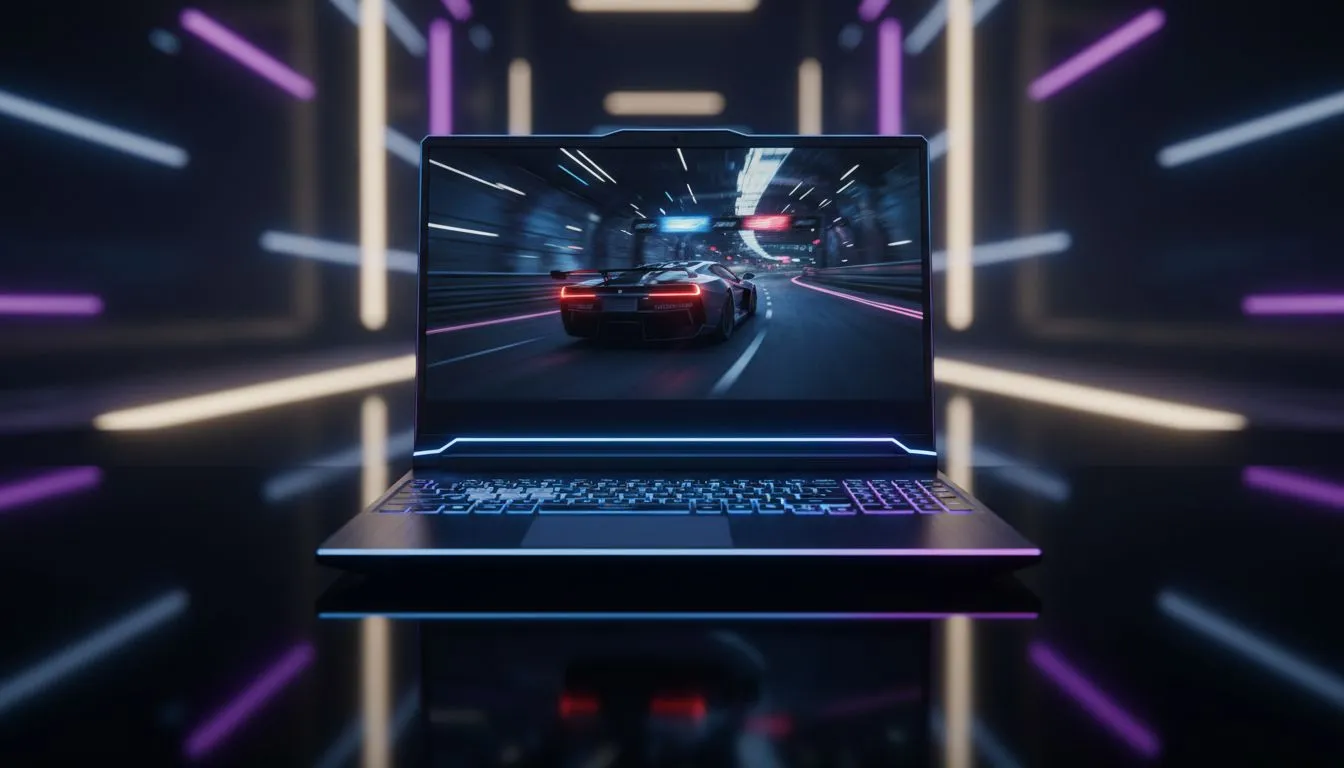
Staring down the first corner at Kyalami in Assetto Corsa, every millisecond counts. If your screen stutters, you miss the apex. For South African sim racers, the debate over whether a 144Hz laptop is necessary isn't just about specs... it is about survival on the track. High refresh rates offer the fluid motion needed to react to a slide before it ends your race. 🏎️
In the world of competitive racing, information is everything. A standard 60Hz screen updates the image 60 times per second. While that sounds fast, it creates a disconnected feeling when you are travelling at 300km/h. A 144Hz laptop more than doubles that information flow. This extra data allows your brain to process the car's rotation and tyre slip much earlier.
When you are hunting for the best gaming laptop deals, you will notice that 144Hz has become the sweet spot for performance. It provides a buttery smooth experience without requiring the astronomical hardware costs of 240Hz or 360Hz panels.
One of the biggest enemies of a sim racer is motion blur. When the track environment becomes a smudge at high speeds, hitting your braking markers becomes guesswork. High refresh rate panels significantly reduce this ghosting effect. To truly take advantage of this clarity, you need a GPU that can keep up. Many Geforce RTX gaming laptops on special feature the power to push triple-digit frame rates in titles like F1 24 or iRacing.
Using technologies like DLSS can further optimise your frame delivery, ensuring that your 144Hz screen is always fed with fresh data. This synergy between the display and the GPU is what creates that "locked-in" feeling during a heavy stint.
Always disable V-Sync in your racing simulator settings if you have a 144Hz display. V-Sync can introduce input lag that makes the steering feel 'mushy'. Instead, use G-Sync or FreeSync to keep the action tear-free and responsive without the latency penalty.
Racing simulators are notoriously heavy on the processor. While the graphics card handles the textures and lighting, the CPU manages the complex physics and tyre models. If you prefer Team Blue for your processing needs, checking out Intel laptops on special is a great starting point for high-clock speed performance.
On the other hand, Ryzen laptop deals offer incredible multi-threaded value... which is perfect if you plan on streaming your races to Twitch or recording your laps for telemetry analysis. ⚡
You do not need to spend a fortune to get onto the grid. There are excellent gaming laptops under R20k that now feature high-quality 144Hz displays as standard. These machines provide the perfect entry point for someone moving from a console to a more versatile PC setup.
Ultimately, a 144Hz laptop is not just a luxury... it is a functional tool that helps you stay consistent. When the gap to the car ahead is measured in hundredths of a second, you want every advantage possible. Finding the best gaming laptop deals ensures you get that competitive edge without breaking the bank. ✨
Ready to Dominate the Track? Choosing the right 144Hz laptop can be the difference between a podium finish and a spin-out. For the best performance and value in South Africa, we have you covered. Explore our massive range of laptop specials and find the perfect machine to conquer your next race.
Yes — many racing titles feel noticeably smoother and respond faster on a 144Hz laptop, especially when your GPU can sustain high FPS.
If you play sim racers competitively, 144Hz offers clearer motion and lower input lag than 60Hz, improving precision when FPS matches the refresh rate.
Aim for 120 to 144 FPS to fully benefit from a 144Hz laptop. Lower FPS still helps, but gains drop if frame rate is far below refresh rate.
Yes — higher refresh rates can increase power draw. Many laptops let you switch to 60Hz or use power-saving modes to extend battery life.
Difference is subtle. 144Hz provides marginally smoother motion and slightly lower latency than 120Hz, which some racers prefer for a competitive edge.
For casual players, 144Hz is a nice upgrade but not essential. It’s worth it if you want smoother visuals and some future-proofing.
GPU performance, CPU, and low display input latency matter most. Choose a GPU that can hit high FPS and a laptop with a responsive panel.
RTX 5050 Avowed FPS: Performance Benchmark. Real-world benchmark data, FPS numbers & performance analysis. What SA gamers can actually expect.
Read more
RTX 5050 Fable at 1440p: FPS Benchmark & Optimal. Real-world benchmark data, FPS numbers & performance analysis. What SA gamers can actually expect.
Read more
RX 7600 Black Myth Wukong 2 at 1080p: FPS. Real-world benchmark data, FPS numbers & performance analysis. What SA gamers can actually expect.
Read more
Head-to-head comparison of RTX 5060 vs RX 9070: Ray Tracing Performance for SA gamers. Performance benchmarks, Rand pricing & which delivers better value.
Read more
Head-to-head comparison of RX 7800 XT Mining vs Gaming: Does It Affect for SA gamers. Performance benchmarks, Rand pricing & which delivers better value.
Read more
RTX 4060 Ti Hogwarts Legacy FPS: Performance. Real-world benchmark data, FPS numbers & performance analysis. What SA gamers can actually expect.
Read more
Top Valorant Settings for RTX 5070: FPS Optimisation picks evaluated on performance, value & SA availability with current Rand pricing from Evetech.

RDNA 3.5 Graphics in Ryzen AI 400? Can You Game. Plain-English explanation of what it means, why it matters & how it affects your buying decisions in SA.

GPU Price Index : December Report. Current stock data & price tracking for SA buyers. See what is available and where prices are heading.

RX 9070 XT Elden Ring Nightreign at 4K: FPS. Real-world benchmark data, FPS numbers & performance analysis. What SA gamers can actually expect.

Core i5-14600K + B760 + RTX 5060 Build Under. Full parts list, Rand pricing & expected performance. Build confidently with SA-available components.

RX 7600 Apex Legends at 4K: FPS Benchmark. Real-world benchmark data, FPS numbers & performance analysis. What SA gamers can actually expect.

RX 7900 XTX GTA 6 at 4K: FPS Benchmark & Optimal. Real-world benchmark data, FPS numbers & performance analysis. What SA gamers can actually expect.

Head-to-head comparison of RTX 5070 vs RX 9070 XT: Gaming Performance for SA gamers. Performance benchmarks, Rand pricing & which delivers better value.

Top RTX 5070 Under R25,000 picks evaluated on performance, value & SA availability with current Rand pricing from Evetech.
Core i5-14600K + B760 + RTX 5060 Build Under. Full parts list, Rand pricing & expected performance. Build confidently with SA-available components.

Top Monitor for RX 9070: Resolution & Refresh Rate picks evaluated on performance, value & SA availability with current Rand pricing from Evetech.

Valorant Settings on RX 9060 XT: Performance. Real-world benchmark data, FPS numbers & performance analysis. What SA gamers can actually expect.