

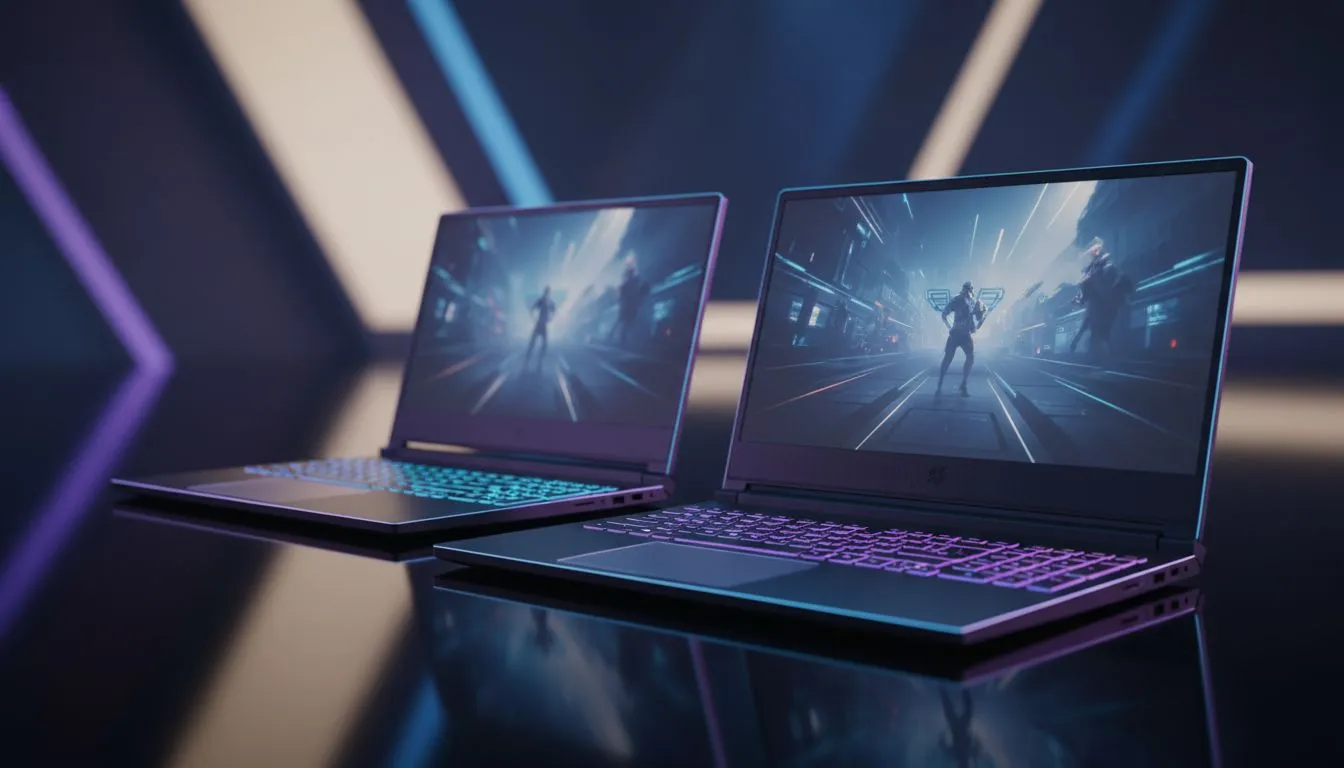
Dropping into Fragment West with a 15-inch screen feels different than a 17-inch beast. In a high-speed battle royale like Apex Legends, every pixel matters. Whether you are tracking a distant Valkyrie or dodging a Fuse tactical, your screen size dictates your situational awareness. Let’s break down the 15 vs 17 inch laptop debate to see which helps you spot enemies faster in the Outlands.
The 15-inch Sweet Spot for Portability and Density
For many South African gamers, the 15.6-inch form factor is the standard. It offers a fantastic balance between performance and portability. Because the screen is smaller, the pixel density is often higher at 1080p or 1440p. This makes the image look incredibly sharp... which is vital for spotting a crouched Caustic in a dark corner.
If you are looking for high clock speeds to drive these pixels, checking out Intel laptops on special is a great starting point for competitive play. These machines often fit perfectly into a standard backpack, making them ideal for LAN nights at a mate's house.
Why 17-inch Laptops Rule for Apex Visibility
When it comes to pure Apex visibility, the 17.3-inch display is king. The larger physical area makes distant targets appear bigger on your screen. In a game where long-range G7 Scout pokes are common, having a larger target to click on is a massive advantage.
AMD fans can find incredible value in Ryzen laptop deals that offer excellent multi-core performance for streaming your matches. The extra screen real estate also helps with eye strain during those long ranked sessions. You don't have to lean in as close to see the details in the distance.
Balancing Refresh Rates and Panel Size
Size isn't everything... speed matters too. A 17-inch screen at 60Hz will always lose to a 15-inch screen at 144Hz or 240Hz. Finding the best gaming laptop deals means balancing refresh rates with the physical dimensions of the panel.
For Apex Legends, aim for at least 144Hz. This ensures that when you are slide-jumping or wall-bouncing, the motion remains fluid. A larger screen with a high refresh rate provides the ultimate immersive experience for competitive shooters. 🚀
Apex Visibility Pro Tip ⚡
In the Apex Legends settings, try lowering your Field of View (FOV) slightly if you struggle to see enemies at a distance on a 15-inch screen. While a high FOV gives more peripheral vision, a lower FOV (around 90-100) makes targets in the centre of your screen appear larger and easier to track.
Performance Requirements for Larger Displays
Driving a larger display often requires more robust cooling and a beefier GPU. To really push those frames on a premium 17-inch panel, look at GeForce RTX gaming laptops on special to ensure you have the DLSS support you need.
Even on a tighter budget, you can find high-quality gaming laptops under R20k that handle Apex without breaking a sweat. Just remember that a 17-inch laptop will be heavier and require a larger bag. If your setup is stationary, the extra weight is a small price to pay for the visual clarity. ✨
Final Verdict: Which Size Should You Choose?
If you travel often or have limited desk space, the 15-inch model is your best bet. However, if your goal is purely to optimise your 15 vs 17 inch laptop choice for the best visibility in Apex Legends, the 17-inch display wins. It provides a more commanding view of the battlefield and makes tracking fast-moving targets much more intuitive. 🔧
Ready to Find Your Perfect Match? The 15 vs 17 inch debate is complex, but for maximum visibility, power, and value in South Africa, Evetech has the right fit for you. Explore our massive range of laptop specials and find the perfect machine to conquer the Outlands.











