

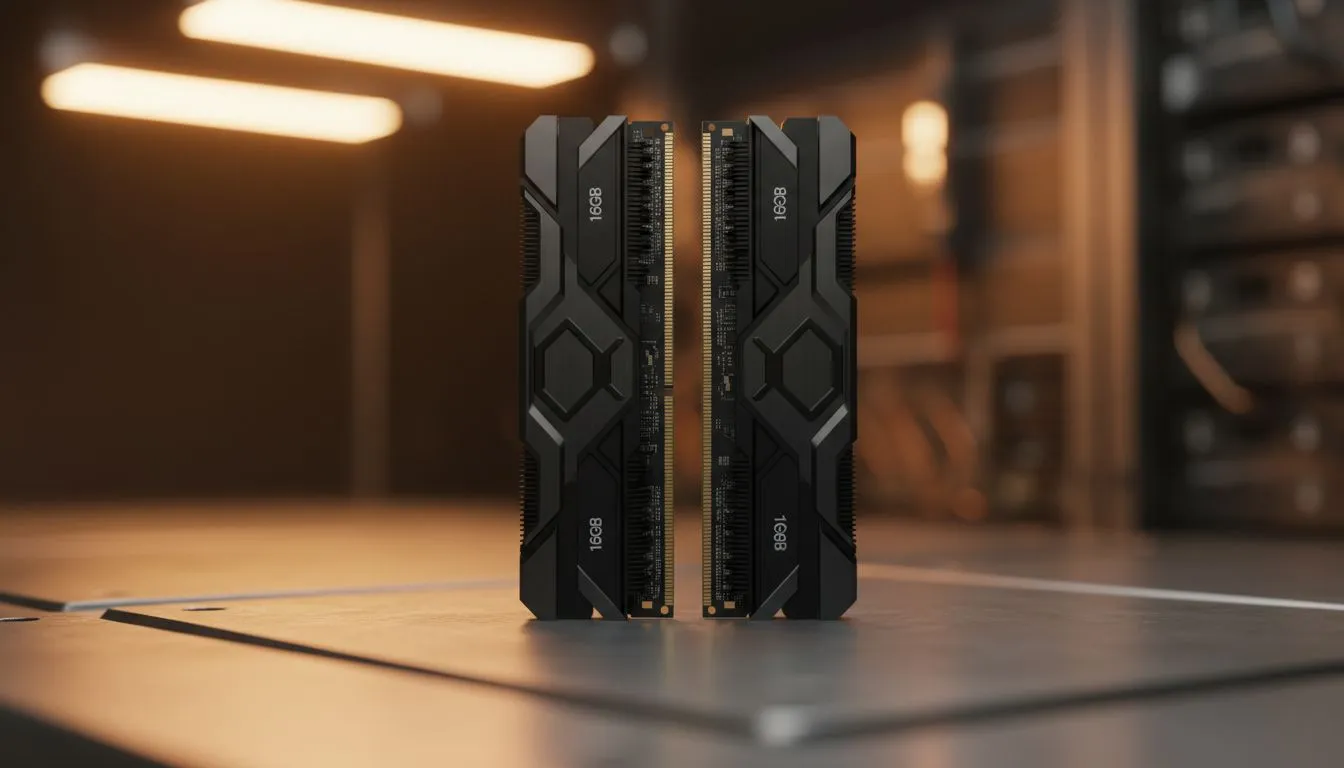
You’re deep in the zone, slicing and dicing clips for your next masterpiece. The timeline is flowing, the creativity is buzzing... and then it happens. Stuttering playback. A sluggish response to a simple colour grade. That dreaded beachball of doom. Before you blame your CPU or GPU, let’s ask the big question that plagues many South African creators: is your 16GB RAM for video editing actually up to the task, or is it secretly sabotaging your workflow?
When is 16GB RAM for Video Editing a Good Fit?
Let's be clear: 16GB of RAM isn't obsolete. If your creative world revolves around 1080p footage, simple edits, and a straightforward timeline in software like DaVinci Resolve or Premiere Pro, then 16GB can be perfectly adequate. For aspiring YouTubers, vloggers creating content for social media, or anyone editing family videos, this amount of memory provides enough headroom to get the job done without breaking the bank.
Many editors starting out are often working with slightly older, but still capable, machines. If you're looking to give an older system a small boost for these lighter tasks, exploring affordable DDR3 gaming RAM modules can be a cost-effective first step. For these specific scenarios, 16GB RAM for video editing is a solid, functional baseline.
Spotting the Limits of 16GB RAM
The moment you step up your game, the cracks in a 16GB setup begin to show. The primary bottleneck appears when you introduce complexity and higher resolutions. Here are the warning signs that you’ve outgrown 16GB:
- Working with 4K Footage: 4K video files are massive. Your RAM needs to cache these files for smooth playback, and 16GB gets overwhelmed quickly, leading to choppy previews.
- Complex Timelines: Are you stacking multiple video layers, using motion graphics templates, or applying heavy effects like noise reduction and stabilisation? Each one of these tasks eats into your available RAM.
- Multitasking 🔧: A creator's workflow is rarely just one application. If you have your editing software, After Effects, Photoshop, and a dozen browser tabs open simultaneously, 16GB will feel painfully restrictive.
When you hit this wall, upgrading to a modern standard like DDR4 memory is the most logical and impactful upgrade you can make.
Check Your RAM Usage ⚡
On Windows, press Ctrl+Shift+Esc to open Task Manager and click the "Performance" tab. On macOS, open Activity Monitor. Keep an eye on memory usage while you're editing. If it's consistently hitting 90% or more, your RAM is the bottleneck, and it’s time for an upgrade!
Why 32GB is the New Sweet Spot for Editors
For the vast majority of serious content creators in South Africa today, 32GB of RAM is the new standard. This upgrade isn't just a minor improvement; it fundamentally changes the editing experience. It provides the necessary breathing room for smooth 4K editing, complex colour grading, and efficient multitasking. Renders are often faster because the system isn't constantly struggling to manage memory.
This is especially true as you transition to the latest platforms. An investment in a kit of modern DDR5 memory not only equips you with 32GB (or more) but also unlocks higher speeds and greater bandwidth, giving your entire system a noticeable performance lift. If you're serious about content creation, making the jump to 32GB is the single best quality-of-life upgrade available.
Choosing Your Upgrade: DDR5 and Beyond 🚀
So, is 16GB RAM enough for video editing? For beginners, yes. For ambitious creators, it’s a frustrating limitation. As you look to upgrade, moving to a 32GB or even 64GB kit of DDR5 RAM is the smartest way to future-proof your editing rig. You'll be prepared for 6K footage, complex visual effects, and demanding software updates for years to come.
When choosing your modules, reliability is key. You need RAM that can handle long rendering sessions without a hiccup. Brands like Kingston DDR5 are legendary for their stability and performance, making them a top choice for professionals. Similarly, options from ADATA DDR5 offer a fantastic blend of speed and value, ensuring your creative flow is never interrupted by a technical issue.
Ready to Banish Lag for Good? Don't let insufficient RAM hold your creativity hostage. Upgrading is one of the most impactful ways to speed up your entire video editing workflow. Explore our massive range of computer memory and find the perfect kit to power up your rig.











