

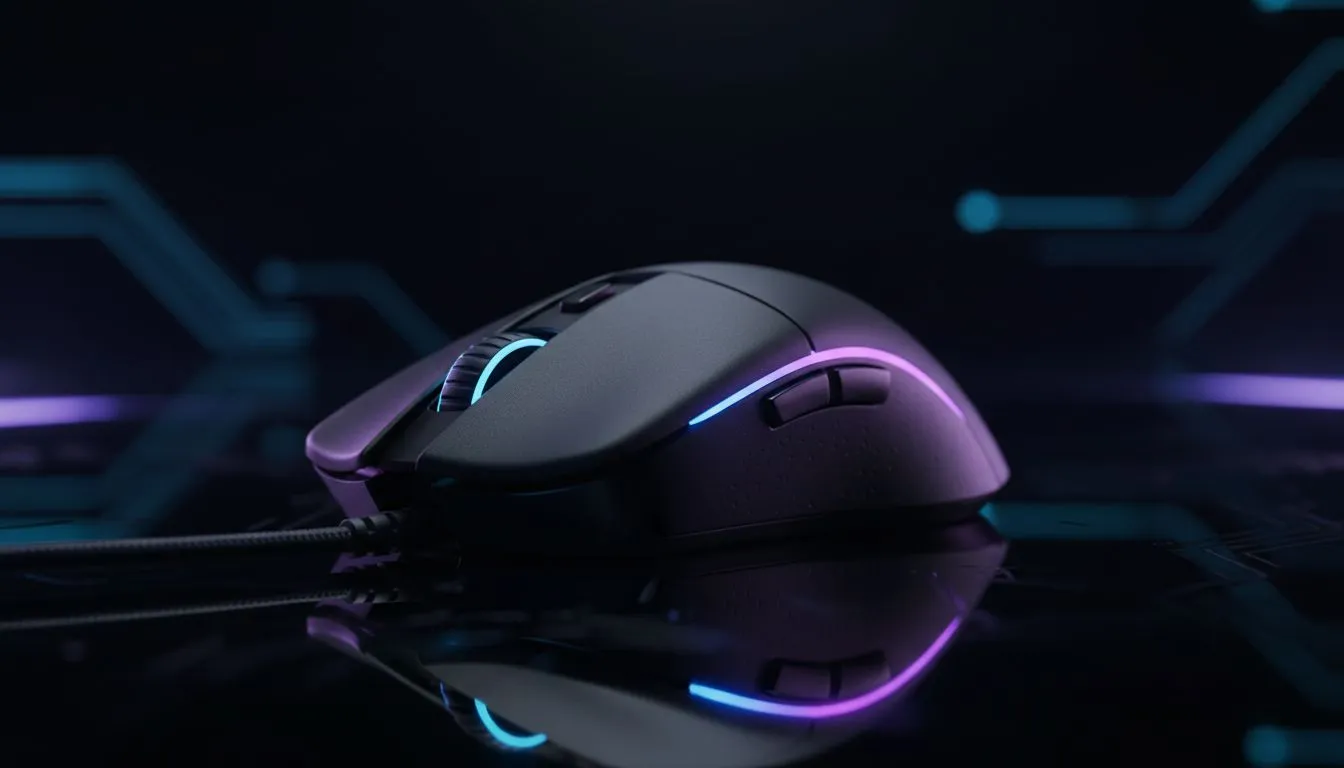
Why 1ms polling rate matters for South African gamers ⚡
If you're chasing millisecond advantages in ranked play, understanding the 1ms polling rate and 1ms response time is where it starts. Those tiny gaps between your click and the server can tilt clutch rounds. Want to see which mice are tailored to that speed? Check Evetech’s gaming mouse range to compare models and specs quickly: https://www.evetech.co.za/components/gaming-mouse-117.aspx.
What "1ms polling rate" really means
The term "polling rate" describes how often your PC asks the mouse for its position. A 1ms polling rate corresponds to 1000Hz polling frequency — the mouse reports once every millisecond (1ms) (source: https://en.wikipedia.org/wiki/Mouse_(computing)#Polling_rate). That consistency reduces jitter and ensures smoother pointer updates, especially at high DPI and frame rates.
Wired vs wireless: can wireless hit 1ms response time? 🚀
For years wired mice were the go‑to for pure latency reasons. Today, many wireless designs use low‑latency dongles and firmware optimisations to deliver near‑1ms performance. If you prefer a cable-free setup, browse reliable wireless options here: https://www.evetech.co.za/buy-wireless-mouse/x/1597.aspx. If you favour zero-compromise latency and stable polling, explore wired models here: https://www.evetech.co.za/buy-wired-mouse/x/1596.aspx.
How to feel the difference in real games
Micro adjustments make macro improvements. Try A/B testing: swap mice between warmup sessions and record your aim heatmap or FPS reaction times. Look for consistent tracking rather than a single "faster" click. For bargains and current ZAR deals on high‑polling mice, see Evetech’s curated offers: https://www.evetech.co.za/best-gaming-mouse-deals/x/054.aspx.
Pro Tip ⚡
If you play FPS at 240Hz+ or on high refresh monitors, match your mouse sampling rate to avoid interpolation. Keep DPI sensible (800–1600 is common), and use consistent grip and surface for repeatable muscle memory.
Accessories and setup that preserve 1ms responsiveness ✨
A fast mouse needs a smooth pathway. The right mousepad, cable management or skates, and firmware updates all protect that 1ms edge. Browse mouse accessories — pads, skates and spare feet — to keep tracking crisp: https://www.evetech.co.za/buy-mouse-accessories/x/1595.aspx. Small tweaks like disabling USB power saving in Windows and updating sensor firmware can cut input hiccups.
Quick checklist before you buy
- Confirm the advertised polling rate and whether the manufacturer specifies USB report rate.
- Test wired and wireless options in your setup; latency varies by PC and surface.
- Look for on‑board profiles so settings travel with the mouse.
Final nudge — make your milliseconds count
Ready to tune your kit and lock in 1ms responsiveness? Whether you want wireless freedom or wired predictability, matching hardware to playstyle matters. Find the exact model and accessories that suit your setup and budget at Evetech today.
Ready to Find Your Perfect Match? Want the fastest mouse for your stack? Compare top picks, ZAR deals and accessories on Evetech and pick the setup that gives you real in‑game gains. Shop Evetech now











