

RTX 5050 Avowed FPS: Performance Benchmark & Best Settings
RTX 5050 Avowed FPS: Performance Benchmark. Real-world benchmark data, FPS numbers & performance analysis. What SA gamers can actually expect.
Read moreWondering if 1ms response time is enough to stop ghosting on large curved displays? We break down response metrics, real-world blur, and what to buy for smoother motion 🎮💡
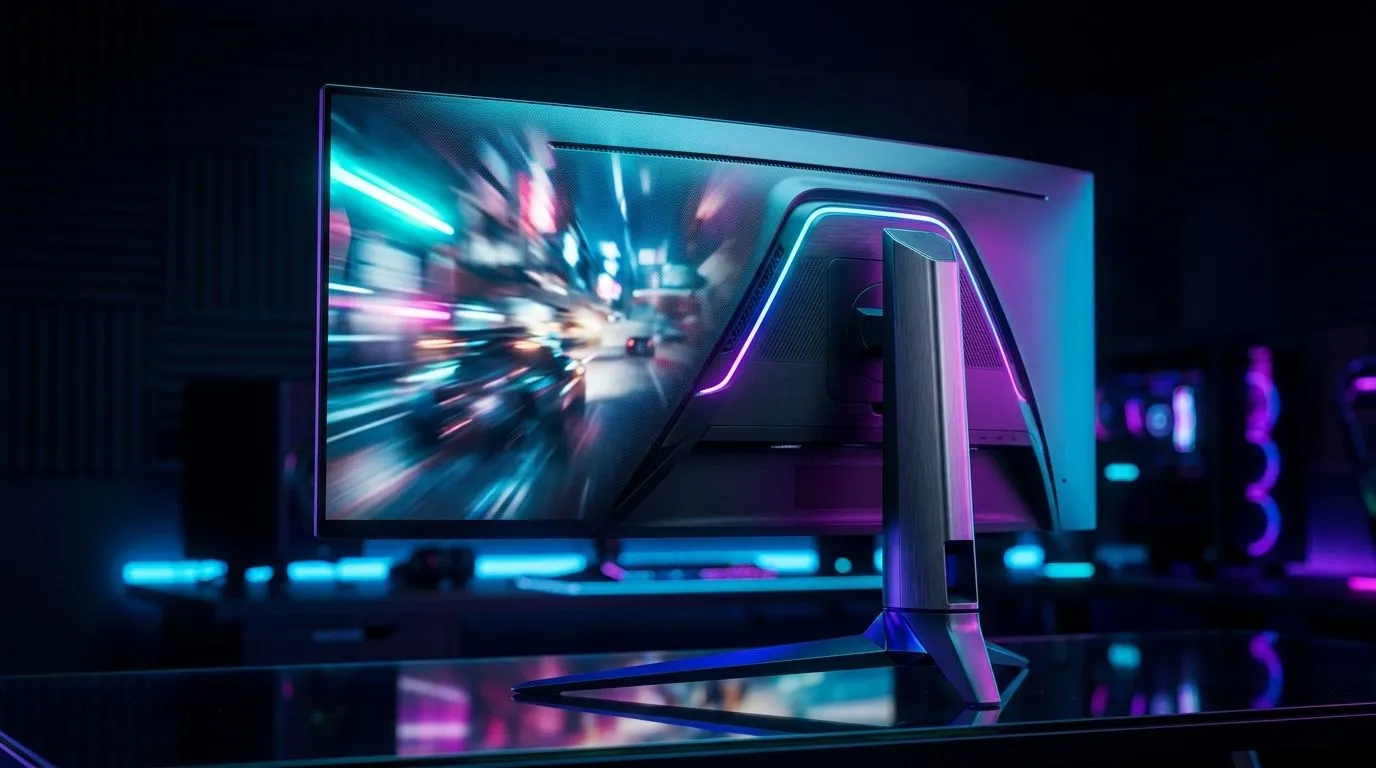
You’ve finally cleared space on your desk for that sleek, immersive curved monitor, but there is a problem. As you flick your mouse to track an enemy in your favourite shooter, the image looks a bit smudged. You’ve seen "1ms response time" plastered on the box, so why is there still ghosting? The truth is, that 1ms figure is often a marketing best-case scenario, and on curved VA panels, the physics of pixel transition can sometimes struggle to keep up with high-speed movement. ⚡
Response time measures how long it takes for a pixel to change from one colour to another. While many modern gaming monitors promise 1ms, they often rely on aggressive overdrive settings that can introduce "inverse ghosting" or corona artifacts. If you are struggling to find a comfortable position to view these high-speed transitions, consider upgrading your ergonomic gaming desk to ensure your eyes are perfectly level with the panel’s sweet spot.
If you notice trailing behind moving objects, head into your monitor's OSD menu and adjust the 'Overdrive' or 'Response Time' setting. Start at 'Normal' rather than 'Extreme'. Extreme settings often push voltage too high, causing bright halos to appear around dark objects in motion.
A curved display creates a fantastic sense of depth, but it requires the right environment to truly shine. If you are serious about your setup, you might want to look at a professional Arozzi gaming setup to maintain consistency in your posture. When your posture is consistent, your perception of motion blur becomes more predictable, allowing you to adjust your game settings accordingly.
Beyond the screen, the atmosphere of your room plays a role in how your eyes perceive motion. Adding subtle NZXT case lighting behind your monitor can reduce eye strain during long sessions, making those minor ghosting artifacts less distracting when the room is dark. ✨
At the end of the day, your ability to track targets is limited by your physical comfort. If you are shifting around in an uncomfortable chair, your focus drifts, and you will notice display imperfections more readily. Investing in ergonomic gaming chairs in South Africa is often the most overlooked step in improving your competitive edge. When you are properly supported, you can maintain the focus needed to ignore minor panel limitations and keep your head in the game. 🚀
Ready to Find Your Perfect Match? The monitor market is packed with specs that can be confusing, but we are here to help you cut through the noise. Explore our massive range of gaming monitor specials and find the perfect display to conquer your world.
Not always. “1ms” is often MPRT or a specific measurement. Ghosting depends on the pixel transitions, overdrive, refresh rate, and motion content.
MPRT can reflect perceived motion clarity more directly, but it varies by implementation. Always check the exact spec and test with overdrive and your refresh rate.
Common causes include weak or mismatched overdrive, low frame rates, poor calibration, and fast pixel transitions that don’t track well across colors.
Try the monitor’s optimal overdrive mode, set correct refresh rate, and enable VRR if supported. Then test motion scenes at your typical FPS.
VRR helps stabilize frame timing (reducing stutter and some perceived artifacts). Ghosting still depends on pixel response and overdrive behavior.
No. Ghosting is trailing from pixel response; motion blur is persistence and eye tracking. A “1ms” spec can address one more than the other.
Look at refresh rate, overdrive tuning, VRR support, input lag, and how the monitor handles transitions at your FPS range.
RTX 5050 Avowed FPS: Performance Benchmark. Real-world benchmark data, FPS numbers & performance analysis. What SA gamers can actually expect.
Read more
RTX 5050 Fable at 1440p: FPS Benchmark & Optimal. Real-world benchmark data, FPS numbers & performance analysis. What SA gamers can actually expect.
Read more
RX 7600 Black Myth Wukong 2 at 1080p: FPS. Real-world benchmark data, FPS numbers & performance analysis. What SA gamers can actually expect.
Read more
Head-to-head comparison of RTX 5060 vs RX 9070: Ray Tracing Performance for SA gamers. Performance benchmarks, Rand pricing & which delivers better value.
Read more
Head-to-head comparison of RX 7800 XT Mining vs Gaming: Does It Affect for SA gamers. Performance benchmarks, Rand pricing & which delivers better value.
Read more
RTX 4060 Ti Hogwarts Legacy FPS: Performance. Real-world benchmark data, FPS numbers & performance analysis. What SA gamers can actually expect.
Read more
Top Valorant Settings for RTX 5070: FPS Optimisation picks evaluated on performance, value & SA availability with current Rand pricing from Evetech.

RDNA 3.5 Graphics in Ryzen AI 400? Can You Game. Plain-English explanation of what it means, why it matters & how it affects your buying decisions in SA.

GPU Price Index : December Report. Current stock data & price tracking for SA buyers. See what is available and where prices are heading.

RX 9070 XT Elden Ring Nightreign at 4K: FPS. Real-world benchmark data, FPS numbers & performance analysis. What SA gamers can actually expect.

Core i5-14600K + B760 + RTX 5060 Build Under. Full parts list, Rand pricing & expected performance. Build confidently with SA-available components.

RX 7600 Apex Legends at 4K: FPS Benchmark. Real-world benchmark data, FPS numbers & performance analysis. What SA gamers can actually expect.

RX 7900 XTX GTA 6 at 4K: FPS Benchmark & Optimal. Real-world benchmark data, FPS numbers & performance analysis. What SA gamers can actually expect.

Head-to-head comparison of RTX 5070 vs RX 9070 XT: Gaming Performance for SA gamers. Performance benchmarks, Rand pricing & which delivers better value.

Top RTX 5070 Under R25,000 picks evaluated on performance, value & SA availability with current Rand pricing from Evetech.
Core i5-14600K + B760 + RTX 5060 Build Under. Full parts list, Rand pricing & expected performance. Build confidently with SA-available components.

Top Monitor for RX 9070: Resolution & Refresh Rate picks evaluated on performance, value & SA availability with current Rand pricing from Evetech.

Valorant Settings on RX 9060 XT: Performance. Real-world benchmark data, FPS numbers & performance analysis. What SA gamers can actually expect.