

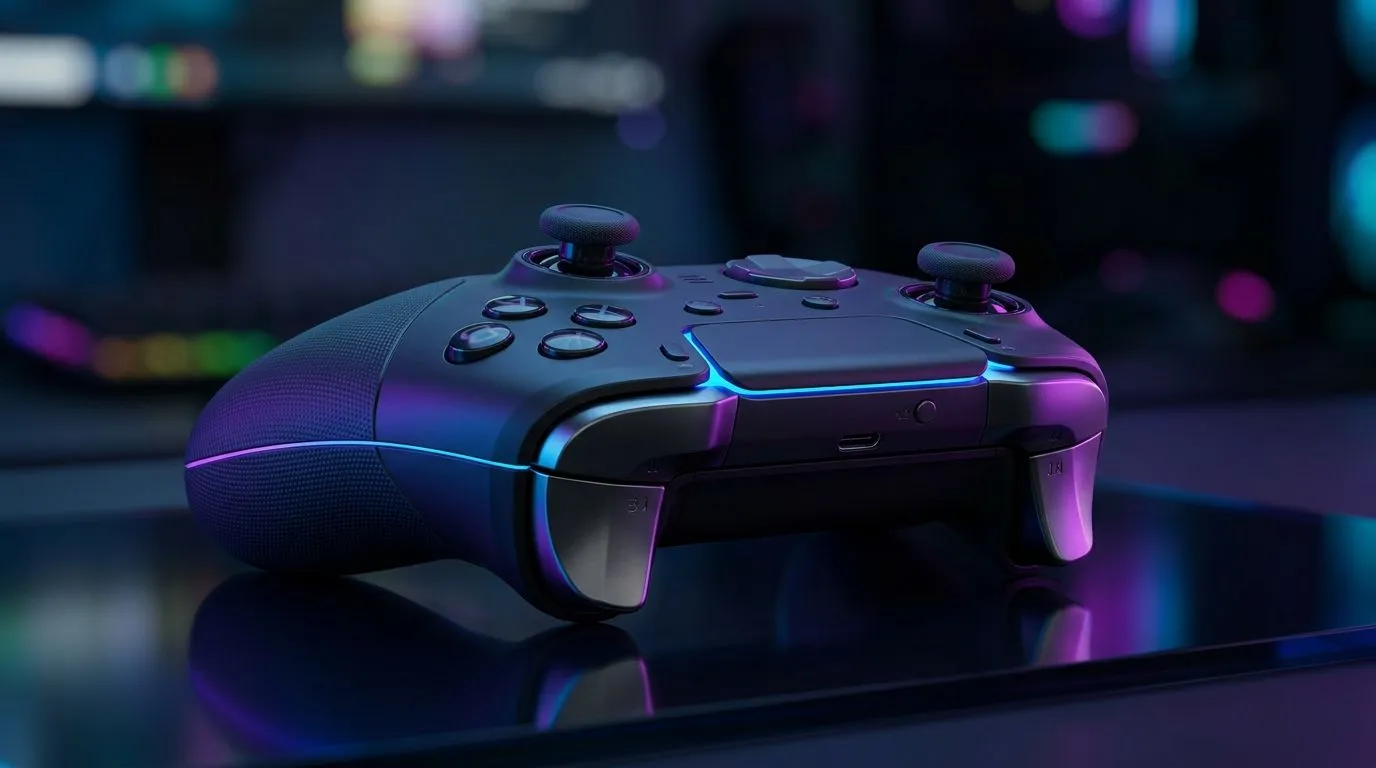
Wireless input myths that cost gamers matches 🔥
South African gamers feel it instantly when aim feels “off”… even if FPS is high. The big question is whether 2.4 GHz Wireless vs Bluetooth: Lower Latency for Controllers? or whether Bluetooth is “good enough” now. In ranked matches on South African servers, tiny delays can turn a clean flick into a miss. So let’s cut through the marketing noise and talk about how these controller connections behave in real-world play. ⚡
2.4 GHz Wireless vs Bluetooth: Lower Latency for Controllers? at a glance ⚡
2.4 GHz wireless (with a dongle) usually delivers lower, more consistent latency than Bluetooth. Why? A dongle connection typically uses a dedicated link designed for controllers, while Bluetooth shares airtime with other devices and uses more complex pairing and profiles.
That said, “lower latency” only helps if the controller is stable:
- Connection stability matters as much as raw milliseconds.
- Interference can spike delays, especially in crowded Wi‑Fi environments.
- Battery and power mode can also affect responsiveness.
Evetech stocks popular controller options that come with modern wireless features, including devices aimed at competitive play. If you want a controller that matches your playstyle, start by browsing proven picks here: Best deals on a tournament-focused controller from Razer
What “lower latency” actually feels like in shooters 🎯
Here’s a quick micro-story many players relate to. You’re warming up in aim trainers, then switch to a match… and suddenly your movement corrections feel late. You check your settings, your FPS, even your monitor. But your controller connection is the quiet culprit.
In practical terms:
- 2.4 GHz often feels like “direct control”. Your inputs appear more tightly matched to your stick movements.
- Bluetooth can feel slightly less consistent, especially when your phone, headset, or keyboard is also connected.
If you game mostly at your desk with few nearby wireless devices, Bluetooth may feel fine. If your setup is packed (multiple devices, thick walls, lots of 2.4 GHz traffic), 2.4 GHz usually wins.
Picking the right controller connection for your setup 🚀
To decide between 2.4 GHz wireless vs Bluetooth, think about your environment:
Check your device ecosystem
If you already use Bluetooth for headsets and a mouse, Bluetooth might compete for bandwidth. If you prefer fewer pairing steps and tighter responsiveness, 2.4 GHz wireless is often the safer bet.
Choose the controller category that fits competitive play
Not every “wireless” controller targets the same experience. For general gaming, Bluetooth can be convenient. For competitive sessions where consistency matters, dedicated wireless (2.4 GHz dongle) is commonly favoured.
Start your shortlist with controllers made for different budgets and styles: Browse gaming controllers in South Africa
Brands matter too
If you have your heart set on a specific brand’s wireless ecosystem, filter accordingly: Explore Razer controller options
Productivity Pro Tip 🔧
On PC, test controller responsiveness by using a simple aim trainer for 5 minutes, then switch your connection method (Bluetooth vs dongle) with the controller fully charged. If your reticle movements feel smoother on one connection, keep that method for ranked. Make one change at a time, or you’ll chase ghosts in your settings.
Don’t ignore the “last mile” factors (they beat connection type) ✨
Even with the right wireless connection, these details can swing performance:
- USB port quality on the receiver side (for 2.4 GHz): plug directly when possible.
- Controller battery level: low battery can degrade responsiveness.
- Device interference: Wi‑Fi routers, microwaves, and crowded 2.4 GHz environments can impact wireless stability.
If you want the best buying outcome, choose a controller that fits both your platform and your environment. That’s where local stock and real-world model availability matter, and Evetech helps you compare options quickly.
Ready to Find Your Perfect Match?
Ready to Find Your Perfect Match? The Mac vs Windows debate is complex, but for maximum power, choice, and value in South Africa, Windows is hard to beat. Explore our massive range of laptop specials and find the perfect machine to conquer your world.








