

RTX 5060 Ti vs RX 9070: Gaming Performance Compared in South Africa 2026
Head-to-head comparison of RTX 5060 Ti vs RX 9070: Gaming Performance for SA gamers. Performance benchmarks, Rand pricing & which delivers better value.
Read moreWant the lowest latency? Compare 2.4GHz Wireless vs Bluetooth gaming headsets for real-time audio 🎮. We break down pairing, range, stability, and settings so you can pick the fastest link.
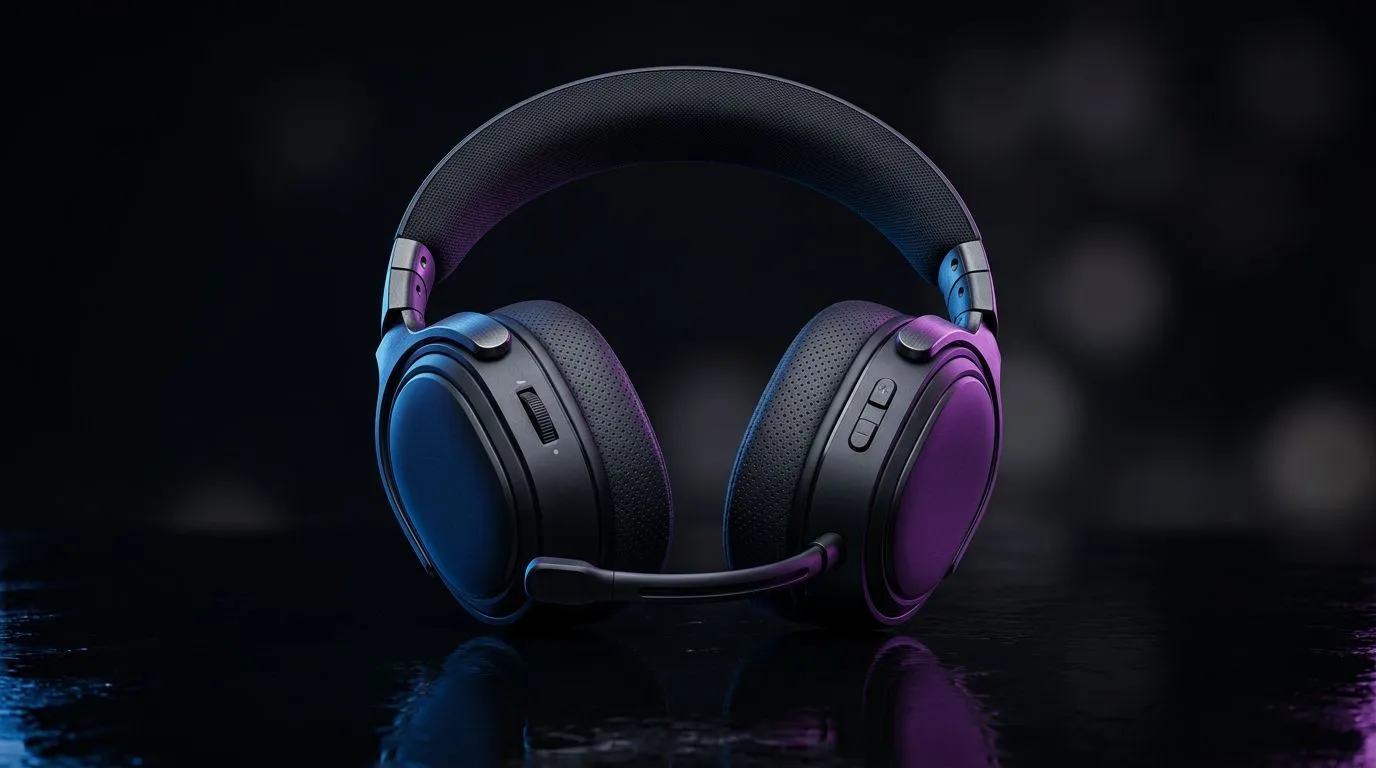
South African gamers: want clear audio and zero lag in competitive matches? Whether you're weighing 2.4GHz wireless vs Bluetooth gaming headsets for low latency, this short read separates marketing from real performance. Expect practical tips, console notes and where to buy local options that actually deliver in Mzansi. 🚀
For pure latency numbers, USB dongle 2.4GHz headsets usually report lower round‑trip times than generic Bluetooth stacks. That matters in FPS and competitive esports where audio cues are split-second. When comparing platforms, check device compatibility—PlayStation-focused models often list official support on Evetech’s PlayStation headset category (see PlayStation headsets). https://www.evetech.co.za/buy-playstation-headsets/x/1575.aspx
Bluetooth has improved—aptX LL and similar codecs reduce delay—but Bluetooth can still be affected by phone multitasking and older PC adapters. If you prefer hardwired reliability, Evetech’s wired headset range gives consistent low latency and is great for tournament setups. https://www.evetech.co.za/buy-wired-headset/x/1577.aspx
Keep your dongle on a short USB extension and avoid front‑panel hub routing. A clearer line of sight often drops jitter and improves mic clarity.
Bluetooth offers unmatched convenience for mobile streaming, social chat and casual play. If you stream on the go or switch devices often, a Bluetooth gaming headset may be the smarter daily driver. For pure comp play though, a dedicated 2.4GHz model usually offers the consistency you need. Need both? Some models support dual modes—wired for tournaments, Bluetooth for commute.
Check local pricing and deals in ZAR to compare value; Evetech’s best headset deals page lists current offers and helps you balance latency against price. https://www.evetech.co.za/best-gaming-headset-deals/x/053.aspx
Also consider components like driver size, cable quality and mic pickup. Evetech’s headset components index offers background on common specs if you want the technical deep dive. https://www.evetech.co.za/components/headphone-headsets-100.aspx
If you play competitively in South Africa and care most about latency, 2.4GHz wireless headsets with a dedicated dongle are usually the safest bet. Bluetooth is great for flexibility and everyday use. Choose based on where you play, how you stream and whether tournament‑grade consistency matters.
Ready to Find Your Perfect Match? The Mac vs Windows debate is complex, but for maximum power, choice, and value in South Africa, Windows is hard to beat. Explore our massive range of laptop specials and find the perfect machine to conquer your world.
Yes. 2.4GHz wireless gaming headsets typically deliver lower, more consistent delay than Bluetooth, which can add latency depending on codec and pairing.
For competitive FPS gaming, 2.4GHz wireless is usually the better choice due to faster, steadier low-latency performance and fewer audio dropouts.
Bluetooth latency is influenced by the codec, audio buffering, and device processing. Even with low-latency modes, delays can vary across phones and PCs.
It can reduce delay, but it does not always match 2.4GHz wireless. Results depend on your device, codec support, and headset firmware.
2.4GHz dongle links often maintain solid range and stability in typical rooms, while Bluetooth range and interference can cause variability.
Many models support consoles via USB dongle. Compatibility varies by headset, so confirm platform support and whether the dongle works in your setup.
Check codec support, enable headset game mode, update firmware, and use the 2.4GHz dongle for lowest latency. Avoid excessive distance and wireless interference.
Head-to-head comparison of RTX 5060 Ti vs RX 9070: Gaming Performance for SA gamers. Performance benchmarks, Rand pricing & which delivers better value.
Read more
RTX 5090 Star Wars Outlaws at 1440p: FPS. Real-world benchmark data, FPS numbers & performance analysis. What SA gamers can actually expect.
Read more
RTX 5060 Star Wars Outlaws at 4K: FPS Benchmark. Real-world benchmark data, FPS numbers & performance analysis. What SA gamers can actually expect.
Read more
Head-to-head comparison of RTX 5060 vs RX 7700 XT: Price-to-Performance for SA gamers. Performance benchmarks, Rand pricing & which delivers better value.
Read more
RTX 3060 Red Dead Redemption 2 FPS: Performance. Real-world benchmark data, FPS numbers & performance analysis. What SA gamers can actually expect.
Read more
Head-to-head comparison of RTX 5060 Benchmarks vs Real Gaming Performance for SA gamers. Performance benchmarks, Rand pricing & which delivers better value.
Read more
When Will the RTX 6090 Launch in South Africa Detailed answer with SA data, expert analysis & practical recommendations for local buyers.

Top Valorant Settings for RTX 5070: FPS Optimisation picks evaluated on performance, value & SA availability with current Rand pricing from Evetech.

RDNA 3.5 Graphics in Ryzen AI 400? Can You Game. Plain-English explanation of what it means, why it matters & how it affects your buying decisions in SA.

GPU Price Index : December Report. Current stock data & price tracking for SA buyers. See what is available and where prices are heading.

Core i5-14600K + B760 + RTX 5060 Build Under. Full parts list, Rand pricing & expected performance. Build confidently with SA-available components.

RX 7600 Apex Legends at 4K: FPS Benchmark. Real-world benchmark data, FPS numbers & performance analysis. What SA gamers can actually expect.

RX 7900 XTX GTA 6 at 4K: FPS Benchmark & Optimal. Real-world benchmark data, FPS numbers & performance analysis. What SA gamers can actually expect.

Head-to-head comparison of RTX 5070 vs RX 9070 XT: Gaming Performance for SA gamers. Performance benchmarks, Rand pricing & which delivers better value.

GPU Setup Guide Gamers. Clear setup instructions with SA-specific considerations, troubleshooting tips & recommended components.

Top RTX 5090 Under R12000 picks evaluated on performance, value & SA availability with current Rand pricing from Evetech.

Call of Duty Warzone 2 Settings on RX 7600. Real-world benchmark data, FPS numbers & performance analysis. What SA gamers can actually expect.

GTA 6 Settings on RTX 5070 Ti: Performance. Real-world benchmark data, FPS numbers & performance analysis. What SA gamers can actually expect.