

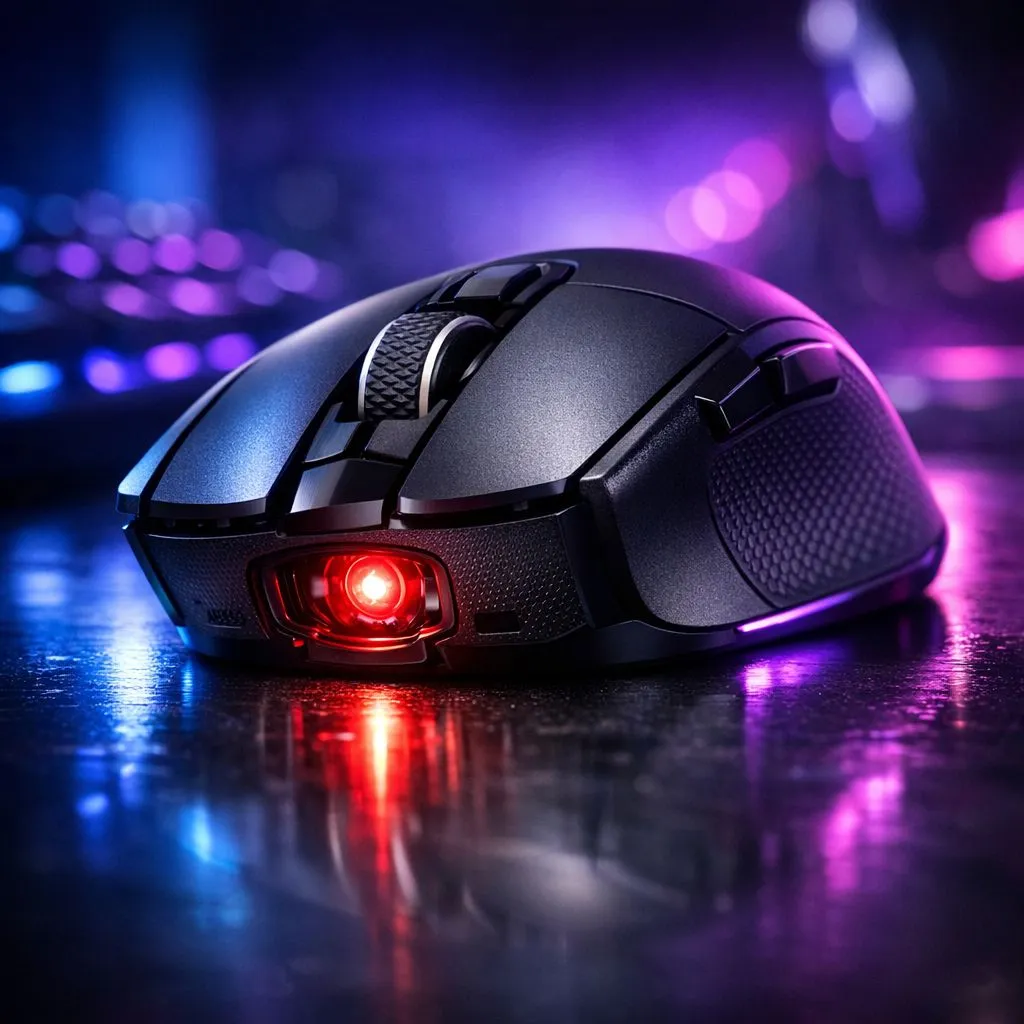
20K DPI optical sensor: the short answer for South African gamers 🎯
If you’ve been shopping for a new gaming mouse, you’ve probably seen "20K DPI optical sensor" tossed around. It sounds impressive, but does it actually help you land headshots or shave milliseconds off your edits? Read on for a clear, practical view—no hype, just what matters for play and productivity in South Africa.
20K DPI optical sensor — what it is and how it works
A 20K DPI optical sensor means the mouse reports up to 20,000 dots per inch. That’s a marketing-friendly ceiling; in practice it gives very high sensitivity for tiny hand movements. Evetech’s gaming mouse category shows many high-end models with sensors in this range, useful when you need extreme cursor speed without lifting the mouse (source: Evetech gaming mouse selection). 🔧
Do you need a 20K DPI optical sensor in daily play?
Short answer: probably not. Most gamers find 400–3200 DPI settings more practical. Higher DPI becomes useful for ultra-high‑resolution monitors, multi-monitor rigs, or players who use very low mouse acceleration and very small wrist movements. For price-conscious buyers in South Africa, check current offers before assuming you need the top spec—Evetech’s best gaming mouse deals page is a great place to compare ZAR prices and packages. ⚡
When high DPI actually helps — three real scenarios
- Competitive FPS players who train with very low sensitivity and want more micro-adjustment headroom.
- Creators working on 4K+ timelines who want single‑pixel control without cranking mouse sensitivity in software.
- Users with very large mouse pads or multi-monitor setups who rarely lift the mouse.
If you use a wireless setup, look for good sensor-to-wireless integration. Evetech’s wireless mice range lists models that balance battery life with high‑end sensors. For wired purists who want absolute consistency, browse Evetech’s wired mice collection to compare latency and build. 🎯
Accessories, surfaces and real-world performance
DPI is only part of the story. Polling rate, lift-off distance, firmware, feet and the pad you use all change feel and tracking. Small changes in mouse feet or a smoother pad can improve precision more than chasing higher DPI. Evetech’s mouse accessories page has pads, skates and cable options to fine-tune performance. 🔧
Pro Tip ⚡
Use a comfortable DPI you can consistently track in-game. Start at a low DPI (400–800) and raise sensitivity in small steps. Test in a deathmatch or aim trainer for 30 minutes to see if the change actually improves accuracy.
Final checklist before you buy
- Match DPI to your monitor resolution and play style.
- Test in real conditions; spec sheets don’t replace feel.
- Balance budget and features: premium sensors often come in ZAR-friendly bundles. For quick comparisons, see Evetech’s gaming mouse selection and deals pages.
- Explore wired vs wireless options on Evetech’s wired mice and wireless mice pages to weigh latency vs convenience.
- Grab replacement feet or a better pad from Evetech’s accessories to squeeze more precision out of your current mouse.
Ready to Find Your Perfect Match? The Mac vs Windows debate is complex, but for maximum power, choice, and value in South Africa, Windows is hard to beat. Explore our massive range of laptop specials and find the perfect machine to conquer your world.











