

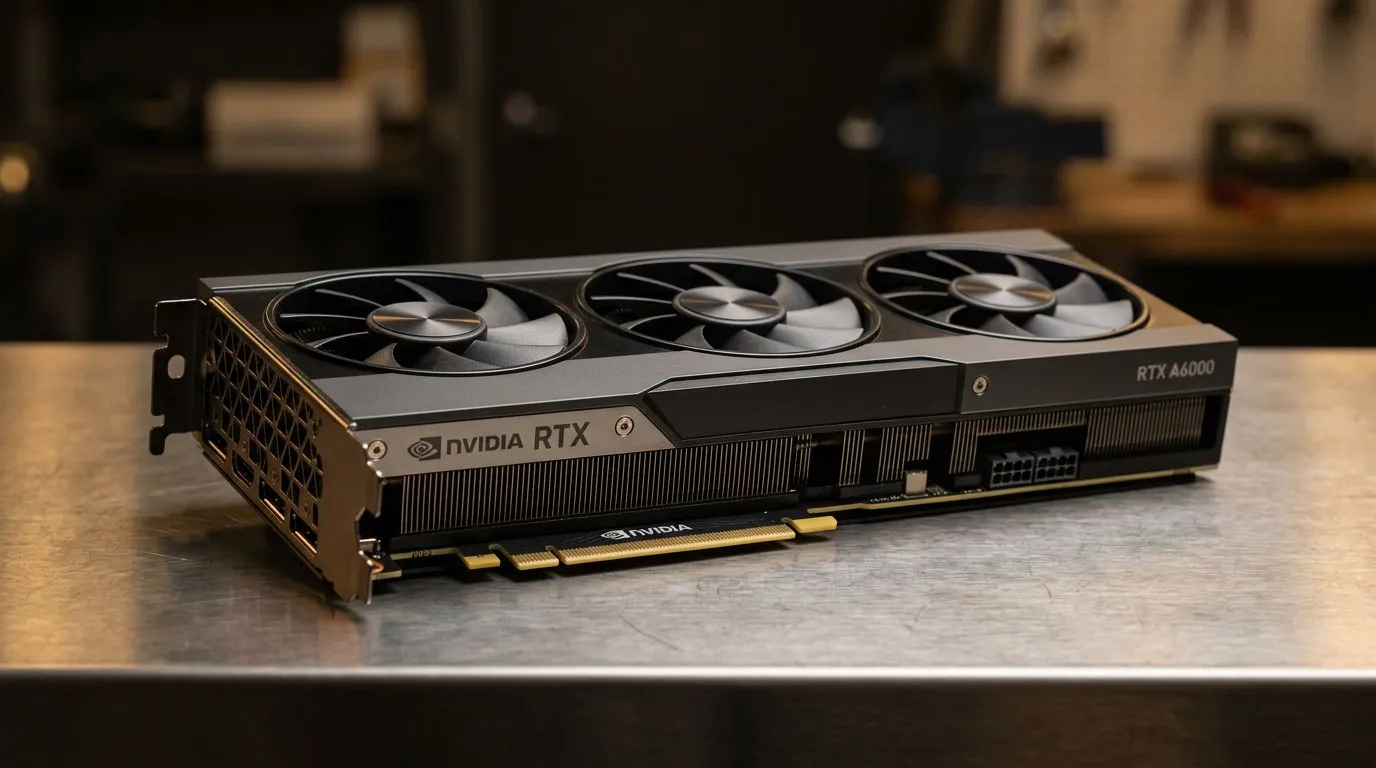
21760 CUDA Cores Explained: Real-World GPU Performance Impact for South African Gamers ⚡
So you’ve seen “21760 CUDA cores” in a GPU listing and wondered: will it actually boost your FPS… or is it just marketing? In South Africa, where budgets are tight and prices in ZAR matter, you need more than core counts. CUDA cores tell you how much parallel compute hardware a GPU has for NVIDIA workloads, but real-world performance depends on clocks, memory bandwidth, cache, power limits, drivers, and the specific games or apps you run. Let’s break it down in plain English, with practical buying guidance.
Understanding 21760 CUDA Cores Explained: What They Really Measure ⚙️
CUDA cores are NVIDIA’s programmable compute units. When a game (or tool like Blender, Premiere, or AI workflows) can split work into many small tasks, the GPU uses those units to run computations in parallel.
But here’s the key idea in 21760 CUDA Cores Explained: core count is only one ingredient. Two GPUs can have different core counts and still perform similarly in certain games if:
- They boost to similar effective clock speeds.
- They have comparable memory bandwidth for the resolution you play.
- They support the same rendering features (like modern shader paths).
- The game’s engine is optimised for the GPU architecture and driver.
For NVIDIA graphics cards, you’re also buying the whole platform: architecture, memory configuration, cooling, power design, and vendor tuning. That’s why the same “core count” can behave differently across models.
21760 CUDA Cores Explained: Why FPS Isn’t Linear With Core Count 🚀
If you’re expecting a simple rule like “more CUDA cores equals more FPS”, you’ll be disappointed. Most games do not scale perfectly with compute units. Many scenes are limited by other bottlenecks, such as:
- Memory bandwidth: If the GPU can’t feed data fast enough, extra cores won’t help.
- CPU limits: In multiplayer or open-world games, your CPU can cap FPS.
- Game settings: At 1080p with lower settings, CPU and draw calls matter more. At 1440p or 4K, GPU load usually dominates more.
- Ray tracing / upscaling: Features like DLSS shift the performance balance by changing how many frames or pixels are actually rendered.
What does this mean for real-world buyers? It means you should compare GPUs using benchmarks at the resolution you care about, and not just spec sheets.
21760 CUDA Cores Explained: Buying Checklist That Actually Saves You Money 🔍
Before you pay for a GPU with 21760 CUDA cores, do a quick “buyer sanity check”:
- Item
- Item
- Item
- Item
If you’re shopping for an NVIDIA card in the first place, start by filtering by brand and category so you’re comparing like-for-like. These links help you land on the right listings faster:
- Browse MSI NVIDIA graphics cards here: https://www.evetech.co.za/components/nvidia-ati-graphics-cards-21?brands=MSI
- Browse Radeon Graphics Cards if you’re also comparing ecosystems: https://www.evetech.co.za/components/nvidia-ati-graphics-cards-21?category=Radeon+Graphics+Cards
- Or check the full NVIDIA/ATI graphics cards selection at Evetech: https://www.evetech.co.za/components/nvidia-ati-graphics-cards-21
- For GeForce (NVIDIA) specific options: https://www.evetech.co.za/components/nvidia-ati-graphics-cards-21?category=GeForce+Graphics+Cards
21760 CUDA Cores Explained: A Quick Setup That Makes the Most of Your GPU 🧠
You can improve “real performance” even after purchase. Here are practical steps South African gamers can do quickly:
- Update GPU drivers (and keep them current).
- Use the right graphics profile inside the game (don’t rely on “Auto” if you’re chasing stable frames).
- Enable an upscaling option where supported (DLSS/FSR depending on your card) for smoother play at higher settings.
- Watch temperatures during a benchmark run. Throttling kills performance more than most people realise.
Productivity Pro Tip 🔧
If you’re testing GPU performance for games or creator apps, run the same benchmark scene three times and average the result. Then repeat after driver updates or setting changes. This avoids misleading “one-off” results caused by background downloads, shader compilation, or short GPU boosts.
21760 CUDA Cores Explained: What to Compare Instead of Only Core Counts ⚡
To understand real-world GPU performance impact, compare these alongside CUDA cores:
- Effective boost clocks (how high it stays during sustained load).
- Memory capacity and bandwidth (especially at 1440p and above).
- Benchmark results at your resolution (not just synthetic tests).
- Power draw and cooling performance (stability matters for long sessions).
- Game-specific tech like upscaling and ray tracing support.
In other words, 21760 CUDA Cores Explained should lead you to a smarter decision: the core count is a clue, not the final verdict.
Ready to Decide? 21760 CUDA Cores Explained With the Right GPU Fit ✨
If you’re considering an NVIDIA card and its 21760 CUDA cores, the best move is simple: narrow your options to the exact models you can afford in ZAR, then compare benchmarks for your settings and resolution. That’s how you avoid buying “specs on paper” and end up with a GPU that actually feels fast in the games you play.
Ready to Find Your Perfect Match? The Mac vs Windows debate is complex, but for maximum power, choice, and value in South Africa, Windows is hard to beat. Explore our massive range of laptop specials and find the perfect machine to conquer your world.











