

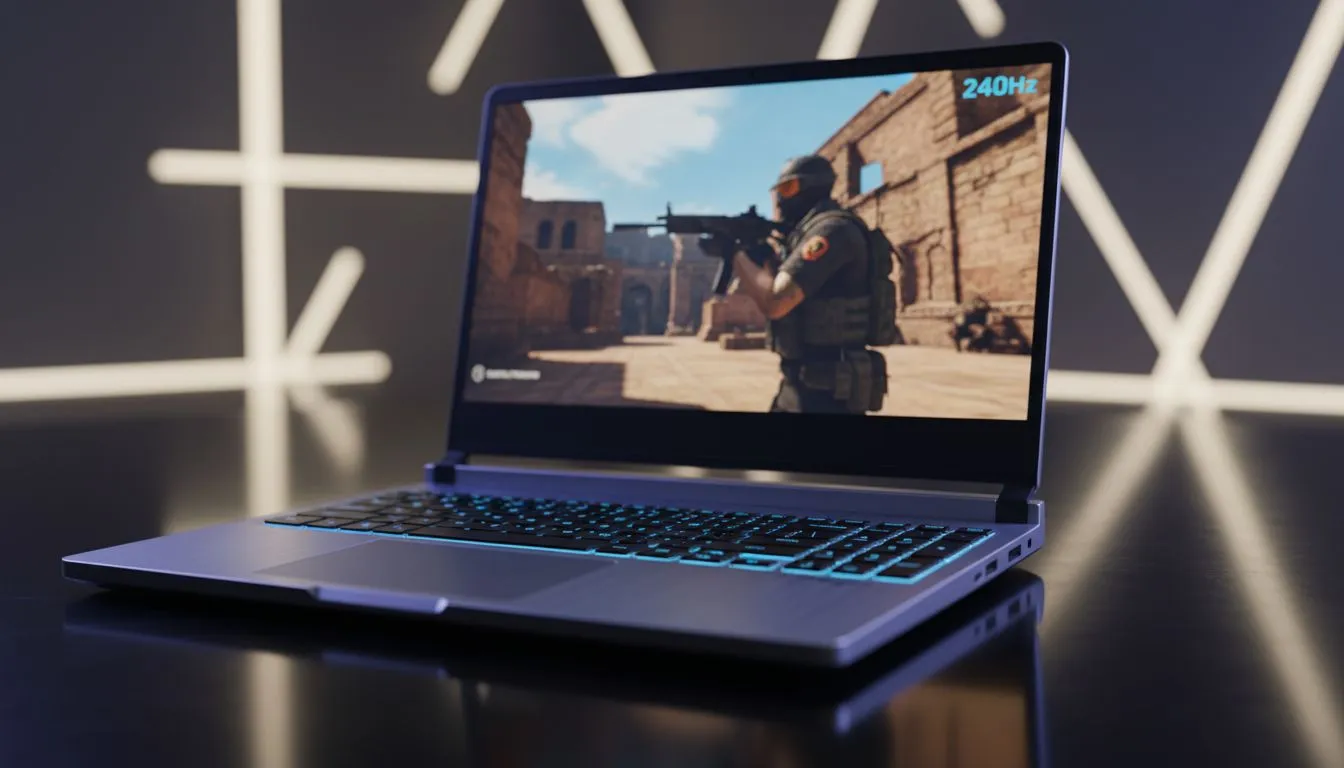
In the high-stakes world of Counter-Strike 2, every single millisecond matters. If you are holding a tight angle on Mirage or entry-fragging on Dust II, your screen must keep up. Many South African gamers wonder if a 240Hz laptop for CS2 is truly essential or just marketing hype. Let’s dive into why high refresh rates are now the gold standard for competitive play in Mzansi. ⚡
Why Motion Clarity Matters in Counter-Strike 2
Counter-Strike 2 introduced a sub-tick system to improve hit registration. However, this system feels best when paired with high visual fluidity. A 240Hz panel updates the image every 4.17 milliseconds. This is a massive jump from the 6.94 milliseconds of a 144Hz screen. For a local competitive player, this means reduced motion blur and faster target acquisition.
To push these frames, you need a serious processor. We recommend looking at the latest intel laptops on special to ensure your CPU doesn't bottleneck your frame rate. High clock speeds are vital for the Source 2 engine.
Choosing the Right Hardware for 240 FPS
Sustaining 240 frames per second is no easy feat. While CS2 is better optimised than its predecessor, it still demands modern hardware. Many players find great value in ryzen laptop deals because of their excellent multi-threaded performance. These chips handle the intense physics and utility of CS2 without breaking a sweat.
Pro Player Settings 🔧
To maximise your 240Hz display, set your "Global Shadow Quality" to High. This allows you to see player shadows before they peek. Combine this with "NVIDIA Reflex Low Latency" set to "On + Boost" to minimise the delay between your mouse click and the action on screen.
The Role of the GPU in Competitive Play
Your graphics card is the engine that drives those 240Hz visuals. To maintain a stable frame rate during heavy execute hits with multiple smokes, you need power. We suggest browsing geforce rtx gaming laptops on special to find a machine with DLSS and Frame Generation support. Even though you might play at lower resolutions like 1280x960, a strong GPU ensures your 1% lows stay high. 🚀
Is 240Hz Worth the Investment for Local Players?
Budget is always a concern for South African gamers. If you are just starting out, you might buy gaming laptops under R20k to get your foot in the door. These usually offer 144Hz, which is great for casual play. However, if you want to climb the Faceit or Premier ranks, 240Hz is the clear winner. It provides a smoother experience that makes tracking moving heads much easier.
When you are ready to commit, checking out the best gaming laptop deals will help you find a 240Hz machine that fits your budget. The jump in colour accuracy and response time on these premium panels is often night and day. ✨
Ready to Dominate the Leaderboard? A 240Hz laptop for CS2 isn't just a luxury... it is a tool for precision. To compete with the best in South Africa, you need hardware that never misses a beat. Explore our massive range of laptop specials and find your next competitive edge today.








