Why Refresh Rates Matter for Summoner’s Rift
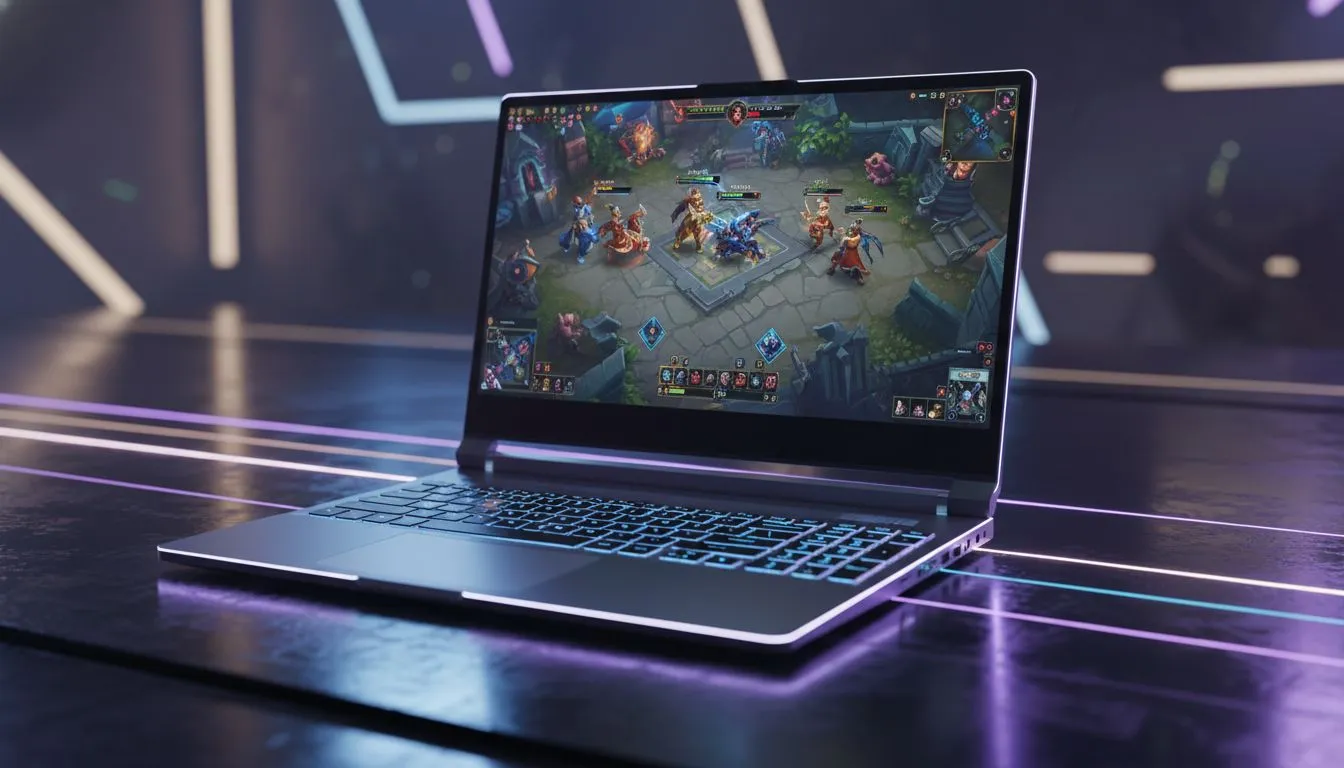
Climbing the LoL ranks in South Africa isn't just about your mechanical skill. It's about your gear. You've seen the pros using 240Hz displays... but is it actually necessary for League? If you are eyeing a new rig, knowing whether to prioritise a 240Hz laptop for League could save you thousands. Let's break down if that extra speed actually helps you dodge those pesky hooks. ⚡
Understanding the 240Hz Advantage in MOBA Gaming
A 240Hz display refreshes the image on your screen 240 times every second. This creates an incredibly fluid visual experience. In a fast-paced game like League of Legends, movement becomes buttery smooth. When you're kitting as an ADC or trying to land a pixel-perfect skillshot, that visual clarity matters.
If you're looking for raw single-core speed to drive these high frame rates, checking out Intel laptops on special is a great starting point for high-FPS gaming. League is notoriously CPU-bound... meaning your processor often dictates your maximum frames more than your graphics card does.
Is League of Legends Demanding Enough for 240Hz?
League of Legends is famously well-optimised. It can run on older hardware without much trouble. However, hitting a consistent 240 FPS to match a 240Hz panel requires modern components. For those who prefer a balance of efficiency and multicore power, Ryzen laptop deals often provide incredible value for Summoner's Rift.
Performance Pro Tip ⚡
To get the most out of a 240Hz laptop for League, disable "Wait for Vertical Sync" in the in-game video settings. This reduces input lag significantly. Also, set your frame rate cap to "Uncapped" or "240 FPS" to ensure your hardware isn't artificially held back during intense teamfights.
Comparing 144Hz vs 240Hz for Competitive Play
The jump from 60Hz to 144Hz is massive. It feels like a different game. The jump from 144Hz to 240Hz is more subtle... but it is there. Professional players choose 240Hz because it reduces "ghosting" and lowers system latency. In South Africa, where ping can already be a challenge, reducing every millisecond of local hardware lag is a smart move. 🚀
You don't always need to break the bank for a high refresh rate. Some of the best gaming laptop deals currently feature 144Hz or 165Hz panels which are still excellent for most players. If you are on a strict budget, you can still buy gaming laptops under R20k that handle League at competitive settings with ease.
Finding the Right Balance for Your Budget
To push consistent frames on a 240Hz panel, looking at geforce rtx gaming laptops on special ensures your GPU won't be the bottleneck when things get hectic in the late game. While League isn't as heavy as Cyberpunk, having an RTX card allows you to maintain high FPS even while streaming or having Discord open in the background. ✨
Ultimately, a 240Hz laptop for League is a luxury that provides a genuine competitive edge. If you take your Rank seriously and want the smoothest experience possible, it is a worthy investment. If you're a casual player, a high-quality 144Hz screen might be the sweet spot for your wallet.
Ready to Find Your Perfect Match? Choosing the right refresh rate can transform your gaming experience, but the best hardware is the one that fits your playstyle and budget. Explore our massive range of laptop specials and find the perfect machine to conquer your world.