


RX 9070 XT Elden Ring Nightreign at 4K: FPS Benchmark & Optimal Settings
RX 9070 XT Elden Ring Nightreign at 4K: FPS. Real-world benchmark data, FPS numbers & performance analysis. What SA gamers can actually expect.
Read more4K 240Hz graphics cards: discover which GPUs can deliver 4K at 240Hz, real-world benchmarks, required ports and settings, and best buys 🎮⚡ Get the performance you need.
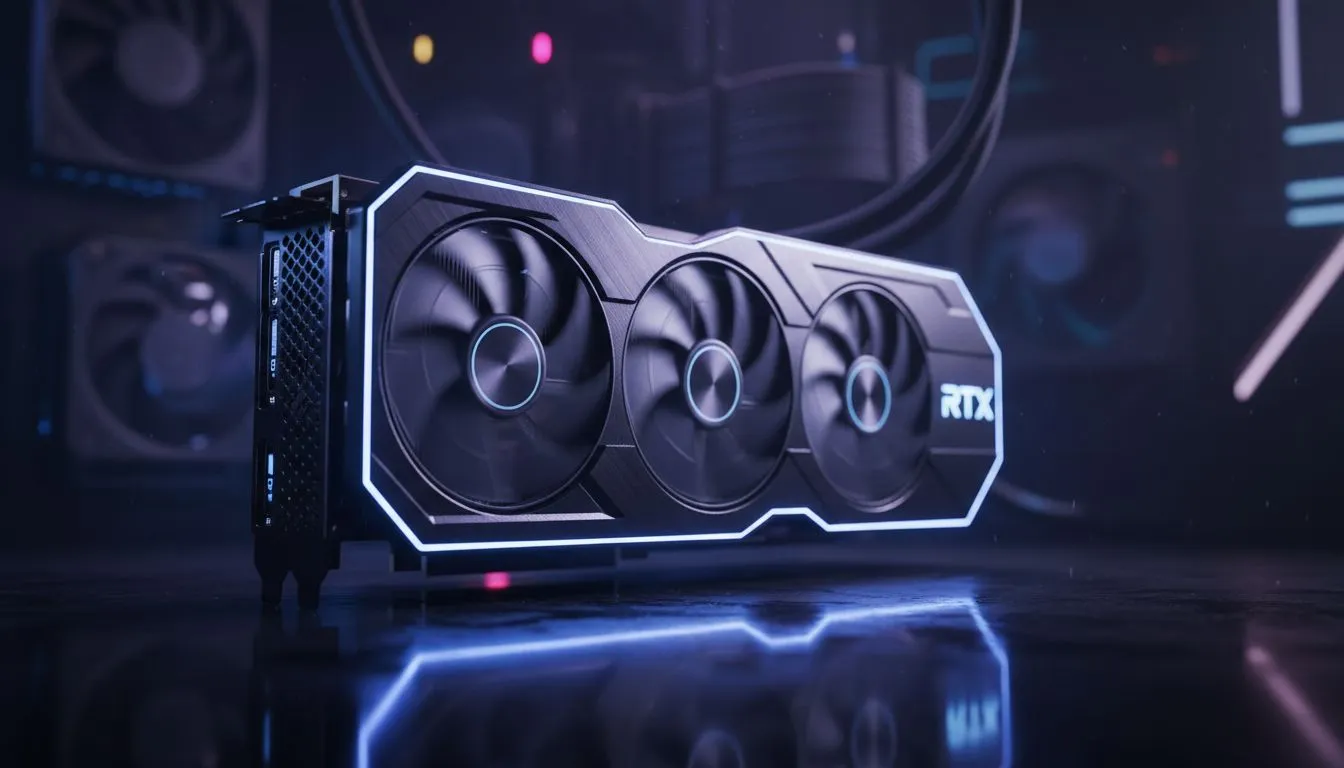
South African gamers are finally seeing 4K 240Hz monitors arrive at local retailers. It is the absolute peak of visual fluidity. But which 4K 240Hz Graphics Cards can actually push eight million pixels that fast? It is not just about having a high budget in ZAR. You need specific hardware to handle this massive bandwidth without breaking a sweat. 🚀
Pushing a 4K resolution at 240Hz requires more than raw power. It demands modern connectivity standards. You will need a GPU that supports DisplayPort 1.4 with Display Stream Compression (DSC). Better yet... look for cards with DisplayPort 2.1 support. While searching for the best PC monitor deals, ensure your GPU has the right ports.
The NVIDIA GeForce RTX 4090 is the primary contender here. It uses DLSS 3 Frame Generation to reach these high refresh rates in modern titles. Without AI upscaling... even the best cards struggle in AAA games. AMD fans should look at the Radeon RX 7900 XTX. It features DisplayPort 2.1... which offers more future-proofing for the next generation of PC monitors hitting the market. ⚡
Always use the cable that comes in the box with your high-end display. Many generic cables cannot handle the 32.4 Gbps required for 4K at high refresh rates. If you need a replacement, ensure it is VESA certified to avoid flickering or black screens during intense gaming sessions.
Choosing between all gaming monitors can be overwhelming. If you prefer deep immersion, curved monitors can help fill your field of view at 4K. These displays make every pixel count in racing sims or open-world RPGs.
If you are a professional on the move... portable monitors are great for work... but they rarely hit the 240Hz mark at 4K. For the home setup, the latest 5K and 4K monitors provide the crispness every enthusiast craves. Just remember to check your monitor accessories for high-quality stands or mounts. ✨
To truly utilise 4K 240Hz Graphics Cards, you must optimise your software. Update your drivers regularly to ensure compatibility with new titles. Lowering a few "Ultra" settings to "High" can often bridge the gap to 240 FPS. In South Africa... heat can be an issue during summer. Ensure your case has enough airflow to keep your high-end GPU from throttling. 🔧
Ready to Find Your Perfect Match? The jump to 4K 240Hz is the biggest upgrade a gamer can make today. For maximum power, choice, and value in South Africa, our curated selection is hard to beat. Explore our massive range of monitor specials and find the perfect machine to conquer your world.
No. Only top-tier GPUs like the RTX 4090 or RX 7900 XTX can approach 4K at 240Hz in many titles; most cards need reduced settings or DLSS/FidelityFX to hit 240Hz.
High-end cards such as NVIDIA RTX 4090 and select RTX 4080 configurations or AMD RX 7900 XTX can approach 4K 240Hz in competitive titles with upscaling.
Yes. The RTX 4090 supports 4K 240Hz on compatible monitors and ports, and uses DLSS 3 to boost frame rates in demanding games.
You need a monitor and GPU port that support the bandwidth. DisplayPort 2.1 or future HDMI variants provide the necessary throughput for 4K 240Hz.
Use resolution upscaling (DLSS/FidelityFX), lower demanding effects, and enable frame generation to push fps while keeping 4K image quality high.
A high-refresh 4K setup benefits from a fast CPU (modern high-clock cores) and dual-channel RAM, but GPU power and monitor bandwidth are critical.
Yes. Pair an RTX 4090 or RX 7900 XTX with a high-clock CPU, 32GB DDR5, and a DisplayPort 2.1-ready monitor for best results.
RX 9070 XT Elden Ring Nightreign at 4K: FPS. Real-world benchmark data, FPS numbers & performance analysis. What SA gamers can actually expect.
Read more
RTX 5090 Marvel Rivals FPS: Performance Benchmark. Real-world benchmark data, FPS numbers & performance analysis. What SA gamers can actually expect.
Read more
Intel Arc A770 Escape from Tarkov Performance. Real-world benchmark data, FPS numbers & performance analysis. What SA gamers can actually expect.
Read more
Head-to-head comparison of RX 9070 XT vs RTX 6070: Gaming Performance for SA gamers. Performance benchmarks, Rand pricing & which delivers better value.
Read more
Head-to-head comparison of RTX 5060 Ti Mining vs Gaming: Does It Affect for SA gamers. Performance benchmarks, Rand pricing & which delivers better value.
Read more
Ryzen 7 7800X3D Gaming Benchmark: FPS Across 20. Real-world benchmark data, FPS numbers & performance analysis. What SA gamers can actually expect.
Read more
Complete ATX Case Size Guide: Interior Dimensions. Best deals curated with real SA discounts, price history & tips on getting genuine value.

What GPU Do You Need for AI & Machine Learning. Hardware requirements breakdown with recommended specs & SA pricing for each tier.

Top Settings for RTX 4060 at Ultrawide 1440p picks evaluated on performance, value & SA availability with current Rand pricing from Evetech.

Head-to-head comparison of FreeSync vs G-Sync Explained: Which Should Gamers for SA gamers. Performance benchmarks, Rand pricing & which delivers better value.

Every spec on PCIe 5.0 explained in plain English. What matters for gaming and creator work in 2026, what's marketing fluff, and how each number translates to real-world performance.

Every spec on bios explained in plain English. What matters for gaming and creator work in 2026, what's marketing fluff, and how each number translates to real-world performance.

Every spec on gaming setups explained in plain English. What matters for gaming and creator work in 2026, what's marketing fluff, and how each number translates to real-world performance.

Every spec on cooling systems explained in plain English. What matters for gaming and creator work in 2026, what's marketing fluff, and how each number translates to real-world performance.

Every spec on understanding how much vram is needed explained in plain English. What matters for gaming and creator work in 2026, what's marketing fluff, and how each number translates to real-world.

How to pick the right PCIe 5.0 for your build in 2026: the features worth paying for, ZAR value tiers, and the trade-offs between budget, mid-range and flagship picks.

Every spec on gpu explained in plain English. What matters for gaming and creator work in 2026, what's marketing fluff, and how each number translates to real-world performance.

Every spec on gpu explained in plain English. What matters for gaming and creator work in 2026, what's marketing fluff, and how each number translates to real-world performance for SA buyers.