

RTX 5050 Avowed FPS: Performance Benchmark & Best Settings
RTX 5050 Avowed FPS: Performance Benchmark. Real-world benchmark data, FPS numbers & performance analysis. What SA gamers can actually expect.
Read more4K for Siege: Learn why pros choose 1080p for higher FPS, lower input lag, and sharper target clarity — actionable tips to pick the right resolution for ranked play. 🎮⚡
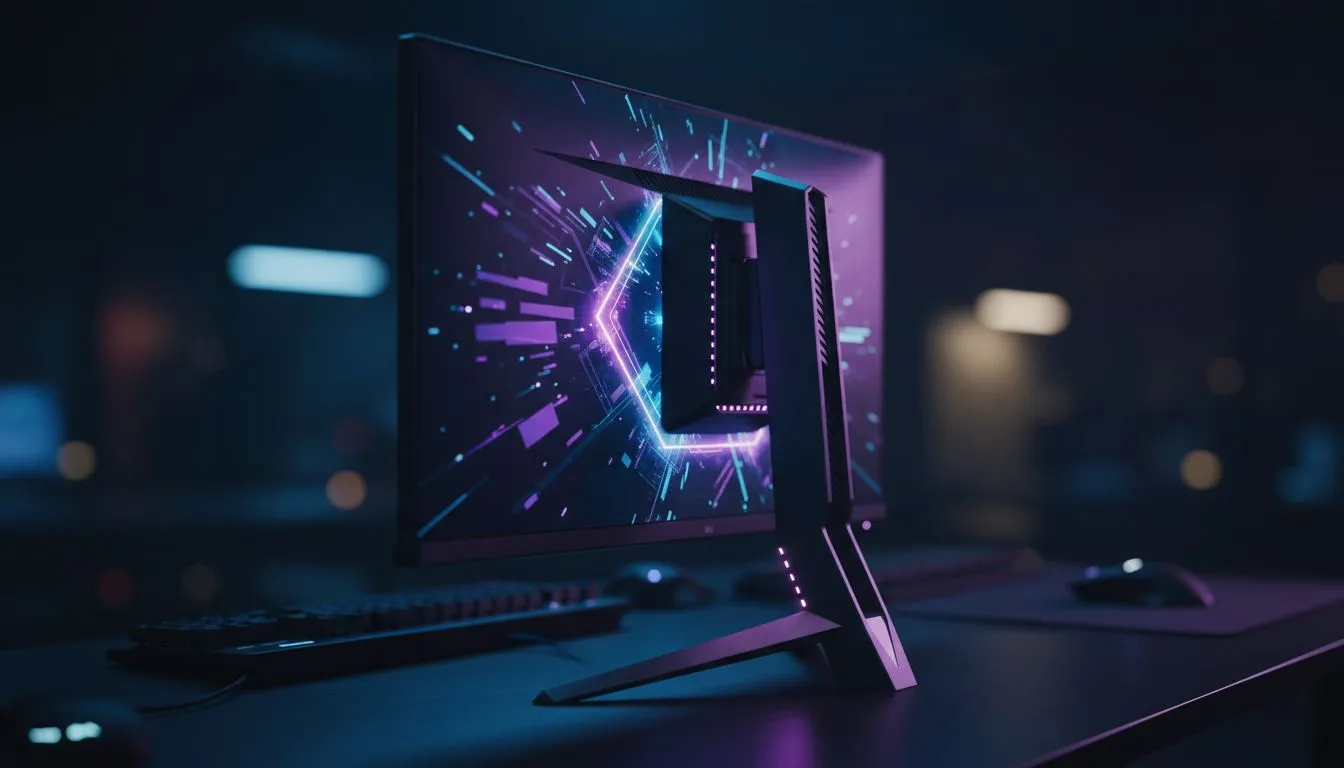
Rainbow Six Siege is a game of pixels and milliseconds. You might think 4K for Siege is the ultimate way to play... but pro players disagree. In the South African competitive scene... where every frame counts... most experts stick to 1080p. Why sacrifice the crisp detail of a high-res panel? It comes down to raw performance and visual clarity during high-speed peeking... where speed beats beauty every time. ⚡
In the world of tactical shooters... frames win games. Running 1080p for Competitive Play allows your GPU to push much higher refresh rates. While a 4K panel looks stunning... it often caps your performance. Most professional Siege players aim for a consistent 240Hz or even 360Hz. Pushing that many pixels at 4K requires a NASA-grade supercomputer. By sticking to 1080p... you ensure that your frame times remain low and your input lag is non-existent.
If you are looking to upgrade your setup without breaking the bank... you can find incredible value in the best pc monitor deals currently available.
While 4K for Siege offers incredible environmental detail... it can be distracting. High resolutions make textures pop... but they also make it harder to spot a tiny pixel-peek from a defender. The extra visual noise can slow down your cognitive processing. Pros prefer a "cleaner" image where enemies stand out against the background.
For those who still want the option of high-fidelity gaming for single-player titles... you can buy 5k 4k monitors to get the best of both worlds. However... for your nightly ranked grind... dropping that resolution back to 1080p is the smarter move for your K/D ratio.
In Rainbow Six Siege, set your 'Render Scaling' to 100 but keep your resolution at 1080p. This ensures the sharpest possible image at your native resolution without the blurriness caused by TAA upscaling. It makes spotting those long-angle spawn peeks much easier on a standard 24-inch display.
The physical size of your screen matters just as much as the resolution. Most pros use 24-inch or 25-inch displays. This size allows you to see the entire screen without moving your eyes too much. You can browse through all gaming monitors to see which size fits your desk.
Some players enjoy the wrap-around feeling of a wider view. If you prefer that style... you might want to buy curved monitors for a more immersive experience in other games. But remember... for Siege... flat is usually the competitive standard.
Whether you are playing at home or heading to a local tournament... your gear needs to be versatile. If you travel often... you can buy portable monitors to keep your dual-screen productivity alive on the go. For your main battle station... it is worth exploring the full range of pc monitors to find the perfect panel type... like Fast IPS or TN... for the lowest response times.
Finally... do not neglect your ergonomics. Make sure to buy monitor accessories like adjustable arms. Setting your monitor at eye level prevents neck strain during those long overtime matches on Bank or Clubhouse. 🔧
Ready to Level Up Your Siege Game? Choosing between 4K beauty and 1080p speed is the first step to climbing the ranks. For the best performance, choice, and value in South Africa, Evetech has you covered. Explore our massive range of monitor specials and find the perfect display to help you hit those headshots.
4K looks sharp but often reduces FPS and raises input lag; for competitive Siege most players prefer 1080p for responsiveness and consistent frame rates.
Pros use 1080p for higher FPS, lower input lag, easier crosshair visibility, and stable competitive performance—key for ranked and esports play.
Yes. 4K increases GPU load, drops FPS, and can slightly raise input lag versus 1080p, impacting reaction times and hit registration.
4K can reveal more map detail at range, but the FPS and responsiveness tradeoffs usually negate competitive gains in Siege.
Use 1080p at 144Hz or higher, low response mode, disable motion smoothing, and enable adaptive sync for smooth, low-latency gameplay.
Upscaling or NVIDIA DSR can boost visual fidelity with less FPS hit, but native 1080p often remains best for competitive consistency.
Choose 1080p for competitive play and high refresh rates; consider 1440p or 4K for casual play if your GPU sustains high FPS.
RTX 5050 Avowed FPS: Performance Benchmark. Real-world benchmark data, FPS numbers & performance analysis. What SA gamers can actually expect.
Read more
RTX 5050 Fable at 1440p: FPS Benchmark & Optimal. Real-world benchmark data, FPS numbers & performance analysis. What SA gamers can actually expect.
Read more
RX 7600 Black Myth Wukong 2 at 1080p: FPS. Real-world benchmark data, FPS numbers & performance analysis. What SA gamers can actually expect.
Read more
Head-to-head comparison of RTX 5060 vs RX 9070: Ray Tracing Performance for SA gamers. Performance benchmarks, Rand pricing & which delivers better value.
Read more
Head-to-head comparison of RX 7800 XT Mining vs Gaming: Does It Affect for SA gamers. Performance benchmarks, Rand pricing & which delivers better value.
Read more
RTX 4060 Ti Hogwarts Legacy FPS: Performance. Real-world benchmark data, FPS numbers & performance analysis. What SA gamers can actually expect.
Read more
Top Valorant Settings for RTX 5070: FPS Optimisation picks evaluated on performance, value & SA availability with current Rand pricing from Evetech.

RDNA 3.5 Graphics in Ryzen AI 400? Can You Game. Plain-English explanation of what it means, why it matters & how it affects your buying decisions in SA.

GPU Price Index : December Report. Current stock data & price tracking for SA buyers. See what is available and where prices are heading.

RX 9070 XT Elden Ring Nightreign at 4K: FPS. Real-world benchmark data, FPS numbers & performance analysis. What SA gamers can actually expect.

Core i5-14600K + B760 + RTX 5060 Build Under. Full parts list, Rand pricing & expected performance. Build confidently with SA-available components.

RX 7600 Apex Legends at 4K: FPS Benchmark. Real-world benchmark data, FPS numbers & performance analysis. What SA gamers can actually expect.

RX 7900 XTX GTA 6 at 4K: FPS Benchmark & Optimal. Real-world benchmark data, FPS numbers & performance analysis. What SA gamers can actually expect.

Head-to-head comparison of RTX 5070 vs RX 9070 XT: Gaming Performance for SA gamers. Performance benchmarks, Rand pricing & which delivers better value.

Top Laptop with Ryzen 5 + RTX 4090 Laptop: Picks picks evaluated on performance, value & SA availability with current Rand pricing from Evetech.

Top Budget GPU for Marvel Rivals picks evaluated on performance, value & SA availability with current Rand pricing from Evetech.

Valorant Settings on RTX 5070: Performance. Real-world benchmark data, FPS numbers & performance analysis. What SA gamers can actually expect.

Top Budget GPU for Assassins Creed Shadows picks evaluated on performance, value & SA availability with current Rand pricing from Evetech.