

Intel Arc B580 Fable FPS: Performance Benchmark & Best Settings
Intel Arc B580 Fable FPS: Performance Benchmark. Real-world benchmark data, FPS numbers & performance analysis. What SA gamers can actually expect.
Read moreOur 4K gaming lag fix guide helps you crush stutter and low FPS. 🚀 Learn to diagnose bottlenecks, from GPU settings to network issues specific to South Africa. We'll show you how to optimize your hardware and software for a buttery-smooth, ultra-HD gaming experience. Game on! 🎮
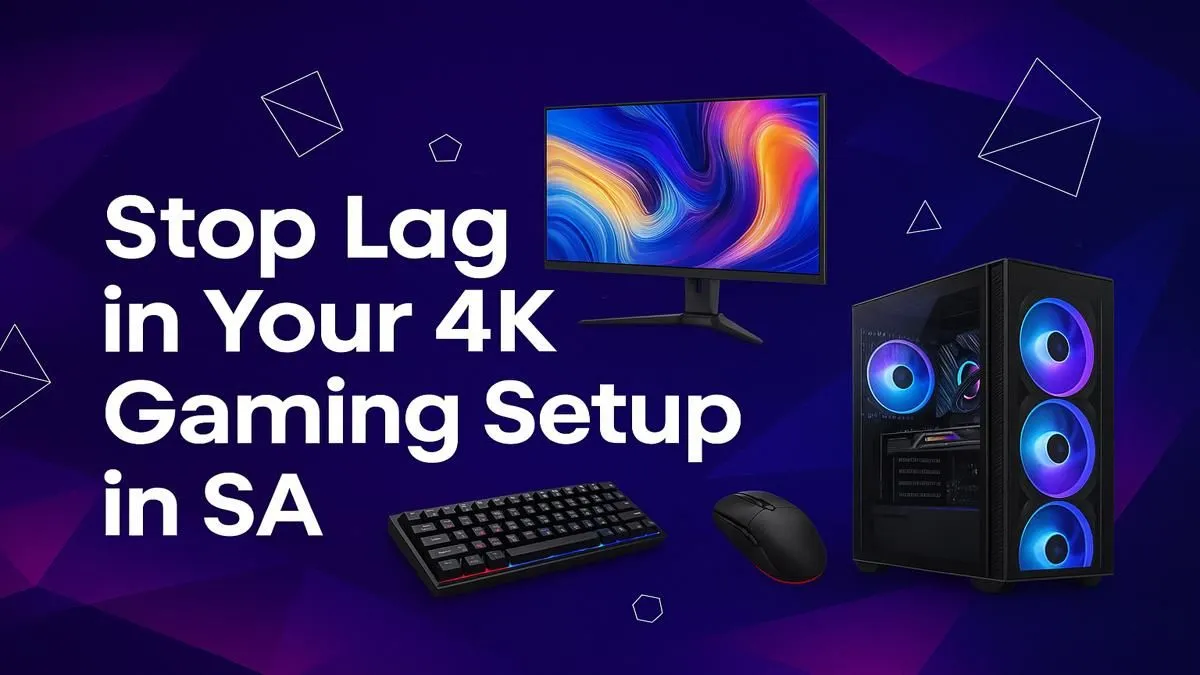
You’ve spent your hard-earned cash on a beast of a PC and a glorious 4K monitor. You load up the latest AAA title, ready for that cinematic experience… only to be met with frustrating stutters and lag. Sound familiar? For many South African gamers, the dream of ultra-high-definition gaming quickly turns into a choppy nightmare. But don’t despair. A comprehensive 4K gaming lag fix is often closer than you think, and it doesn’t always require a new graphics card.
Before you can stop stutter, you need to understand its cause. Pushing over eight million pixels sixty times per second (or more!) is incredibly demanding. When your game stutters at 4K, it's a sign that one part of your PC can't keep up with the rest. This is called a bottleneck.
The most common culprits are:
Identifying the source is the first step to a permanent 4K gaming lag fix. 🔧
Always start with the free and easy solutions. You'd be surprised how often these simple adjustments can smooth out your gameplay and help you avoid unnecessary hardware upgrades.
This is non-negotiable. Ensure your NVIDIA, AMD, or Intel drivers are fully up to date. These updates often include specific performance optimisations for new games.
Inside the game, look for settings like NVIDIA DLSS, AMD FSR, or Intel XeSS. These technologies are brilliant; they render the game at a lower resolution and then use AI to intelligently upscale the image to 4K. The performance gain is massive, with minimal visual impact. This is arguably the single most effective trick to stop stutter in South Africa on modern titles.
Use a monitoring tool like MSI Afterburner with the RivaTuner Statistics Server overlay. Watch your GPU and CPU usage while you play. If your GPU is constantly at 99-100% usage while your CPU is low, your GPU is the bottleneck. If the CPU is maxed out and the GPU is sitting idle, you've found a CPU bottleneck. This data is key to fixing 4K gaming lag effectively.
Having a high-tech monitor is great, but its features need to be enabled to work their magic. Dive into your graphics card's control panel and ensure that G-Sync or FreeSync is turned on for your display. This technology synchronises your monitor's refresh rate with your GPU's frame output, eliminating screen tearing and reducing perceived stutter. You can browse all our gaming monitors to see which models include this essential feature.
If you’ve tried every software tweak and the stutter persists, it’s time to look at your hardware. A smooth 4K experience is a balancing act between your components and your display.
Your monitor isn't just a passive screen; it's an active part of the performance equation. A great 4K panel with a high refresh rate (120Hz or more) and adaptive sync technology is fundamental. If your current screen is an older 60Hz model, it could be holding your entire system back. Upgrading is often the most impactful 4K gaming lag fix you can make, transforming a choppy experience into a buttery-smooth one. Explore our range of 4K monitors to see what a modern display can offer.
There's a huge variety of PC monitors available, from flat panels to immersive curved monitors that wrap the action around you. Even your secondary screen matters; some streamers use handy portable monitors for Discord or OBS to keep performance-sapping apps off their main gaming display. ✨
For 4K gaming in 2024 and beyond, a GPU with at least 8GB of VRAM is the baseline. Ideally, you want 12GB or more to handle the massive textures in games like Alan Wake 2 or Cyberpunk 2077 without issue. If your card is a few years old, it might be the component that needs an upgrade to truly resolve your 4K stutter.
Ultimately, achieving a smooth, high-fidelity experience is about synergy. By pairing the right components with the right settings, you can leave lag in the dust. And often, finding one of the best PC monitor deals is the final piece of the puzzle. 🚀
Ready for Flawless 4K? Chasing that perfectly smooth 4K dream doesn't have to be a nightmare. The right monitor is the final piece of the puzzle. Explore our incredible range of 4K gaming monitors and find the perfect screen to unleash your PC's true power.
4K gaming lag often stems from a GPU bottleneck, insufficient VRAM, high in-game settings, or thermal throttling. In South Africa, high network latency can also cause lag.
To reduce input lag, enable your TV or monitor's 'Game Mode', use a wired controller/mouse, disable V-Sync (or use G-Sync/FreeSync), and ensure your GPU drivers are updated.
Some 4K TVs have higher processing times, causing more input lag than gaming monitors. Look for models with a low-latency 'Game Mode' to minimize this effect significantly.
Start by lowering demanding settings like shadows and anti-aliasing. Enable performance-boosting tech like NVIDIA DLSS or AMD FSR for higher frame rates without lag.
Yes, high ping and packet loss on local SA servers can cause severe lag in online 4K gaming. A stable fibre connection and a wired Ethernet cable are highly recommended.
To fix 4K gaming stuttering, you need a powerful GPU (like an RTX 4070 or higher), at least 16GB of fast RAM, a modern multi-core CPU, and a fast NVMe SSD for loading.
Intel Arc B580 Fable FPS: Performance Benchmark. Real-world benchmark data, FPS numbers & performance analysis. What SA gamers can actually expect.
Read more
RTX 5080 for Photogrammetry: Professional. Real-world benchmark data, FPS numbers & performance analysis. What SA gamers can actually expect.
Read more
Head-to-head comparison of RTX 5050 vs RTX 3050: Price-to-Performance Gamers for SA gamers. Performance benchmarks, Rand pricing & which delivers better value.
Read more
RTX 3060 AI Features: Benchmark & Real-World Test. Real-world benchmark data, FPS numbers & performance analysis. What SA gamers can actually expect.
Read more
Benchmark Your RTX 5060 to Check Performance. Step-by-step instructions with SA-specific tips, common pitfalls to avoid & expert recommendations.
Read more
RTX 3050 DaVinci Resolve Performance: Benchmark. Real-world benchmark data, FPS numbers & performance analysis. What SA gamers can actually expect.
Read more
When Will the RTX 6090 Launch in South Africa Detailed answer with SA data, expert analysis & practical recommendations for local buyers.

Top Valorant Settings for RTX 5070: FPS Optimisation picks evaluated on performance, value & SA availability with current Rand pricing from Evetech.

RDNA 3.5 Graphics in Ryzen AI 400? Can You Game. Plain-English explanation of what it means, why it matters & how it affects your buying decisions in SA.

GPU Price Index : December Report. Current stock data & price tracking for SA buyers. See what is available and where prices are heading.

Core i5-14600K + B760 + RTX 5060 Build Under. Full parts list, Rand pricing & expected performance. Build confidently with SA-available components.

RX 7600 Apex Legends at 4K: FPS Benchmark. Real-world benchmark data, FPS numbers & performance analysis. What SA gamers can actually expect.

RX 7900 XTX GTA 6 at 4K: FPS Benchmark & Optimal. Real-world benchmark data, FPS numbers & performance analysis. What SA gamers can actually expect.

Head-to-head comparison of RTX 5070 vs RX 9070 XT: Gaming Performance for SA gamers. Performance benchmarks, Rand pricing & which delivers better value.

GPU Setup Guide Gamers. Clear setup instructions with SA-specific considerations, troubleshooting tips & recommended components.

Top RTX 5090 Under R12000 picks evaluated on performance, value & SA availability with current Rand pricing from Evetech.

Call of Duty Warzone 2 Settings on RX 7600. Real-world benchmark data, FPS numbers & performance analysis. What SA gamers can actually expect.

GTA 6 Settings on RTX 5070 Ti: Performance. Real-world benchmark data, FPS numbers & performance analysis. What SA gamers can actually expect.