

Intel Arc B580 Fable FPS: Performance Benchmark & Best Settings
Intel Arc B580 Fable FPS: Performance Benchmark. Real-world benchmark data, FPS numbers & performance analysis. What SA gamers can actually expect.
Read more4K Valorant: Explore whether 4K is practical for competitive play and why most pros choose 1080p. Learn FPS trade-offs, monitor and GPU advice, and the best setup to maximize performance 🎯🖥️
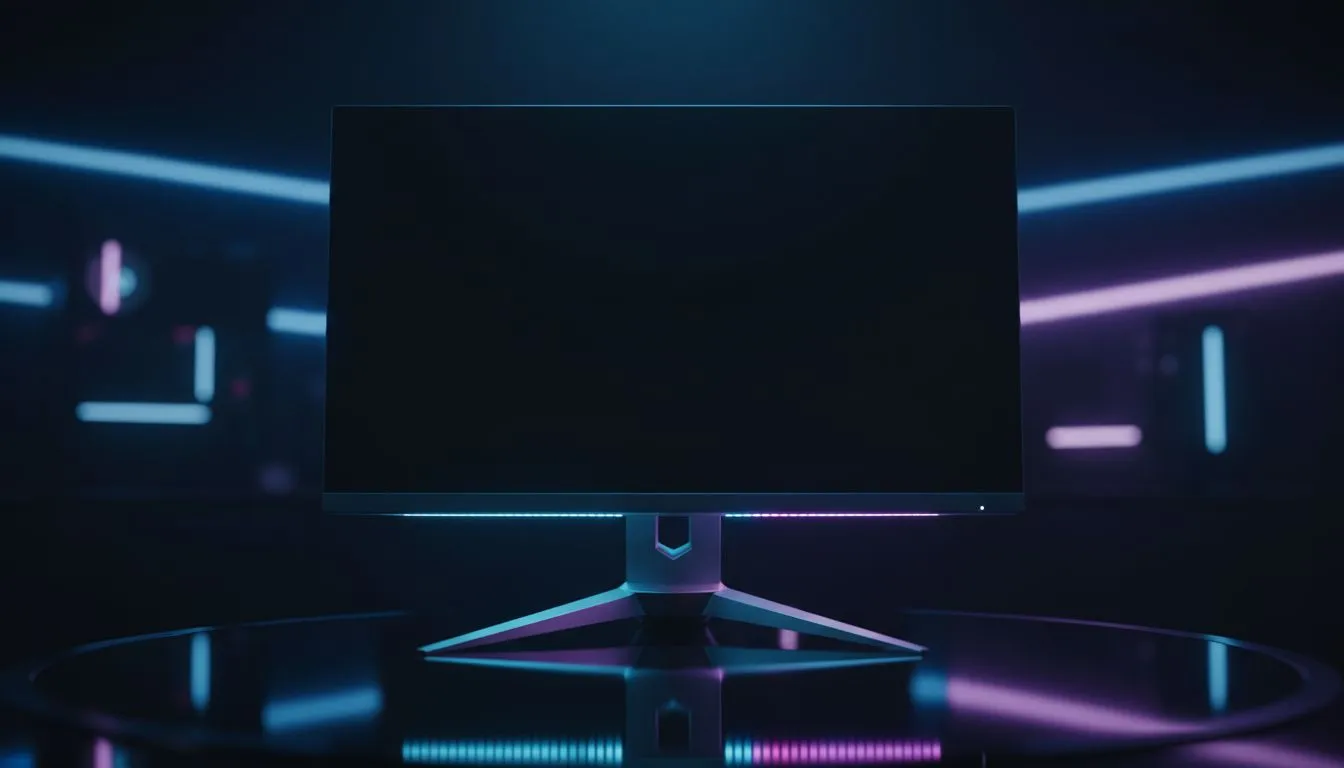
Does 4K resolution actually help you click heads in Valorant? Or is it just eye candy that kills your FPS? For South African gamers aiming for Radiant, the choice between visual clarity and raw speed is a tough one. We dive into whether 4K Valorant is a viable competitive strategy or if you should stick to the tried-and-tested 1080p grind. 🚀
Valorant is a tactical shooter where every millisecond counts. When you browse the latest buy 5k-4k monitors, the pixel density is undeniably tempting. At 3840 x 2160, character models look incredibly sharp. This can help you spot a tiny pixel of Jett’s hair peeking over a crate from across the map.
However, Is 4K Good for Valorant when performance is the priority? Higher resolutions put a massive strain on your GPU. Even with a high-end rig, maintaining the 300+ FPS required for professional-level play is difficult at 4K. Most local competitive players still prefer the high refresh rates found in our best pc monitor deals on 1080p or 1440p screens.
The secret to winning duels often lies in frame times... not just frame rates. While 4K looks beautiful, many 4K panels are limited to 144Hz. In the fast-paced world of tactical shooters, a 240Hz or 360Hz display is often superior. You can find these high-speed options in the all gaming monitors section. ⚡
Ensure 'Raw Input Buffer' is turned on in your Valorant mouse settings. This reduces the processing time for your mouse clicks. It is especially helpful if you are running at high resolutions or using a high polling rate mouse. It can make your aim feel much more responsive during flick shots.
Some players enjoy the immersive feel of buy curved monitors for casual play. But for serious climbing, a flat screen is usually the standard. If you are frequently travelling to local South African LAN events, you might even consider how buy portable monitors can keep your setup consistent on the move.
If you have the budget for a top-tier RTX GPU, 4K is a luxury that makes the game world pop. But for the average gamer in ZAR, 1440p at 165Hz or 1080p at 240Hz remains the "sweet spot". Proper ergonomics also matter. Using high-quality buy monitor accessories like adjustable arms can help you maintain the perfect "pro gamer" posture.
Ultimately, the best choice depends on your goals. Browsing the full range of PC monitors will show you that there is a screen for every budget and playstyle. Whether you want the crispness of 4K Valorant or the speed of a 360Hz panel... the right hardware makes the difference. ✨
Ready to Level Up Your Setup? Deciding if Is 4K Good for Valorant depends on your gear, but we have the perfect screen for every agent. Explore our massive range of monitor specials and find the perfect display to dominate your next rank-up game.
4K looks sharper but typically lowers FPS; for competitive play most players avoid 4K in favor of higher refresh rates. See 4k vs 1080p valorant trade-offs.
Pros choose 1080p to hit higher refresh rates and stable FPS, boosting aim consistency and reaction time—key when considering the best resolution for valorant pros.
Yes. 4K increases GPU workload and usually reduces FPS. Check does 4k affect fps valorant on your rig before switching to 4K.
Only with top-tier GPUs. 4k 144hz is demanding and rare; most competitive players stick to 1080p for accessible high refresh rates.
4K gives crisper textures and detail, but HUD scaling and distance make visual gains minimal for competitive play—adjust valorant 4k settings cautiously.
For competitive play pick a 1080p high-refresh monitor and a GPU that guarantees stable FPS; for visual fidelity invest in a 4K GPU and monitor instead.
Run benchmarks and in-game FPS tests comparing 4K and 1080p, measure input lag and aim consistency, and tweak valorant monitor resolution to decide.
Intel Arc B580 Fable FPS: Performance Benchmark. Real-world benchmark data, FPS numbers & performance analysis. What SA gamers can actually expect.
Read more
RTX 5080 for Photogrammetry: Professional. Real-world benchmark data, FPS numbers & performance analysis. What SA gamers can actually expect.
Read more
Head-to-head comparison of RTX 5050 vs RTX 3050: Price-to-Performance Gamers for SA gamers. Performance benchmarks, Rand pricing & which delivers better value.
Read more
RTX 3060 AI Features: Benchmark & Real-World Test. Real-world benchmark data, FPS numbers & performance analysis. What SA gamers can actually expect.
Read more
Benchmark Your RTX 5060 to Check Performance. Step-by-step instructions with SA-specific tips, common pitfalls to avoid & expert recommendations.
Read more
RTX 3050 DaVinci Resolve Performance: Benchmark. Real-world benchmark data, FPS numbers & performance analysis. What SA gamers can actually expect.
Read more
When Will the RTX 6090 Launch in South Africa Detailed answer with SA data, expert analysis & practical recommendations for local buyers.

Top Valorant Settings for RTX 5070: FPS Optimisation picks evaluated on performance, value & SA availability with current Rand pricing from Evetech.

RDNA 3.5 Graphics in Ryzen AI 400? Can You Game. Plain-English explanation of what it means, why it matters & how it affects your buying decisions in SA.

GPU Price Index : December Report. Current stock data & price tracking for SA buyers. See what is available and where prices are heading.

Core i5-14600K + B760 + RTX 5060 Build Under. Full parts list, Rand pricing & expected performance. Build confidently with SA-available components.

RX 7600 Apex Legends at 4K: FPS Benchmark. Real-world benchmark data, FPS numbers & performance analysis. What SA gamers can actually expect.

RX 7900 XTX GTA 6 at 4K: FPS Benchmark & Optimal. Real-world benchmark data, FPS numbers & performance analysis. What SA gamers can actually expect.

Head-to-head comparison of RTX 5070 vs RX 9070 XT: Gaming Performance for SA gamers. Performance benchmarks, Rand pricing & which delivers better value.

GPU Setup Guide Gamers. Clear setup instructions with SA-specific considerations, troubleshooting tips & recommended components.

Top RTX 5090 Under R12000 picks evaluated on performance, value & SA availability with current Rand pricing from Evetech.

Call of Duty Warzone 2 Settings on RX 7600. Real-world benchmark data, FPS numbers & performance analysis. What SA gamers can actually expect.

GTA 6 Settings on RTX 5070 Ti: Performance. Real-world benchmark data, FPS numbers & performance analysis. What SA gamers can actually expect.