

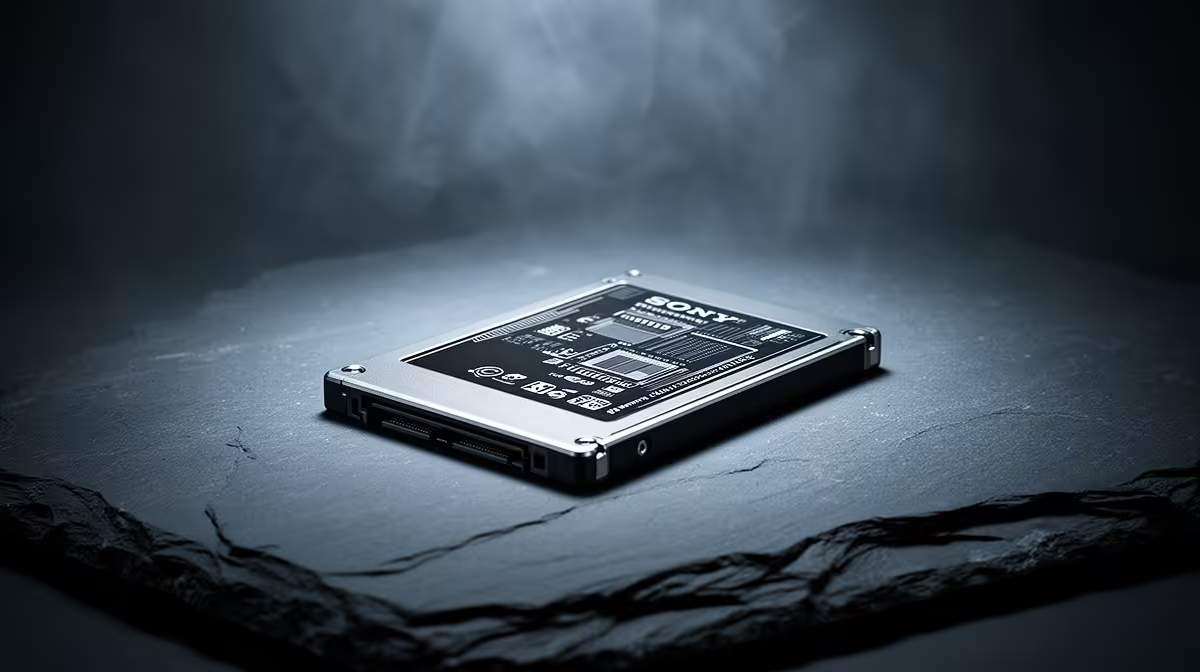
Is 530 MB/s Read Speed Enough for Gaming and Productivity?
If you’re shopping in South Africa and weighing SSD options, 530 MB/s sounds tempting… but is it enough when games load fast and your workflow needs instant responsiveness? 🎮⚡ For gamers, the real question is less about “paper speed” and more about whether your drive reduces stutters, shortens load screens, and keeps shader compilation smooth. For productivity work, it’s about how quickly you move large files and how responsive your system feels day-to-day. ✨
This guide breaks down what 530 MB/s read speed means in practice, how to tell if it’s the right class of SSD for your PC, and what to buy if you want the safest upgrade path.
Performance Pulse: what 530 MB/s actually affects
An SSD read speed is the headline number… but it’s not the whole story. Gaming performance is heavily influenced by:
- SSD latency and consistency (how quickly data arrives, not just how fast it streams)
- Queue depth and controller behaviour under mixed reads/writes
- Whether your SSD is SATA or NVMe, and the generation behind it
So where does 530 MB/s fit? If that figure is typical of SATA SSD class performance, it can still feel “night and day” compared to a hard drive. But if you’re using an NVMe drive, you should expect notably higher throughput.
For reliable SSD shopping, Evetech stocks a wide selection of solid-state drives that span multiple performance tiers. Start by browsing their range here: solid-state drives from Evetech
If you’re specifically deciding between brands, it helps to compare like-for-like models instead of just read speed numbers:
Performance Pulse: gaming vs productivity needs
Gaming is often about asset streaming. Even when your FPS is stable, slow storage can show up as:
- longer level load times
- slower texture streaming in open-world titles
- occasional hitches when moving into new areas
Productivity is different. If you edit video, work with large RAW files, or download updates constantly, throughput matters more. However, Windows responsiveness also depends on random access behaviour.
In short:
- Casual gaming + office work: 530 MB/s can be perfectly usable, especially if you’re upgrading from a mechanical drive.
- Modern AAA gaming + creator workloads: you’ll feel the benefit of faster NVMe drives, especially for consistent performance under load.
The upgrade checklist (so you don’t get the wrong SSD)
Before you buy, confirm:
- Your slot type: NVMe (M.2) vs SATA.
- Your form factor: many modern builds use M.2 2280.
- Interface generation if you’re going NVMe.
Evetech makes it easy to filter by form factor and specs:
Productivity Pro Tip ⚡
On Windows, you can use the PowerToys FancyZones utility to create custom snap layouts for your windows. It's a lifesaver for managing multiple apps on an ultrawide monitor, letting you organise your timeline, preview window, and asset folders perfectly for video editing.
Performance Pulse: where 530 MB/s lands for real buyers
Here’s a quick, South African-style reality check. Many of us start with a budget PC and upgrade in steps. If you’re moving from an HDD, a “good enough” SSD usually gives the biggest day-to-day improvement… faster boot, snappier app launches, and fewer “waiting moments”.
But if you’re building a rig specifically for modern gaming or heavy editing, don’t stop at one number. Compare the SSD class, check for NVMe support on your motherboard, and aim for a drive that matches your workload patterns. 🚀
If you want to avoid disappointment, shop within a trusted range, filter by the right interface, and choose a model that fits your slot. Evetech’s SSD listings are built for exactly this kind of decision making.
Ready to Find Your Perfect Match? The Mac vs Windows debate is complex, but for maximum power, choice, and value in South Africa, Windows is hard to beat. Explore our massive range of laptop specials and find the perfect machine to conquer your world.











