

530 MB/s SSD Boot Speed: How Much Faster Than HDD? (And Why You’ll Feel It)
If your PC boots slower than your game loads, an SSD is your easiest upgrade… and it doesn’t need to break the bank. In South Africa, where load times can feel like an eternity during ranked sessions, saving even 10 to 20 seconds matters. ⚡ The difference between an HDD and a 530 MB/s SSD is not just “faster on paper”… it changes how your whole day feels. Let’s break it down clearly.
530 MB/s SSD Boot Speed: How Much Faster Than HDD?
Most HDDs use spinning platters, so reading many small files is slow and inconsistent. SSDs store data on flash memory, so reads are much quicker and access times are far lower. While exact results depend on your PC, OS, and drive model, the typical expectation is a noticeable jump in boot speed when moving from HDD to SSD.
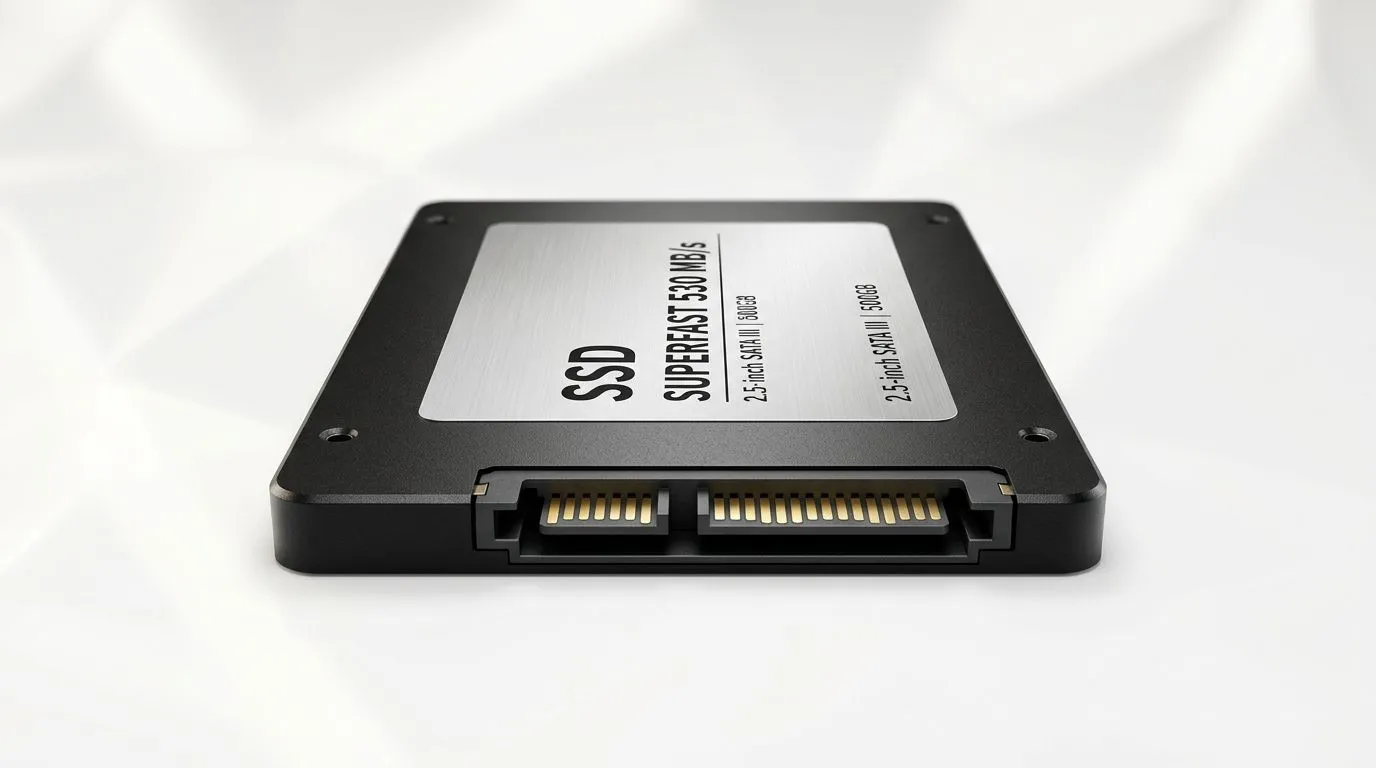
A 530 MB/s SSD is often classed as a strong SATA SSD spec, where real-world performance is shaped by the OS and drive controller. If you currently boot from an HDD, your “time to desktop” usually improves dramatically once the system no longer waits on mechanical movement. 🚀
What “530 MB/s” really means for boot
That number (530 MB/s) is a maximum sequential read rate. Booting isn’t only about long, continuous reads. The OS loads lots of small files: system services, drivers, and startup apps. SSDs tend to shine here because their storage access is faster, even when your system isn’t hitting the absolute peak throughput.
For a practical approach, Evetech stocks SSD options across form factors and brands, so you can match your PC’s slot and budget:
- Solid state drives overview: buy Solid State Drives (Evetech)
- Brand-focused options: ADATA SSDs at Evetech
- Another popular pick: Kingston SSDs at Evetech
- If you’re on M.2: M.2 2280 SSD options
- For newer platforms: [Gen 5 SSD interface options](https://www.evetech.co.za/PC-Components/buy-solid-state-drives-83?attributes-interface\=Gen+5+%28NVM…
530 MB/s SSD Boot Speed: How Much Faster Than HDD? (Real upgrades that feel immediate)
Here’s the micro-story: a friend in Joburg upgraded from a 1TB HDD to a SATA SSD, then complained that “Windows still opens stuff slowly”… but only until we disabled a few startup apps. The SSD made the waiting visible. That’s the key. Faster storage shows you what’s actually holding back your system.
Quick checklist before you buy 🔧
- Confirm your current boot drive type (Settings or Task Manager).
- Check your PC’s drive interface: SATA vs NVMe (M.2). If your board supports NVMe, you’ll usually get even better responsiveness.
- Pick the right capacity: games + updates grow fast. Consider 1TB if you’re the “install everything” type.
Productivity Pro Tip ⚡
On Windows, review Startup apps (Task Manager → Startup) after installing your SSD. Fewer startup programs means your “time to desktop” drops further, and your boot feels instant even when the SSD is already fast.
530 MB/s SSD Boot Speed: How Much Faster Than HDD? (Choosing your best option in SA)
The fastest drive doesn’t help if it’s incompatible or incorrectly installed. If you want a smooth upgrade path, start by choosing the right form factor and interface, then pick a reputable brand.
Evetech makes this easy because you can filter by brand, form factor, and interface. That matters for builders, streamers, and console-adjacent PC gamers who are upgrading one part at a time.
If you’re chasing better boot and faster game launches, an SSD is a high-impact move. The 530 MB/s class is a strong baseline, and the “faster than HDD” feeling is usually immediate after the OS lands on the SSD.
CALLTOACTION
Ready to Find Your Perfect Match? The Mac vs Windows debate is complex, but for maximum power, choice, and value in South Africa, Windows is hard to beat. Explore our massive range of laptop specials and find the perfect machine to conquer your world.











