

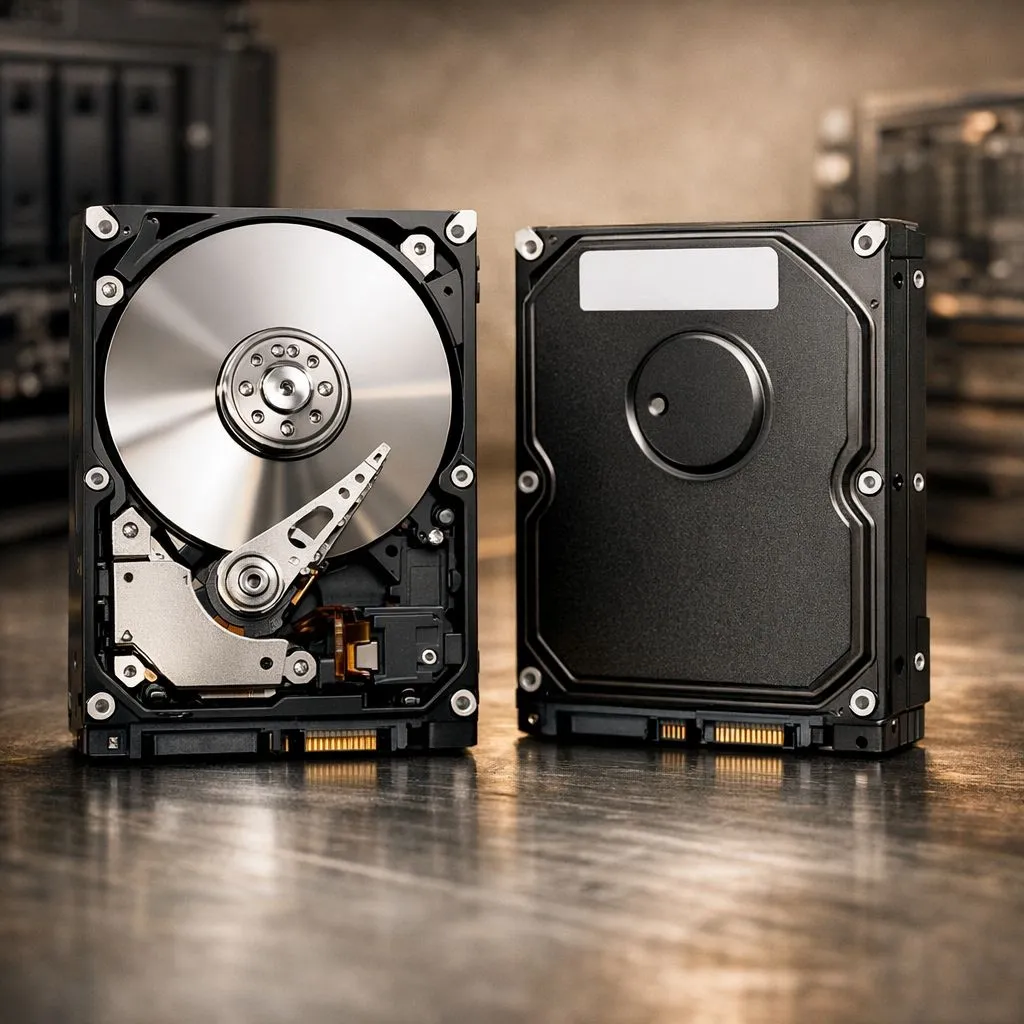
Building a home server in South Africa usually starts with a crucial decision: how fast should those platters spin? The 5400 vs 7200 RPM NAS debate is more than just numbers on a spec sheet. It determines your drive’s lifespan, noise levels, and how quickly you can access your media library. Whether you are a casual hoarder or a pro editor, picking the right speed is vital. 🚀
Understanding 5400 vs 7200 RPM NAS Performance
The primary difference between these two speeds is the Revolutions Per Minute (RPM). A 7200 RPM drive spins faster... allowing the read/write head to access data more quickly. This results in higher sustained transfer speeds and lower latency. If you are running a business server or a high-traffic Plex setup, the extra speed is noticeable.
However, speed comes at a cost. Faster rotation creates more friction, which leads to higher temperatures. In our warm South African climate, heat management is essential for hardware longevity. If your NAS sits in a cramped cupboard, the cooler-running 5400 RPM drives might be the safer bet for long-term stability.
Power Consumption and Noise Levels
For many home users, the noise is the deciding factor. 5400 RPM drives are significantly quieter. They vibrate less... making them ideal for a living room setup. They also consume less power. While the saving per drive is small, a 4-bay or 8-bay NAS running 24/7 can impact your electricity bill over several years.
Many enthusiasts choose to buy solid state drives for their primary applications to avoid noise entirely. For bulk storage, Western Digital storage solutions remain a top choice for balancing reliability with performance across both speed categories.
NAS Longevity Tip ⚡
When setting up your NAS in South Africa, always pair it with a decent UPS. Load shedding causes sudden power cuts that can lead to head crashes on 7200 RPM drives. A small investment in a UPS protects your data and extends the lifespan of your mechanical platters significantly.
Choosing the Right Drive for Your Workflow
If you are editing video directly off your network, 7200 RPM is the minimum requirement. For those who want to eliminate bottlenecks entirely, Gen 5 NVME drives offer performance that mechanical drives simply cannot match. 🔧
For simple backups and file sharing, 5400 RPM is perfectly adequate. If you need a portable backup solution instead of a stationary NAS, an external SSD provides better durability. You can find various external form factor drives that offer high capacity without the need for a dedicated power brick.
If you prefer a silent, vibration-free environment, ADATA drives provide excellent flash-based alternatives for your most accessed data. Balancing your 5400 vs 7200 RPM NAS choice with a few SSDs for caching often provides the best of both worlds... massive capacity and snappy response times. ✨
Ready to Find Your Perfect Match? The 5400 vs 7200 RPM debate is complex, but for maximum power, choice, and value in South Africa, Evetech has you covered. Explore our massive range of storage specials and find the perfect drives to build your ultimate NAS.











