

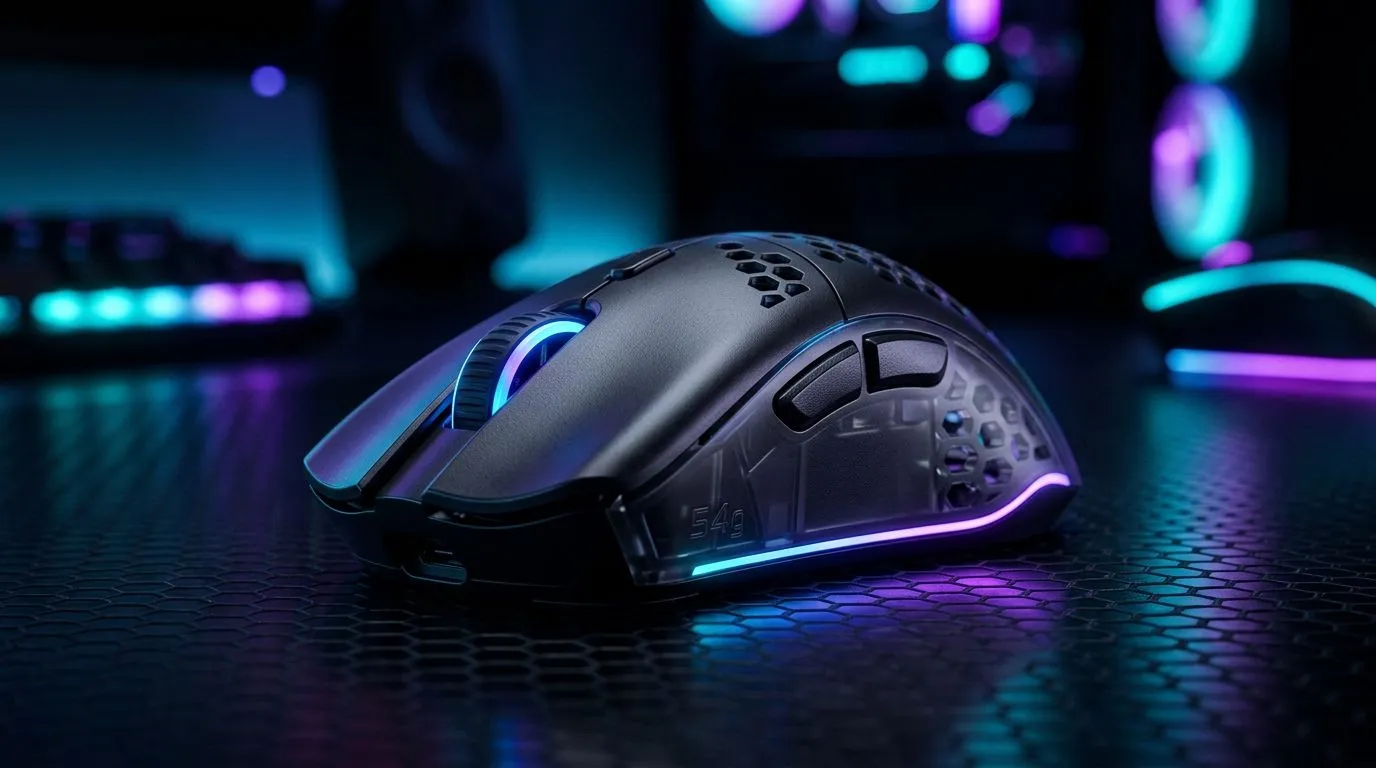
54g Ergonomic Wireless Gaming Mouse Aim Speed: The small change that feels huge
When you’re grinding ranked, “mouse feel” matters as much as FPS. That’s why South African players are starting to care about weight, balance, and responsiveness… especially with wireless. A lighter 54g ergonomic wireless gaming mouse aim speed setup can help you make quicker micro-adjustments without fatiguing your hand after a long session. 🚀
If you’ve ever over-corrected because your mouse felt slightly “heavy”, you’ll know the frustration. Today we’ll break down what 54g actually means for aim speed, how to tune it, and which buyers should consider wireless vs wired in SA.
54g Ergonomic Wireless Gaming Mouse Aim Speed: What 54g does for your aim
Most gamers feel aim speed through two things: start-stop control and smooth tracking. A 54g ergonomic mouse tends to reduce the inertia your wrist fights. In plain terms… less effort to flick, easier to correct.
But weight alone isn’t magic. The real gains come when weight works with:
- Sensor performance (consistent tracking)
- Polling rate and latency (how often updates reach your PC)
- Ergonomic shape (comfort supports steady movement)
For a practical buying guide to start your shortlist, browse Evetech’s gaming mouse range and filter by your connection preference:
- Wireless options: https://www.evetech.co.za/buy-wireless-mouse/x/1597.aspx
- Wired options (often simpler latency tuning): https://www.evetech.co.za/buy-wired-mouse/x/1596.aspx
- Mouse accessories if you want to upgrade grips, pads, or feet: https://www.evetech.co.za/buy-mouse-accessories/x/1595.aspx
54g Ergonomic Wireless Gaming Mouse Aim Speed: Tune for your hand, not just your stats
Aim speed is personal. One player’s “fast” is another’s “shaky”. So tune in a way you can repeat.
Set DPI and sensitivity for controlled flicks
Start with a moderate DPI and in-game sensitivity that lets you land on target without panic-swiping. Then:
- Lower DPI until your tracking feels calm.
- Increase sensitivity only if your flicks feel too short.
- Use the same in-game settings every session for consistent muscle memory.
Don’t ignore the surface
Your mouse aim speed changes with your mousepad. If you switch from a smooth pad to a control pad, your mouse may feel “slower” even if it’s not. If you’re buying new, check current deals before you commit:
- Evetech gaming mouse deals: https://www.evetech.co.za/best-gaming-mouse-deals/x/054.aspx
Power your wireless properly
Wireless performance depends on battery health and settings. Some mice allow power-saving modes that can impact responsiveness. Turn power-saving off unless you’re travelling.
Productivity Pro Tip ✨
aim-heavy games, set up a repeatable warm-up routine: 5 minutes of low-stress tracking, 5 minutes of small flick drills, then one short match. The goal is consistency. If your warm-up feels different each day, your sensitivity and wireless settings are probably drifting.
54g Ergonomic Wireless Gaming Mouse Aim Speed: When to choose wireless in South Africa
Wireless is increasingly competitive for FPS, especially if you’re tired of drag from cable weight. Still, wired can be the “set and forget” choice if you hate tweaking.
Here’s an honest decision rule:
- Choose wireless if you value desk freedom, comfort, and a clean setup.
- Choose wired if you want predictable behaviour with zero battery planning.
To compare models and build a shortlist, use Evetech’s gaming mouse category page as your baseline:
54g Ergonomic Wireless Gaming Mouse Aim Speed: Buying checklist before you hit checkout
Before you order, confirm:
- Actual weight class matches your aim preference (54g is noticeably lighter)
- Ergonomics fit your grip style (palm, claw, fingertip)
- Sensor and polling features match your platform needs
- Wireless settings let you keep responsiveness stable
If you’re unsure, start with the wireless category and then compare one or two wired alternatives. That way, you’re not guessing… you’re comparing.
Ready to Find Your Perfect Match? The Mac vs Windows debate is complex, but for maximum power, choice, and value in South Africa, Windows is hard to beat. Explore our massive range of laptop specials and find the perfect machine to conquer your world.











