

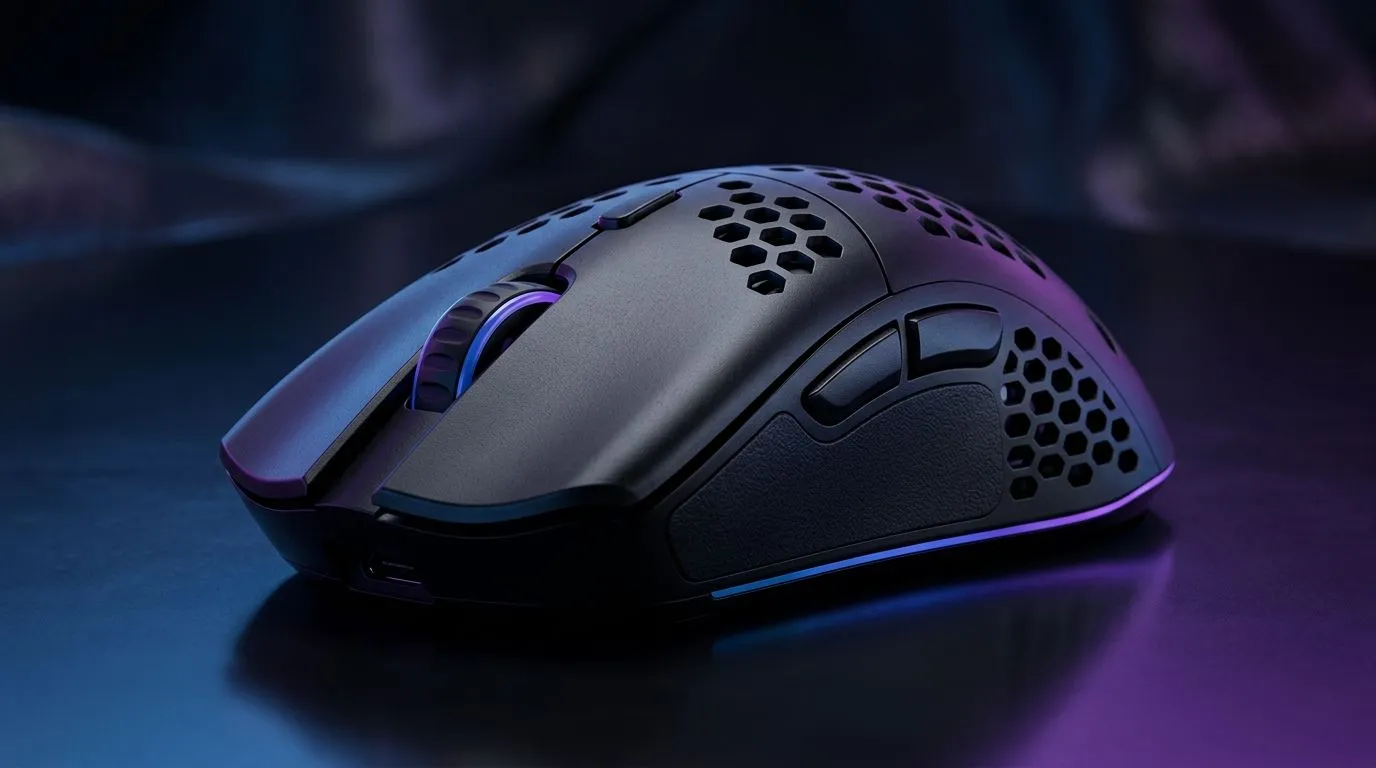
54g Ultra-Light Ergonomic Mouse Grip Style Guide: dial in comfort for long sessions 🎮✨
If you’ve ever finished a raid with a cramped wrist, you already know the problem… your grip. A 54g ultra-light mouse can feel effortless, but only if the hand position matches your aim style. In South Africa, where load shedding and long gaming nights are real, comfort matters. This style guide breaks down grip choices, wrist-friendly adjustments, and quick checks you can do today so your aim stays steady and your hand stays happy.
54g Ultra-Light Ergonomic Mouse Grip Style Guide: pick your grip, then fine-tune
Most players land in one of three grips: palm, claw, or fingertip. With a ~54g ultra-light design, the goal is reducing unnecessary finger pressure while keeping micro-adjustments crisp.
- Palm grip: More support, easier for productivity, but sometimes heavier movement if your hand “floats” awkwardly.
- Claw grip: Balanced. Your fingers share control while your palm anchors lightly.
- Fingertip grip: Maximum control, minimum contact. Great for fast flicks, but it can tire if your wrist lifts too much.
Micro-story: the “death grip” moment
A lot of SA gamers unknowingly switch from claw to claw-but-tense when the mouse gets lighter. The weight drops, so your brain compensates with more force. Result? Soreness. Fix: relax your pressure and confirm with the “lift test” below.
Grip Check Pro Tip 🔧
a 54g-class lightweight mouse, do a 10-second reset: fully relax your hand, then hover the mouse and gently move it. If your fingers feel like you’re pinching, loosen your grip and bring your palm contact slightly closer to the mouse base.
54g Ultra-Light Ergonomic Mouse Grip Style Guide: how to set your hand for fewer aches 🚀
Ergonomics is more than finger position. Try these steps in order:
- Wrist angle: Keep the wrist neutral. If your wrist is bent upward, you’ll feel it by game two.
- Contact points: Aim for two stable “anchors” (usually palm heel and finger pads).
- LOD (lift-off distance) comfort: If you use a low-lift mouse surface, ensure you’re not constantly hovering. Stable contact reduces jitter that comes from constant air-moves.
- Cable management (for wired): A tugging cable changes grip tension without you noticing.
If you want variety for different grip styles, start by browsing the mice and accessories on Evetech. For lightweight setups, consider the right add-ons here: mouse accessories and add-ons.
54g Ultra-Light Ergonomic Mouse Grip Style Guide: wired vs wireless comfort matters ⚡
Ultra-light comfort also depends on connectivity. Wired often feels consistent for fast FPS movement, while wireless removes drag if your desk setup is messy.
- If you’re building an FPS rig and want predictable latency and cable stability, check: wired gaming mice.
- If your desk is cramped or you like couch/sofa sessions, wireless may feel smoother. Browse options here: wireless gaming mice.
Choosing by shape, not hype
Even if a mouse is “54g ultra-light,” shape decides the grip fit. Look for side contours that match your palm-to-fingers transition. Too flat and your fingers sink. Too curved and your palm fights the shell.
54g Ultra-Light Ergonomic Mouse Grip Style Guide: get the best deal without sacrificing comfort ✨
You can absolutely save money in SA while upgrading grip comfort. If you’re shopping right now, use deals to test different shell shapes and weights.
- Start with: best gaming mouse deals.
- For a focused look at gaming mouse models and builds, check the category list: gaming mouse components and models.
Budget-Friendly Fit Tip ✨
When comparing lightweight mice at the same DPI, prioritise grip comfort first. Buy the one that keeps your wrist neutral and your fingers relaxed during a 60-second desktop test. Weight is important… but fit decides whether you’ll stay consistent for hours.
54g Ultra-Light Ergonomic Mouse Grip Style Guide: final checklist before your next match
Before your next ranked session, confirm these fast checks:
- Fingers relaxed (no pinch tension).
- Wrist neutral and supported by your desk height.
- Mouse movement feels “springy,” not scratchy or forced.
- Your anchor points stay consistent when you sprint, flick, and counter-strafe.
If you feel hot spots, don’t ignore them. Adjust contact points first, then consider a different shape.
Ready to Find Your Perfect Match? The Mac vs Windows debate is complex, but for maximum power, choice, and value in South Africa, Windows is hard to beat. Explore our massive range of laptop specials and find the perfect machine to conquer your world.











