

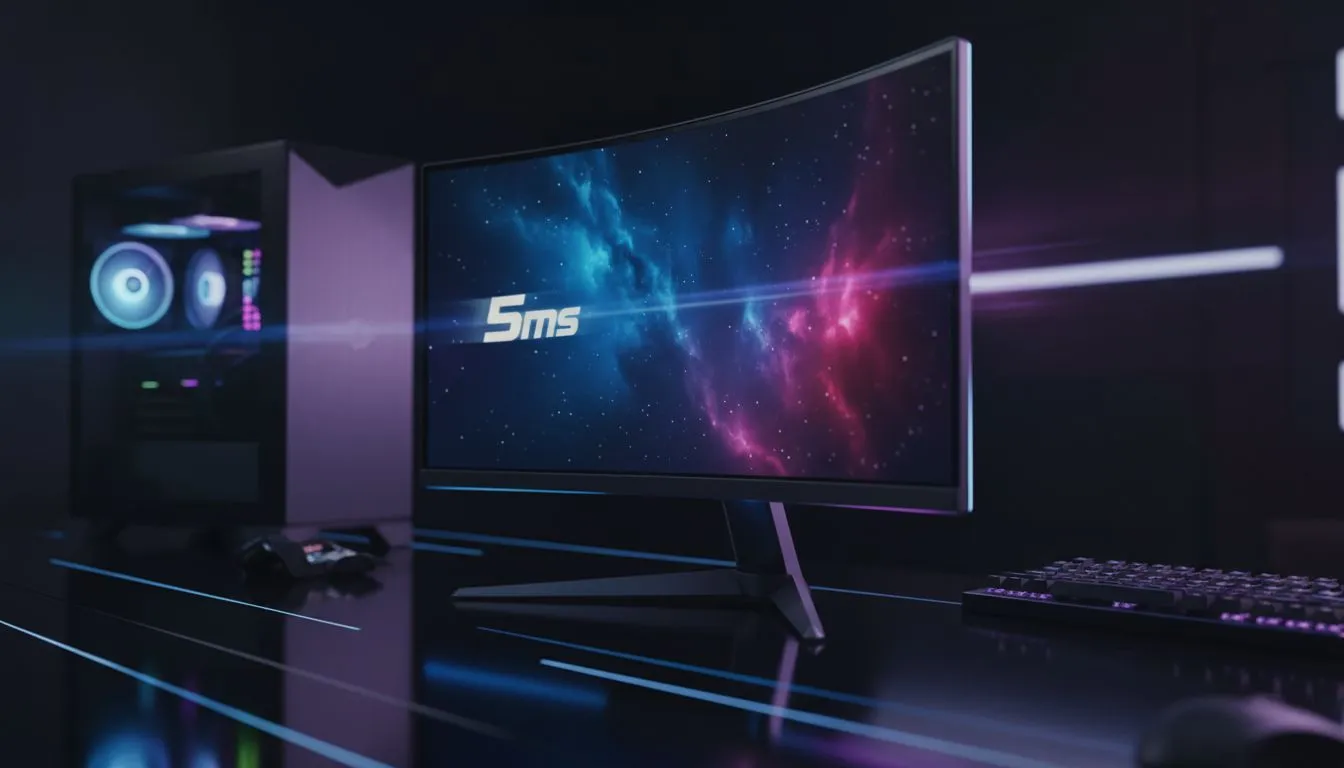
You are browsing the Evetech site, looking for a new screen. You see a "5ms Response Time" label on a sleek display. In a world where 1ms is marketed as the gold standard, you might wonder if you are settling for less. Is 5ms fast enough for your setup? For most South African gamers, the answer depends on what you play... and how much you want to save.
Understanding 5ms Response Time in Real-World Gaming
Response time measures how quickly a pixel changes from one colour to another. While pro esports players chase 1ms, many high-quality IPS panels offer a 5ms GtG (Grey-to-Grey) speed. This is often more than enough for immersive RPGs or creative work where colour accuracy matters most. Spending an extra R2,000 to move from 5ms to 1ms might not offer the visual leap you expect if you aren't playing at a professional level.
If you prefer a traditional look for your desk, you might stick with flat monitors. However, those looking for wrap-around immersion often choose curved monitors. In both cases, a 5ms response time rarely causes noticeable ghosting unless you are a frame-counting enthusiast. Most users will find the image crisp and the motion fluid during standard gameplay. 🚀
Syncing Your Performance for a Smoother Experience
To keep things smooth, look for Adaptive Sync technology. This helps align your GPU’s output with your screen’s refresh rate. If you use a Team Red card, checking for FreeSync (AMD) support is a smart move to eliminate screen tearing.
Motion Blur Tip ⚡
If you notice slight blurring on a 5ms screen, check your monitor's OSD settings for an 'Overdrive' feature. Setting this to 'Normal' or 'Medium' can sharpen moving images without causing the distracting 'overshoot' or inverse ghosting often seen on 'Extreme' settings.
Nvidia users should instead target G-Sync (NVIDIA) compatible displays. When these technologies are active, the slight difference between 1ms and 5ms becomes even harder to spot. You can find these features across the entire PC monitors range at Evetech, ensuring your hardware matches your budget. ✨
Is 5ms Fast Enough for You?
For the average gamer in South Africa playing titles like The Witcher 3 or Cyberpunk 2077, a 5ms response time is perfectly adequate. It balances cost and performance beautifully. If your focus is on visual fidelity and vibrant colours rather than shaving milliseconds off a flick-shot in Counter-Strike, then 5ms is likely your sweet spot. 🔧
Ready to Find Your Perfect Match? Choosing the right response time is about balancing speed and visual quality. For the best deals on high-performance displays in South Africa, Evetech has you covered. Explore our massive range of PC monitors and find the perfect machine to conquer your world.











