

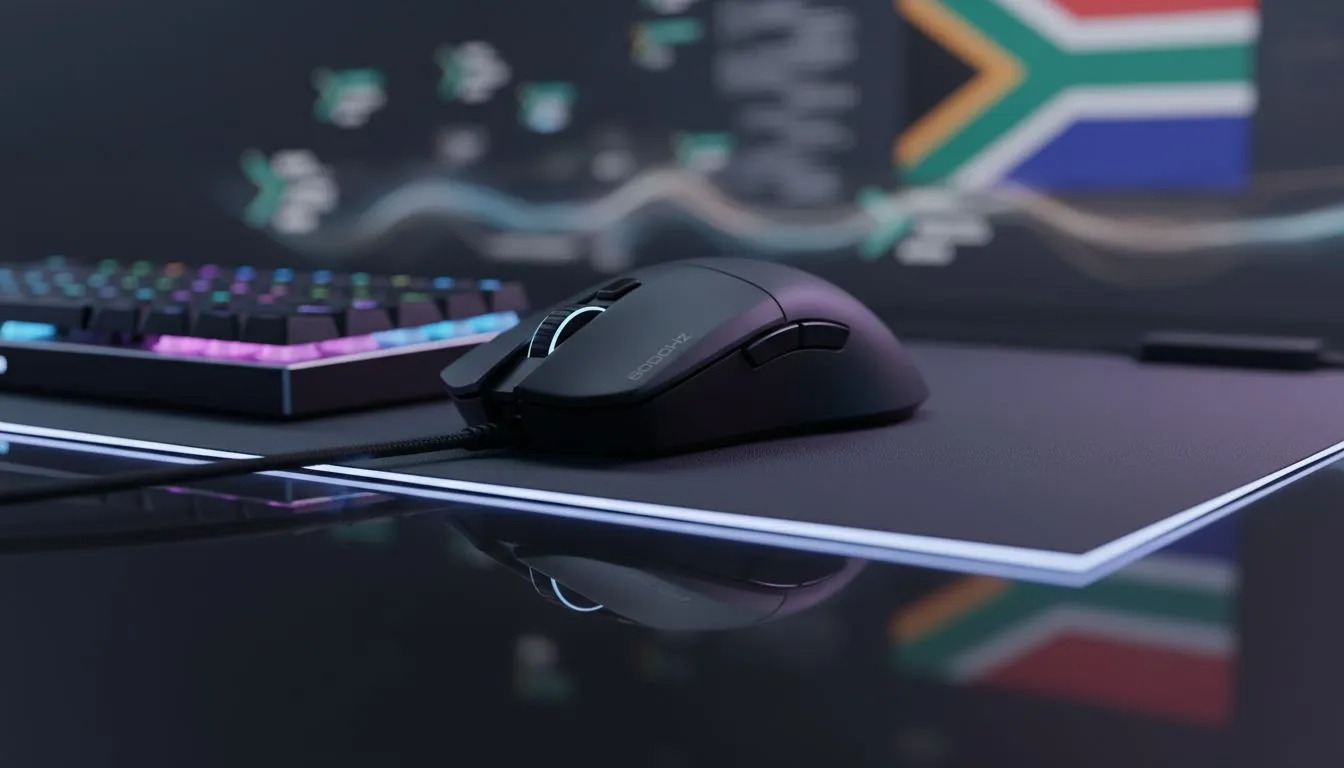
The Competitive Edge of 8000Hz Mouse Polling
Ever felt like your shots in Valorant or CS2 are a millisecond off? In the high stakes world of South African competitive gaming, every frame counts... and every microsecond matters. Moving from standard 1000Hz to 8000Hz mouse polling can be the edge you need. It reduces input lag to virtually nothing. Let's look at how you can achieve sub-1ms input lag on your PC setup today ⚡.
How to Reach Sub-1ms Input Lag on PC
To understand the benefit, we have to look at the math. A standard gaming mouse reports its position to your PC 1,000 times per second. That is a 1ms delay. By upgrading to 8000Hz mouse polling, your device reports 8,000 times per second. This brings the delay down to a staggering 0.125ms. When you use a high-performance device like the Razer Wolverine V3 Tournament Edition 8K, the responsiveness feels almost telepathic.
Why Polling Rates Matter for High Refresh Displays
If you are rocking a 240Hz or 360Hz monitor, standard polling can actually cause "micro-stutter." This happens because the mouse data doesn't align perfectly with the high refresh rate of the screen. Higher polling rates smooth out this data stream. While many people focus on mice, you can find similar high-speed tech in the latest gaming controllers designed for PC. The goal is simple: ensure what you do with your hands is reflected on screen instantly.
Performance Pro Tip ⚡
When enabling 8000Hz polling, ensure your CPU is up to the task. High polling rates increase CPU interrupts, which can slightly lower your FPS in CPU-bound games. If you notice a performance dip, try dropping down to 4000Hz to find the perfect balance between latency and raw frame rates.
Optimising Your Setup for 8K Polling
Not every USB port is created equal. To get the most out of your high-speed peripherals, always plug them directly into your motherboard's USB 3.0 or higher ports. Avoid using unpowered USB hubs... these can add latency and power instability. If you prefer the ergonomics of a console-style layout, many Razer gaming controllers now offer incredible polling speeds that rival top-tier mice. This ensures that no matter your input method, your sub-1ms input lag goals remain within reach 🚀.
Does 8000Hz Actually Make You Better?
Tech alone won't give you pro-level aim, but it removes the ceiling holding you back. In a country where we often deal with higher ping to international servers, minimising local hardware latency is vital. It ensures that when you finally click, the PC registers it without any extra "fluff" or delay. It is about consistency and the confidence that your hardware is as fast as your reflexes ✨.
Ready to Eliminate the Lag? Every millisecond is the difference between a headshot and a respawn screen. If you want to experience the absolute pinnacle of responsiveness in South Africa, we have the gear to get you there. Explore our massive range of gaming peripherals and find the perfect tool to conquer your next match.











