

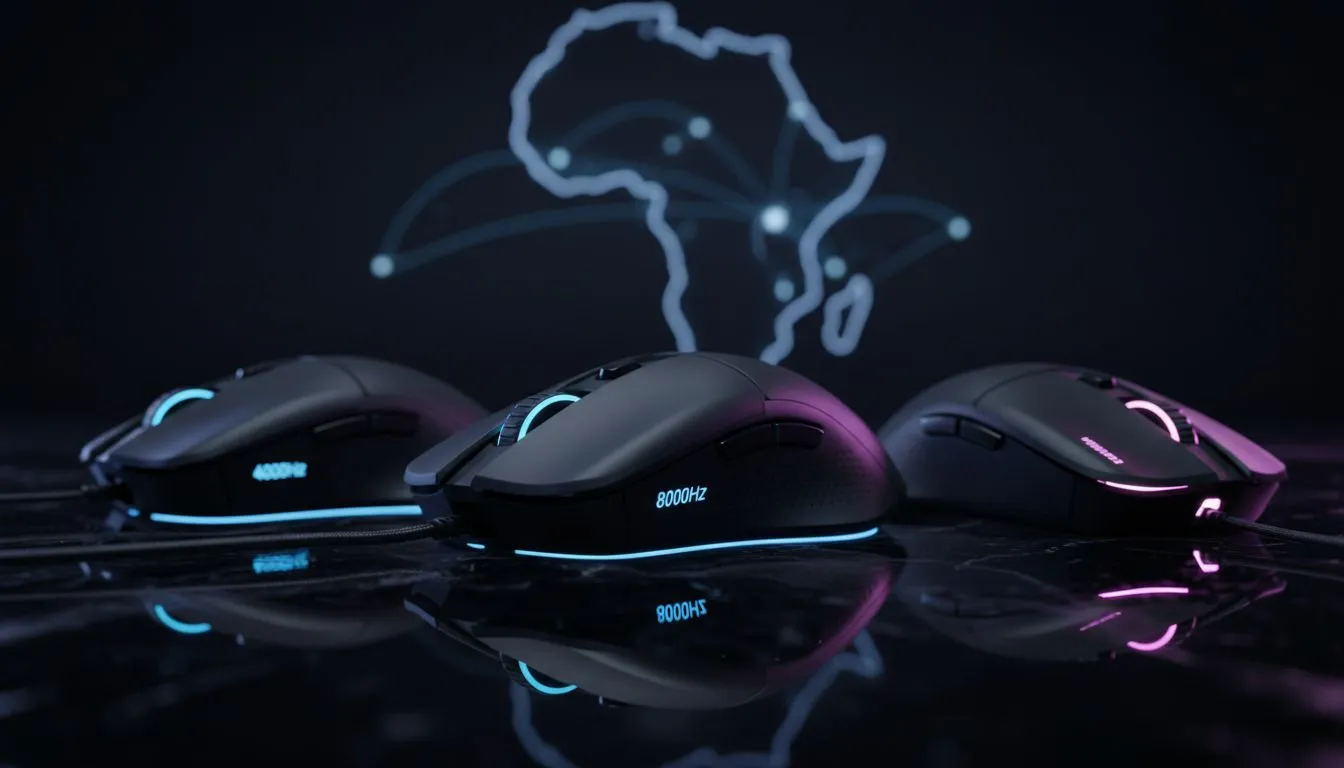
Ever wondered if an 8000Hz polling rate actually helps when your ping to London is 160ms? It is a common question for South African gamers looking for every possible edge. While we cannot move Cape Town closer to Europe... we can certainly reduce the delay between your fingers and the screen. Understanding the real difference between 8000Hz vs 4000Hz vs 1000Hz is key to your next upgrade. ⚡
Understanding Polling Rates and Input Latency
Polling rate refers to how often your peripheral reports its position or clicks to your PC. A standard 1000Hz rate means a 1ms delay. Stepping up to 4000Hz drops that to 0.25ms... and 8000Hz brings it down to a staggering 0.125ms. For local competitive play in titles like CS2 or Valorant... where local servers keep pings low... these micro-adjustments become noticeable. Even on high-ping international servers, reducing input lag ensures your commands are sent to the server as fast as humanly possible.
Does 8000Hz vs 4000Hz vs 1000Hz Matter on SA Ping?
Many locals argue that high latency makes fast polling rates redundant. This is a myth. Network ping and input latency are separate stacks. If you have 150ms ping and 1ms input lag, your total delay is 151ms. If you use the Razer Wolverine V3 Tournament Edition 8K, you shave off nearly a full millisecond of internal lag.
It might seem small... but in a clutch moment, that fraction of a second determines who gets the shot off first. When you are paying over R2,000 for a premium peripheral, you want to ensure the hardware is not the bottleneck. Every bit of optimisation helps when you are fighting against the physical distance to EU servers. 🚀
Smooth Movement Pro Tip ⚡
When using an 8000Hz device, ensure your monitor's refresh rate is set to its maximum. High polling rates feel most fluid on 240Hz or 360Hz displays. If you notice stuttering in older games, try lowering the rate to 4000Hz via the software to balance CPU load while maintaining elite responsiveness.
Choosing the Right Gear for South African Setups
When browsing for new gaming controllers, you need to consider your PC specs. High polling rates require more CPU resources. If you are running an older processor, sticking to 1000Hz or 4000Hz might provide a smoother experience without frame drops.
However... for those with modern rigs, the responsiveness of Razer gaming controllers at 8000Hz provides a connected feeling that is hard to go back from. It makes your aim feel more "raw" and less processed. While 1000Hz is the reliable standard, the jump to 8000Hz vs 4000Hz vs 1000Hz is about future-proofing your setup for the next generation of high-refresh-rate gaming. ✨
Ready to Eliminate the Lag? The difference between victory and defeat in SA often comes down to the smallest margins. Whether you need the raw speed of 8K or a reliable 1000Hz workhorse, we have the gear to level up your game. Explore our massive range of gaming controllers and find the perfect tool to dominate the lobby.








