

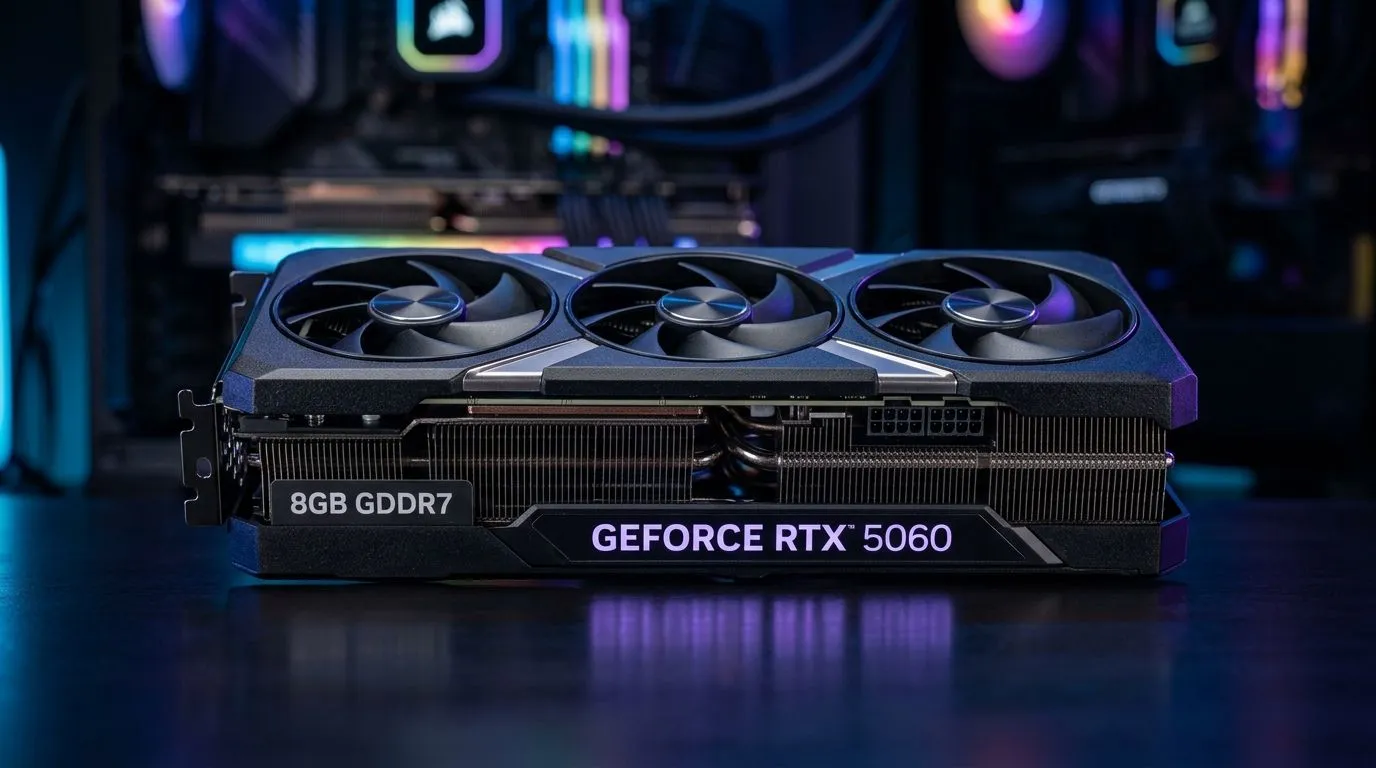
Is 8GB GDDR7 Enough for 1440p Gaming on Mid-Range GPUs? (Quick Answer for SA Players) 🎮
If you’re eyeing a mid-range GPU and thinking, “Will 8GB handle 1440p without stutters?”, you’re not alone. In South Africa, many gamers balance performance with value because budgets don’t stretch forever… especially with new releases landing every few months. The good news? 1440p is playable on 8GB GDDR7 for a lot of titles. The catch? It depends on your settings, your game’s VRAM appetite, and whether you use smart texture options.
In this guide, we’ll break down what 8GB typically means for 1440p gaming on mid-range GPUs, how to set your game correctly, and when 12GB+ starts to feel like the safer buy. ⚡
Is 8GB GDDR7 Enough for 1440p Gaming on Mid-Range GPUs? What VRAM Actually Does at 2560×1440 🎮
VRAM (video memory) stores textures, frame buffers, and other GPU data needed to render scenes smoothly. When VRAM fills up, the GPU may need to shuffle data more aggressively, which can lead to hitching or lower smoothness.
At 1440p, you’re pushing more pixels than 1080p, so texture memory usage generally rises. Modern games also tend to use higher-resolution textures, plus features like ray tracing, high-quality shadows, and larger streaming worlds.
So is 8GB GDDR7 enough? For many mid-range 1440p “sweet spot” setups, yes, but you’ll usually get the best results with:
- Medium to High textures (not always Ultra)
- Ray tracing off or limited
- Sensible shadow quality
- Upscaling (like DLSS/FSR) when available
Evetech stocks a wide range of GPUs, so if you’re building around a specific card family, start by browsing options here: check the full GPU range.
The real-world decision: settings discipline
A lot of “8GB isn’t enough” complaints come from running Ultra textures plus heavy effects in VRAM-hungry titles. If you keep texture settings realistic, 8GB can feel surprisingly solid for 1440p.
On the other hand, games with very large texture packs, heavy mod setups, or high-res texture streaming can cross the line faster. That’s where 12GB+ cards start to make sense.
Is 8GB GDDR7 Enough for 1440p Gaming on Mid-Range GPUs? The Practical Settings That Keep FPS Smooth 🔧
Let’s keep this actionable. Here’s a tuning approach that works across many modern titles on mid-range hardware.
A safe 1440p baseline to try first 🚀
- Textures: High (start here). If you see stutter, drop one notch.
- Shadows: Medium to High. Shadows often cost more than you expect.
- Ambient Occlusion: Medium.
- Volumetrics: Low to Medium if needed.
- Ray tracing: Off, or use a “light” preset.
Then enable upscaling if the game supports it:
- DLSS (NVIDIA) or FSR (AMD) typically gives you better smoothness while reducing the render resolution.
Productivity Pro Tip 🔧
On Windows, use the PowerToys FancyZones utility to create custom snap layouts for your games launcher, Discord, and in-game settings guide while you test presets. It makes iterative tweaking way faster because you can compare performance settings without constantly Alt-Tabbing and losing your place.
Watch for VRAM symptoms (so you don’t waste money)
If you notice:
- sudden frame-time spikes during fast camera movement,
- hitching after entering a new area,
- texture pop-in that feels late,
…that’s often a sign your VRAM pressure is high. Before assuming your GPU is “bad”, try lowering texture quality first. It’s the most common lever.
Is 8GB GDDR7 Enough for 1440p Gaming on Mid-Range GPUs? NVIDIA vs Radeon Browsing (SA Buyer Guide) ⚡
If you’re choosing between ecosystems, focus on matching your GPU to your game library and settings targets. Both NVIDIA and Radeon cards can do strong 1440p results, but your best pick depends on the features you’ll actually use (upscaling method, ray tracing preferences, and driver stability for your specific titles).
To shop by brand, you can browse:
- NVIDIA options: GeForce graphics cards
- Radeon options: Radeon graphics cards
- And if you’re brand-flexible: MSI graphics cards
When 8GB is a smart buy… and when it’s not ✨
8GB can be enough if:
- You’re playing mostly competitive or esports titles (or lighter single-player titles)
- You’re comfortable adjusting textures and shadows
- You use upscaling
- You upgrade again in 18 to 24 months
Consider 12GB+ if:
- You want “Ultra textures” as your default lifestyle
- You play new AAA releases and keep them for years
- You’re ray tracing more often than not
- You stream, record, or run heavy background apps alongside games (VRAM and memory pressure add up)
Is 8GB GDDR7 Enough for 1440p Gaming on Mid-Range GPUs? A Buying Checklist Before You Pay 🎮
Before you checkout, do this quick sanity check:
- Confirm the VRAM size (8GB vs 12GB) on the exact model you’re buying.
- Decide your texture target: High is realistic; Ultra is where VRAM pressure rises.
- Check upscaling support: Make sure the game you play supports the method your GPU uses.
- Plan your settings: If you’re willing to tweak, 8GB goes further.
- Balance price with longevity: In South Africa, paying a bit more for the headroom can reduce upgrade pressure later.
If you’d like to compare multiple mid-range options side-by-side, start with Evetech’s GPU catalogue and filter from there: browse graphics cards at Evetech.
Is 8GB GDDR7 Enough for 1440p Gaming on Mid-Range GPUs? Ready to Choose Your Next GPU? ⚡
If you’re aiming for smooth 1440p gaming on a mid-range build, 8GB GDDR7 is often a workable choice… as long as you’re willing to set smart textures and lean on upscaling. If you want more “set-and-forget” Ultra settings and longer headroom for future releases, you’ll feel the difference with higher VRAM. The best move is choosing the GPU that matches your actual playstyle, not just the spec sheet.
Ready to Find Your Perfect Match? The Mac vs Windows debate is complex, but for maximum power, choice, and value in South Africa, Windows is hard to beat. Explore our massive range of laptop specials and find the perfect machine to conquer your world.











