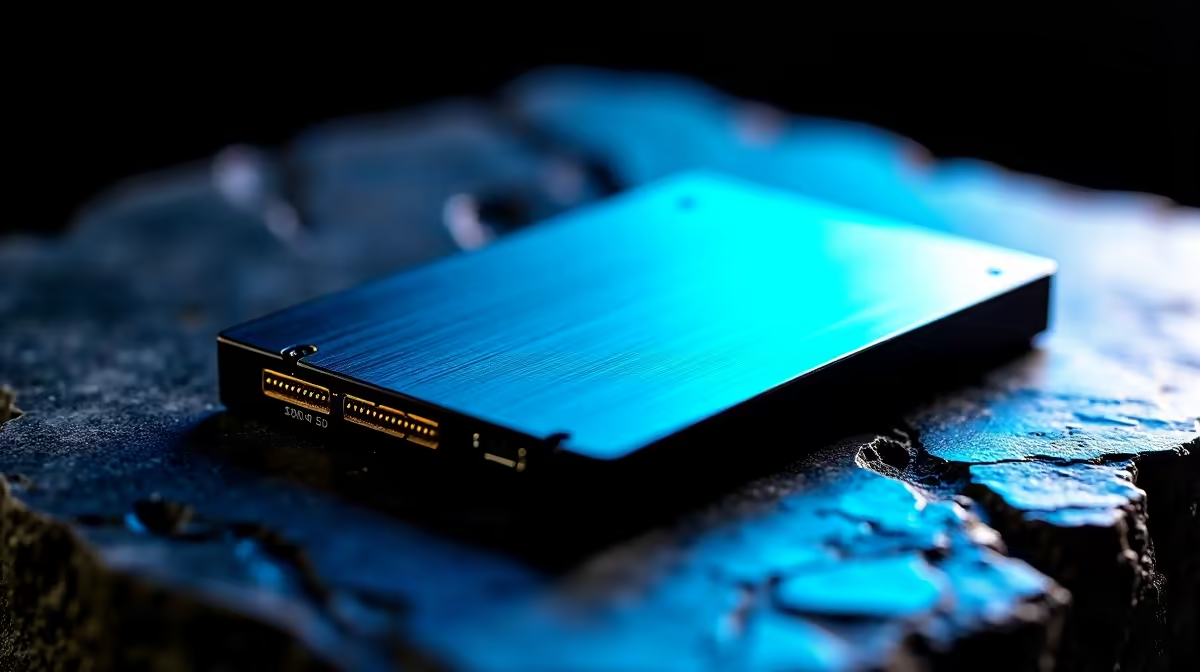
Editing 8K video in South Africa can feel like a battle against the timeline. Your CPU and GPU might be beasts, but if your storage can't feed them data fast enough, your workflow grinds to a halt. Dropped frames, stuttering playback... it's a creative killer. As we look towards 2025, what are the real-world 8K editing SSD speeds you should be targeting to stay ahead of the curve and keep your projects flowing smoothly? 🚀
Let's decode the numbers and find the right drive for your rig.
Why Your Old SSD is a Bottleneck for 8K Video
Remember when any SATA SSD felt lightning-fast? For 8K footage, those days are over. An 8K video file contains four times the data of a 4K file. This means your storage drive is under immense, constant pressure to read and write massive amounts of information. A slow drive simply can't keep up, causing that dreaded lag during scrubbing and rendering.
To conquer this data tsunami, you need a drive with exceptional sequential read and write speeds. This is where choosing the right SSD becomes the most critical part of your editing PC build.
Target SSD Speeds for 2025: The Magic Numbers
Not all workflows are created equal. The ideal 8K editing SSD speeds for you depend on the complexity of your projects. Here’s a simple breakdown for what to target in 2025.
### The "Just Getting By" Tier: ~5,000 MB/s
For YouTubers or content creators working with compressed 8K footage and simple timelines, a good quality PCIe Gen4 drive is your starting point.
- Target Speed: 5,000 MB/s read/write.
- Best For: Single-stream 8K editing, basic colour grading.
- Our Take: This is the absolute minimum. It will get the job done, but you might still experience slowdowns on more complex projects.
### The Professional's Sweet Spot: 7,000 - 10,000 MB/s
This is the gold standard for most professional video editors. A high-performance PCIe Gen4 or an entry-level PCIe Gen5 drive will provide the headroom you need for multi-layer effects, transitions, and colour work without stuttering.
- Target Speed: 7,000 MB/s to 10,000 MB/s read/write.
- Best For: Multi-cam editing, complex timelines, and working with high-bitrate codecs.
- Our Take: Investing in one of these modern NVMe SSDs offers the best performance-to-price ratio for serious 8K work today. ✨
### The Future-Proof Beast: 12,000+ MB/s
For filmmakers, VFX artists, and agencies working with uncompressed 8K RAW footage, there is no such thing as "too fast." A top-tier PCIe Gen5 SSD is non-negotiable. These drives can handle multiple streams of RAW video effortlessly.
- Target Speed: 12,000+ MB/s read/write.
- Best For: High-end cinematography, VFX rendering, and demanding multi-user environments.
- Our Take: This is overkill for most, but essential if your livelihood depends on maximum performance and zero bottlenecks.
Editing Workflow Pro Tip ⚡
For a massive performance boost in apps like DaVinci Resolve or Premiere Pro, use a dedicated, super-fast NVMe SSD as your 'scratch disk'. This is where the software stores its cache, media, and render files. Separating it from your OS and project files prevents bottlenecks and keeps your timeline buttery smooth.
Beyond Speed: What Else Matters for an Editing SSD?
Raw speed is crucial, but it's not the whole story. When browsing our full range of solid-state drives, keep these three factors in mind:
- Endurance (TBW): Total Bytes Written measures a drive's lifespan. Video editing involves constant writing and rewriting of large files, so a higher TBW rating is essential for a long-lasting drive.
- DRAM Cache: An SSD with a DRAM cache can handle small, random file operations much faster and more consistently. This translates to a snappier experience when navigating your project files and assets.
- Capacity: 8K files are enormous. A 1TB drive will fill up shockingly fast. We recommend a 2TB drive as a minimum for your active projects, with 4TB being a much safer bet for 2025.
Internal vs. External Drives for Your Workflow 🔧
Your primary project drive should always be your fastest internal NVMe SSD. But what about transferring footage from a camera or collaborating with a team? This is where high-speed external SSDs come in. A Thunderbolt or USB4 external drive can offer speeds that are perfect for quickly offloading footage or moving projects between machines without a massive time sink.
Ultimately, finding the right balance of speed, endurance, and capacity will transform your editing experience. Before you finalise your choice, be sure to check out the latest SSD deals to get the best value for your hard-earned Rands.
Ready to Obliterate Your Bottlenecks? Don't let slow storage kill your creative flow. Upgrading your SSD is the single biggest performance boost you can give your editing rig. Explore our massive range of PC components and build the ultimate machine to conquer 8K in 2025.