


RX 9070 XT Elden Ring Nightreign at 4K: FPS Benchmark & Optimal Settings
RX 9070 XT Elden Ring Nightreign at 4K: FPS. Real-world benchmark data, FPS numbers & performance analysis. What SA gamers can actually expect.
Read moreWondering about affordable GPU temps in South Africa? We push budget-friendly graphics cards to their limits to see how they handle the heat under intense gaming loads. Discover which cards stay frosty and which ones sweat, helping you make the smartest purchase for your build. 🌡️💻 Don't get burned by a hot-running card!
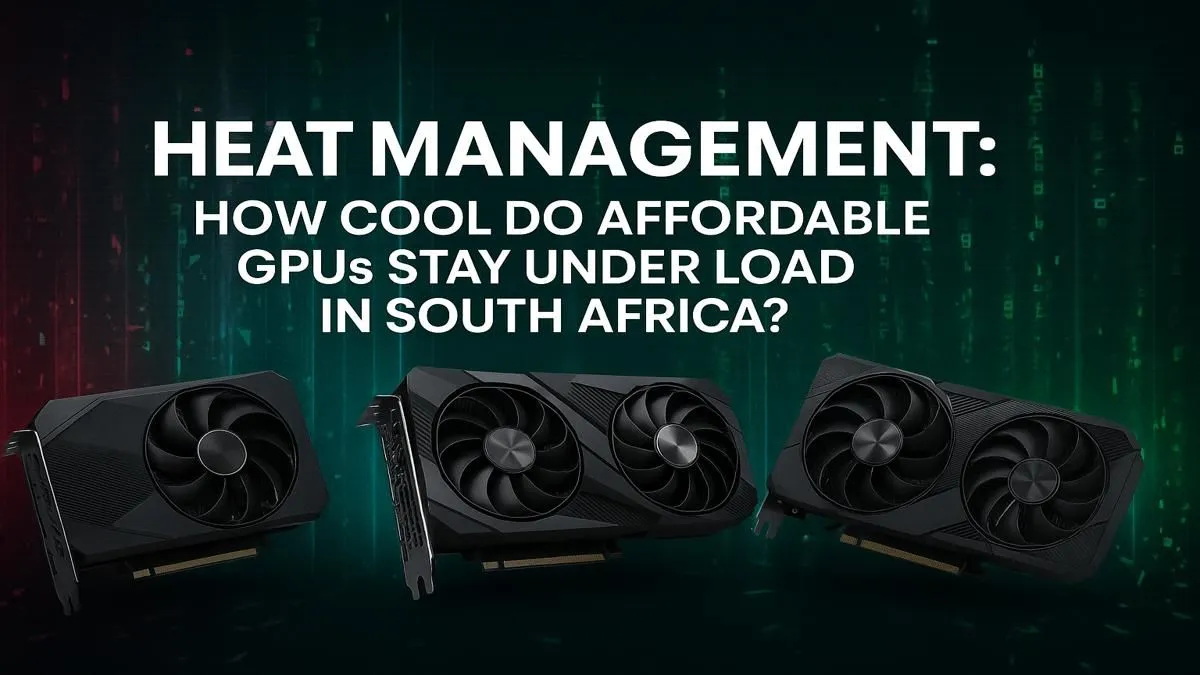
Is your gaming PC starting to sound like a jet engine during a Johannesburg heatwave? You’re lining up the perfect shot in Apex Legends, and suddenly your frame rate tanks. That’s not lag… it’s your graphics card gasping for air. High GPU temperatures are a classic South African gaming problem, but keeping your card cool doesn't have to cost a fortune. This guide will help you achieve affordable GPU temps in South Africa, ensuring smooth performance when it matters most.
Before we dive into the fixes, let's understand the problem. Your Graphics Processing Unit (GPU) is the powerhouse of your gaming rig, rendering every beautiful pixel on screen. But all that power generates a serious amount of heat.
When a GPU gets too hot, it activates a self-preservation mechanism called thermal throttling. It intentionally slows itself down to prevent damage, which is why your buttery-smooth 144 FPS suddenly drops to a stuttery 40 FPS. The main culprits?
Understanding these basics is the first step to mastering affordable GPU temps in South Africa.
You don't need to rush out and buy a new cooler just yet. Some of the most effective methods for lowering GPU temperatures are completely free and only require a bit of your time.
By default, your GPU's fan curve is set for quiet operation, not maximum cooling. Using free software like MSI Afterburner, you can create a more aggressive fan curve. This tells your fans to spin up earlier and faster as the temperature rises, preventing heat from building up in the first place. It might get a bit louder, but performance is king, right?
This sounds technical, but the concept is simple: undervolting means giving your GPU slightly less voltage to perform the same amount of work. Less voltage equals less power consumption, which directly translates to less heat and often, a quieter PC. It's a fantastic way to improve efficiency and lower temps without spending a cent. There are plenty of great tutorials online for specific card models.
For optimal cooling, aim for 'positive pressure'. This means you have more intake fans pulling cool air in than exhaust fans pushing hot air out. This forces hot air out of every unfiltered crack in your case, preventing dust buildup and ensuring a steady supply of fresh, cool air directly to your GPU.
Seriously, when was the last time you opened your PC case? Dust is an insulator that traps heat, clogging heatsinks and suffocating fans. A simple can of compressed air and a few minutes of cleaning every few months can dramatically improve your GPU temps. It’s the most affordable cooling solution there is.
Sometimes, no amount of tweaking can fix an old, inefficient cooler. If you're still fighting high temps after trying the tips above, it might be time to consider an upgrade. Modern cooler designs are leaps and bounds ahead of older models, offering massive heatsinks, superior heat pipes, and whisper-quiet fans.
Today's market of NVIDIA and AMD graphics cards is fiercely competitive, with a huge focus on thermal performance. Top-tier brands have spent years perfecting their cooling tech; for example, many of the latest MSI cards are renowned for running exceptionally cool and quiet even under heavy load. The newer players are also focused on efficiency, with Intel Arc graphics cards designed to offer excellent performance-per-watt. On the other side of the aisle, the current lineup of AMD Radeon graphics cards continues to push the envelope with powerful, efficient designs. Even the robust cooling systems found on workstation graphics cards, built for sustained 24/7 loads, have inspired the over-built coolers we now see on many gaming GPUs. An upgrade doesn't just give you more frames... it gives you cooler, more consistent performance.
Ready for a Cooler Gaming Experience? Taming your GPU temps is the key to unlocking consistent, stutter-free performance. Whether you're after a budget-friendly beast or a high-end powerhouse with an ice-cold cooler, we've got the perfect card for you. Explore our massive range of graphics cards and find the perfect GPU to conquer the heat.
Most affordable GPUs are safe operating between 70-85°C under heavy gaming load. Consistently running above 90°C can reduce the card's lifespan and cause throttling.
Not necessarily. While some budget cards have less robust cooling solutions, their lower power draw often generates less heat than high-end models, making them easier to cool.
Higher ambient room temperatures in South Africa mean your PC's cooling system has to work harder. A 5°C increase in room temp can lead to a similar rise in GPU temps.
Models like the NVIDIA RTX 4060 and AMD RX 7600 often feature efficient coolers. However, performance varies by manufacturer, so check specific reviews for the best results.
Improve your case's airflow with more fans, clean dust from heatsinks regularly, and reapply thermal paste. These steps can significantly lower your GPU temperatures.
A dual-fan cooler almost always provides better thermal performance than a single-fan design, allowing the GPU to run cooler and quieter under sustained load.
RX 9070 XT Elden Ring Nightreign at 4K: FPS. Real-world benchmark data, FPS numbers & performance analysis. What SA gamers can actually expect.
Read more
RTX 5090 Marvel Rivals FPS: Performance Benchmark. Real-world benchmark data, FPS numbers & performance analysis. What SA gamers can actually expect.
Read more
Intel Arc A770 Escape from Tarkov Performance. Real-world benchmark data, FPS numbers & performance analysis. What SA gamers can actually expect.
Read more
Head-to-head comparison of RX 9070 XT vs RTX 6070: Gaming Performance for SA gamers. Performance benchmarks, Rand pricing & which delivers better value.
Read more
Head-to-head comparison of RTX 5060 Ti Mining vs Gaming: Does It Affect for SA gamers. Performance benchmarks, Rand pricing & which delivers better value.
Read more
Ryzen 7 7800X3D Gaming Benchmark: FPS Across 20. Real-world benchmark data, FPS numbers & performance analysis. What SA gamers can actually expect.
Read more
Complete ATX Case Size Guide: Interior Dimensions. Best deals curated with real SA discounts, price history & tips on getting genuine value.

What GPU Do You Need for AI & Machine Learning. Hardware requirements breakdown with recommended specs & SA pricing for each tier.

Top Settings for RTX 4060 at Ultrawide 1440p picks evaluated on performance, value & SA availability with current Rand pricing from Evetech.

Head-to-head comparison of FreeSync vs G-Sync Explained: Which Should Gamers for SA gamers. Performance benchmarks, Rand pricing & which delivers better value.

Every spec on PCIe 5.0 explained in plain English. What matters for gaming and creator work in 2026, what's marketing fluff, and how each number translates to real-world performance.

Every spec on bios explained in plain English. What matters for gaming and creator work in 2026, what's marketing fluff, and how each number translates to real-world performance.

Every spec on gaming setups explained in plain English. What matters for gaming and creator work in 2026, what's marketing fluff, and how each number translates to real-world performance.

Every spec on cooling systems explained in plain English. What matters for gaming and creator work in 2026, what's marketing fluff, and how each number translates to real-world performance.

Every spec on understanding how much vram is needed explained in plain English. What matters for gaming and creator work in 2026, what's marketing fluff, and how each number translates to real-world.

How to pick the right PCIe 5.0 for your build in 2026: the features worth paying for, ZAR value tiers, and the trade-offs between budget, mid-range and flagship picks.

Every spec on gpu explained in plain English. What matters for gaming and creator work in 2026, what's marketing fluff, and how each number translates to real-world performance.

Every spec on gpu explained in plain English. What matters for gaming and creator work in 2026, what's marketing fluff, and how each number translates to real-world performance for SA buyers.