

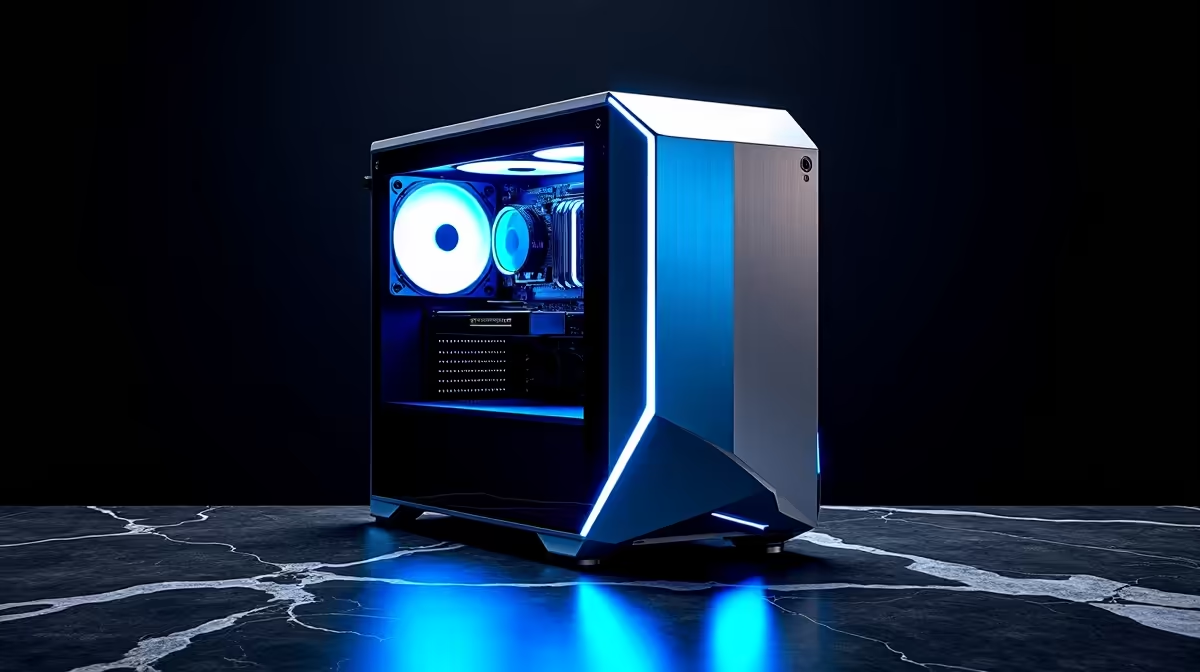
So, you’ve just unboxed your shiny new AI PC. The RGBs are glowing, the fans are humming, and you’re ready to conquer... but how do you really know if its AI brain is pulling its weight? Gaming benchmarks are one thing, but the new frontier of AI requires a different approach. This guide will walk you through a proper AI PC performance test, helping you benchmark your new machine and understand what all that next-gen silicon is actually doing for you. 🚀
What Makes an AI PC Different?
An "AI PC" isn't just a marketing buzzword. It's a system designed with specific hardware to accelerate artificial intelligence tasks. Beyond a powerful CPU and GPU, the star of the show is often the NPU, or Neural Processing Unit. This is a dedicated, low-power chip built specifically for sustained AI workloads, like running Windows Studio Effects during a video call without crushing your battery.
Modern processors like those in our Intel PC deals with Core Ultra chips, or the latest offerings in our AMD Ryzen PC range featuring Ryzen AI, integrate these NPUs directly onto the CPU. This trio—CPU, GPU, and NPU—work together to handle different tasks efficiently.
Your Toolkit for a Proper AI PC Benchmark
Traditional benchmarks are still vital. Running Cinebench 2024 for your CPU and 3DMark for your GPU gives you a solid baseline. However, to conduct a true AI PC performance test, you need tools that specifically target the AI hardware.
Benchmarking the GPU's AI Chops 🧠
Your graphics card is an AI powerhouse. NVIDIA's Tensor Cores and AMD's AI Accelerators are built for the parallel processing that AI models thrive on. This is what powers features like DLSS and FSR, using AI to boost your frame rates. To test this, the UL Procyon AI Inference Benchmark is a fantastic industry-standard tool. It measures performance using real-world AI models. Whether you're running one of our top-tier NVIDIA GeForce gaming PCs or a powerful rig from our selection of AMD Radeon gaming PCs, this benchmark will show you just how fast your GPU can "think."
Testing the NPU and Integrated AI
Benchmarking the NPU is a bit newer, as the software is still catching up. While dedicated NPU benchmarks are emerging, the best way to test it right now is through real-world applications. Fire up a program with heavy AI features, like Adobe Photoshop's Neural Filters or DaVinci Resolve's AI Magic Mask. The key is to see how smoothly these features run. This is where the NPU shines, handling these tasks without bogging down your main processor. Even solutions found in Intel Arc gaming PCs use AI for features like XeSS upscaling.
Real-World NPU Test 🔧
On a Windows 11 AI PC, open your webcam settings and enable Windows Studio Effects like 'Eye Contact' or 'Automatic Framing'. Then, open Task Manager (Ctrl+Shift+Esc) and go to the Performance tab. You should see the NPU activity graph light up, while your CPU and GPU usage remains relatively low. This is a perfect, simple test of your NPU in action!
Interpreting Your AI Benchmark Results
So you've got the numbers... what now? A high score in an AI benchmark translates directly to tangible benefits. It means faster image generation in Stable Diffusion, quicker AI-powered edits in your videos, and smoother, higher frame rates in games that use AI upscaling. An effective AI PC benchmark helps you confirm you're getting the performance you paid for.
This isn't just for the high-end market. Many of our budget gaming PCs now feature GPUs capable of impressive AI-driven performance boosts. For professionals, understanding these metrics is critical when choosing from our range of workstation PCs, ensuring their machine can handle demanding machine learning or creative workflows without breaking a sweat.
Moving Beyond the Numbers
A comprehensive AI PC performance test goes beyond synthetic benchmarks. The ultimate measure is how the machine enhances what you do every day. Can it handle a 4K gaming stream with an AI-powered virtual background without dropping frames? Does it render your complex Blender scene noticeably faster?
These real-world scenarios are the true test. The goal is a system that feels seamless, where AI features work in the background to make everything faster and smarter. Finding that perfect balance of power and price is why we curate some of the best gaming PC deals in South Africa. For those who want to jump straight into the action without the hassle of building, our pre-built PC deals offer optimised, ready-to-benchmark systems right out of the box. ✨
Ready to Unleash True AI Power? Benchmarking shows what's possible, but it all starts with the right hardware. From next-gen gaming to demanding content creation, an optimised AI PC is the key to unlocking incredible performance. Explore our massive range of PC deals and find the perfect machine to conquer your world.











