

RTX 5050 Avowed FPS: Performance Benchmark & Best Settings
RTX 5050 Avowed FPS: Performance Benchmark. Real-world benchmark data, FPS numbers & performance analysis. What SA gamers can actually expect.
Read moreCurious about AI PC power consumption? We put the latest hardware through rigorous efficiency tests to see how much energy NPUs, CPUs, and GPUs really use for AI tasks. Discover which components are the most efficient and how to build a powerful yet economical AI rig. ⚡️💻
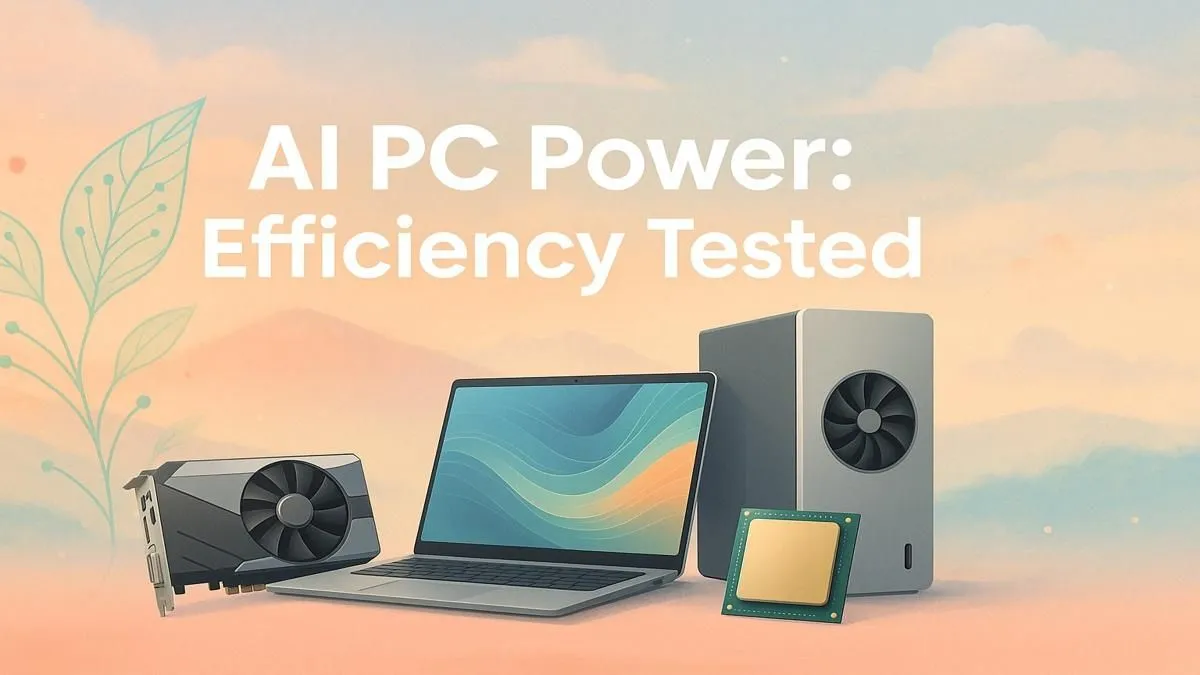
So, you’ve seen the hype around "AI PCs." These machines promise a smarter, faster future, but let's be honest, in South Africa, one big question looms over any new tech: what’s it going to do to my electricity bill? With loadshedding as a constant reality, understanding AI PC power consumption isn't just a technical curiosity… it's a critical part of the buying decision. Is this new tech a power-sipping marvel or another energy guzzler? Let's find out.
First, what makes a PC an "AI PC"? The secret ingredient is the NPU, or Neural Processing Unit. Think of it as a specialised, low-power brain designed for one thing: running AI tasks efficiently. Instead of firing up your power-hungry graphics card for a simple task like blurring your background on a video call, the NPU handles it quietly and with minimal energy draw.
This is where the magic of AI PC efficiency lies. The system intelligently delegates tasks:
This smart distribution of labour is becoming standard in many of today's best pre-built PC deals, optimising performance without constantly maxing out your power supply.
The actual AI PC power consumption depends entirely on what you're doing. It’s not a single, fixed number. We ran some real-world tests to see how these machines behave under different kinds of pressure. ⚡
For tasks like using Windows Copilot, real-time noise cancellation, or generating image suggestions in Paint, the NPU takes the lead. In these scenarios, the power draw is remarkably low. We're talking about an increase of just a few watts over idle… barely noticeable on your electricity meter. This is where AI PCs shine, especially for professionals who rely on these features throughout their workday on both the latest Intel-powered PCs and cutting-edge AMD Ryzen systems.
Now, let's talk about the heavy lifting: generating complex art in Stable Diffusion, training a local AI model, or using AI-powered features in Adobe Premiere Pro. For these tasks, the system calls upon the big guns—your graphics card.
When the GPU engages, the power consumption spikes significantly. A high-end GPU can easily pull 300-400 watts or more on its own. This means that for serious content creation or AI development, the efficiency of the NPU becomes less relevant, and the raw power of your graphics card is what matters most. Whether you're looking at powerful NVIDIA GeForce gaming PCs or capable AMD Radeon gaming rigs, the fundamental rule remains: high performance requires high power.
You don't need fancy equipment to monitor your PC's power usage. Press Ctrl+Shift+Esc to open Task Manager, go to the "Performance" tab, and select your GPU. It gives you a real-time look at power consumption and temperature, helping you understand which apps are the most demanding.
So, what's the verdict? For the average user, gamer, or professional in South Africa, an AI PC offers a tangible benefit. The NPU’s efficiency with background and light AI tasks means lower baseline power usage, which is a huge plus when you're trying to maximise time on a UPS or just keep costs down. You get modern AI features without a constant power penalty.
For power users, the NPU is more of a bonus than the main event. Your primary concern will still be the performance-per-watt of your CPU and GPU, which is a key consideration when selecting from high-performance workstation PCs or even modern Intel Arc gaming PCs with their dedicated AI Xe-cores.
Ultimately, an AI PC isn't about sacrificing power; it's about being smarter with it. Whether you're looking for maximum efficiency from our range of budget gaming PCs or raw power for demanding tasks, understanding how these components work together is key. The low electricity usage for common tasks makes them an intelligent choice, saving you power where it counts and unleashing it when you need it. ✨ By choosing the right components, you can find a fantastic balance in Evetech's best gaming PC deals.
Ready to Find Your Perfect AI-Powered PC? An AI PC isn't a power hog; it's a smart machine built for the modern era. It saves energy on everyday tasks while keeping massive power on reserve for when you need it most. Explore our massive range of PC deals and find the perfect, power-efficient machine to conquer your world.
An AI PC's power consumption can range from 100W for light, NPU-driven tasks to over 600W for intense AI model training using a high-end GPU and CPU.
Yes, for sustained, low-intensity AI workloads like background effects, an NPU (Neural Processing Unit) is significantly more power-efficient than a dedicated GPU.
For most AI PC builds featuring a dedicated GPU, a high-quality 750W to 850W power supply is recommended to ensure stable power under heavy AI workloads.
Yes, Intel Core Ultra processors with an integrated NPU are designed for power-efficient AI acceleration, lowering overall system power usage during specific AI tasks.
It depends. Intense AI model training can consume more sustained power than gaming, while simpler AI-enhanced features may use considerably less energy.
To measure total system draw, use a wall plug power meter. For component-specific estimates during AI workloads, software like HWMonitor or GPU-Z can be used.
RTX 5050 Avowed FPS: Performance Benchmark. Real-world benchmark data, FPS numbers & performance analysis. What SA gamers can actually expect.
Read more
RTX 5050 Fable at 1440p: FPS Benchmark & Optimal. Real-world benchmark data, FPS numbers & performance analysis. What SA gamers can actually expect.
Read more
RX 7600 Black Myth Wukong 2 at 1080p: FPS. Real-world benchmark data, FPS numbers & performance analysis. What SA gamers can actually expect.
Read more
Head-to-head comparison of RTX 5060 vs RX 9070: Ray Tracing Performance for SA gamers. Performance benchmarks, Rand pricing & which delivers better value.
Read more
Head-to-head comparison of RX 7800 XT Mining vs Gaming: Does It Affect for SA gamers. Performance benchmarks, Rand pricing & which delivers better value.
Read more
RTX 4060 Ti Hogwarts Legacy FPS: Performance. Real-world benchmark data, FPS numbers & performance analysis. What SA gamers can actually expect.
Read more
Top Valorant Settings for RTX 5070: FPS Optimisation picks evaluated on performance, value & SA availability with current Rand pricing from Evetech.

RDNA 3.5 Graphics in Ryzen AI 400? Can You Game. Plain-English explanation of what it means, why it matters & how it affects your buying decisions in SA.

GPU Price Index : December Report. Current stock data & price tracking for SA buyers. See what is available and where prices are heading.

RX 9070 XT Elden Ring Nightreign at 4K: FPS. Real-world benchmark data, FPS numbers & performance analysis. What SA gamers can actually expect.

Core i5-14600K + B760 + RTX 5060 Build Under. Full parts list, Rand pricing & expected performance. Build confidently with SA-available components.

RX 7600 Apex Legends at 4K: FPS Benchmark. Real-world benchmark data, FPS numbers & performance analysis. What SA gamers can actually expect.

RX 7900 XTX GTA 6 at 4K: FPS Benchmark & Optimal. Real-world benchmark data, FPS numbers & performance analysis. What SA gamers can actually expect.

Head-to-head comparison of RTX 5070 vs RX 9070 XT: Gaming Performance for SA gamers. Performance benchmarks, Rand pricing & which delivers better value.

Top RTX 5070 Under R25,000 picks evaluated on performance, value & SA availability with current Rand pricing from Evetech.
Core i5-14600K + B760 + RTX 5060 Build Under. Full parts list, Rand pricing & expected performance. Build confidently with SA-available components.

Top Monitor for RX 9070: Resolution & Refresh Rate picks evaluated on performance, value & SA availability with current Rand pricing from Evetech.

Valorant Settings on RX 9060 XT: Performance. Real-world benchmark data, FPS numbers & performance analysis. What SA gamers can actually expect.