The lights are out, your UPS is beeping, but your gaming session continues... until your PC fans start screaming. The heat is building up, and your CPU is throttling. Suddenly, the age-old debate gets a uniquely South African twist: when it comes to air vs liquid cooling for gaming, which one is the smarter choice for surviving our unpredictable power grid? It's not just about peak performance; it's about reliability when Eskom lets you down.
Understanding Air Cooling: The Reliable Workhorse 🌬️
At its heart, air cooling is beautifully simple. A metal heatsink draws thermal energy away from your CPU, and a fan blows that heat away from the fins. That’s it.
For most gamers, a high-quality air cooler is more than enough to keep temperatures in check without breaking the bank. They are incredibly durable because there are fewer points of failure… no pumps to clog or liquid to leak. When the power suddenly cuts or surges back on, an air cooler’s fan is far less sensitive than a liquid pump's delicate electronics. It's the dependable, set-and-forget solution. A good air cooler is a lot like a classic mechanical gaming keyboard; it’s built to last and just works.
Check Your TDP! 🔧
Before buying any cooler, check its TDP (Thermal Design Power) rating. This number, measured in watts, tells you the maximum amount of heat it's designed to dissipate. Make sure the cooler's TDP rating is equal to or, ideally, higher than your CPU's TDP to ensure you have enough cooling headroom, especially for intense gaming.
Liquid Cooling Explained: The High-Performance Option
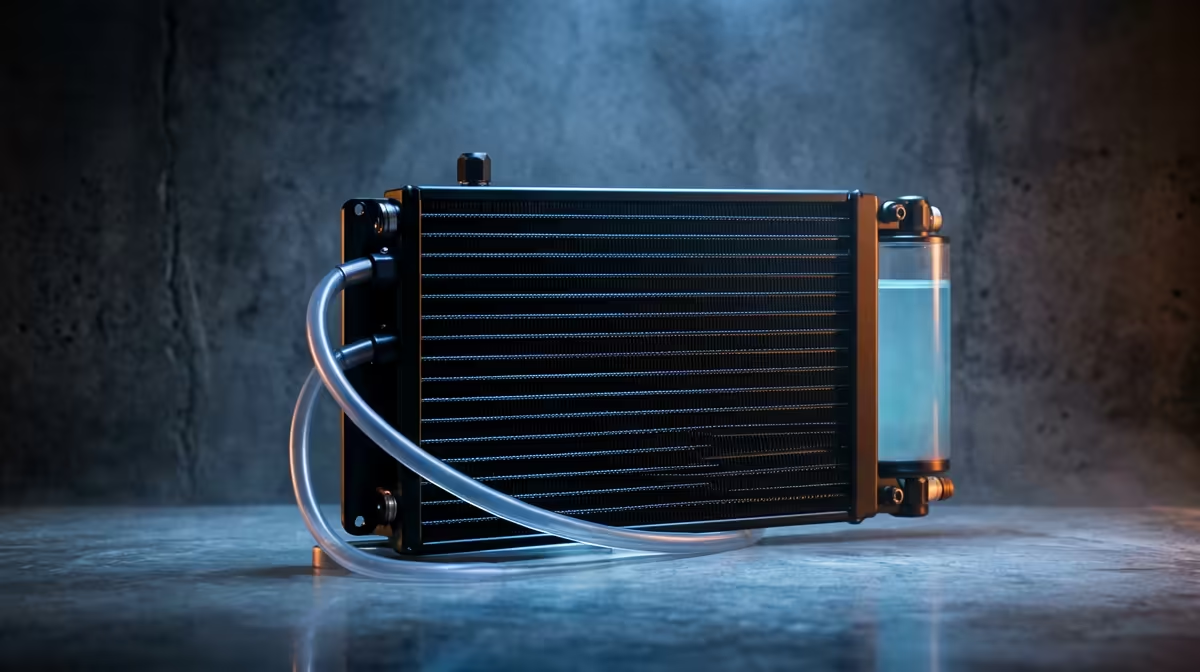
Liquid cooling, typically in the form of an All-in-One (AIO) unit, offers a more advanced approach. A pump circulates a special fluid through a block on your CPU, absorbing heat. This hot liquid then travels to a radiator, where fans dissipate the heat before the cooled liquid cycles back.
The main advantage? Sheer performance. Liquid is more efficient at transferring heat than air, allowing AIOs to handle the intense temperatures of high-end, overclocked processors. They can also lead to a quieter system overall, as the large radiator fans can spin slower than a single, screaming CPU fan. The clean, high-tech look of an AIO pairs perfectly with premium peripherals, from the minimalist aesthetic of Glorious gaming keyboards to the bold profile of a top-tier Razer Gaming Keyboard.
However, this complexity introduces more risk during power instability. The pump is the heart of the system, and it's more vulnerable to the power surges that often accompany an unexpected outage’s return.
Thermal Performance in Warm Rooms
So, which cooling solution is best for a South African gamer? The answer depends on your priorities and your backup power setup.
For the Cautious Gamer (on a standard UPS)
If you're running a mid-range rig and your main goal is stability and peace of mind, air cooling is the undisputed champion. Its simplicity, resilience to power fluctuations, and lower cost make it the most practical choice. You get excellent performance without adding another potential point of failure to your system.
For the Performance Enthusiast (with an inverter or powerful UPS)
If you're pushing a flagship CPU to its limits and have a robust backup power solution like an inverter, liquid cooling is still the ultimate choice. Its superior thermal capacity will keep your R50,000 rig from thermal throttling, ensuring you get every frame you paid for. A quality power supply and inverter will protect the pump from surges, mitigating the biggest outage-related risk. After all, a cool PC lets you focus on your gameplay, and nothing completes that focus like the perfect lighting from an RGB Razer Gaming Keyboard to match your AIO's customisable glow.
Ultimately, the debate over air or liquid cooling during an unexpected outage is about managing risk versus maximising performance. Choose wisely, and you'll be ready for any challenge… on-screen or off.
Ready to Beat the Heat?
Whether you choose the rugged reliability of air or the peak performance of liquid, the right cooling solution keeps you in the game... even when the lights go out.