

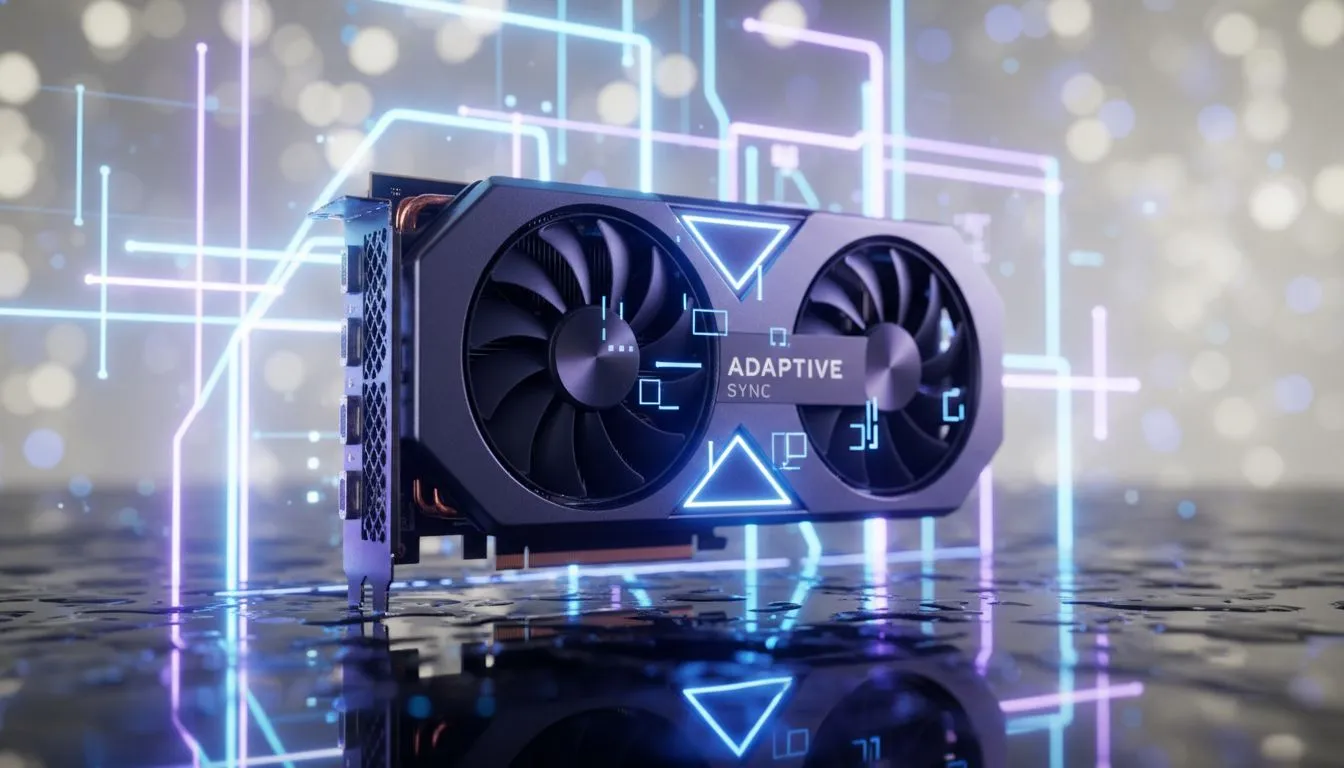
You’re in the final circle. The enemy peeks. You flick your mouse for the winning shot… and your screen tears in half, a jarring glitch that costs you the match. Sound familiar? That visual mess is screen tearing, and its cousin, stuttering, has ruined more clutch plays for South African gamers than load shedding. 😫
But what if you could fix it for good? Enter AMD Adaptive Sync, the technology designed to deliver flawlessly smooth gameplay.
What Causes Screen Tearing and Stuttering?
Imagine your graphics card (GPU) is drawing frames for your game, while your monitor is displaying them at its own fixed speed. When the GPU sends a new frame before the monitor has finished displaying the last one, you get a "tear"—a horrible horizontal line where two different frames are shown at once.
Stuttering happens when the opposite occurs: the monitor is ready for a new frame, but the GPU hasn't finished rendering it yet. This causes a noticeable pause or judder. For competitive and immersive gaming, both are absolute deal-breakers. A smooth visual experience isn't just about pretty graphics; it's about responsive, predictable gameplay, which is why so many gamers check out all our gaming monitors to find a display that can keep up.
How AMD Adaptive Sync Delivers Smooth Victory 🚀
AMD Adaptive Sync (also widely known by its brand name, FreeSync) is a clever solution that synchronises your monitor’s refresh rate with your graphics card’s frame rate in real-time.
Instead of a fixed refresh rate (like 60Hz or 144Hz), a monitor with this adaptive sync technology adjusts its refresh cycle on the fly to match exactly when the GPU delivers a new frame.
The result?
- No More Tearing: Frames are displayed whole, exactly as the GPU renders them.
- Eliminated Stuttering: The monitor waits for the GPU, ensuring fluid motion.
- Lower Input Lag: By removing unnecessary processing steps, your actions feel more immediate.
This creates a liquid-smooth experience that feels incredibly responsive, especially on immersive curved monitors that pull you right into the action.
Getting Started with Adaptive Sync Technology
One of the best things about AMD Adaptive Sync is that it’s an open standard. This means you don’t need to pay a premium for it. A huge variety of affordable PC monitors support FreeSync, making smooth gaming accessible to everyone.
To get started, you'll need two things:
- A compatible AMD Radeon™ graphics card (or a modern NVIDIA GeForce card, as many now support the standard).
- A monitor that supports AMD FreeSync / Adaptive Sync.
Pro Tip: Enabling Adaptive Sync 🔧
Once your hardware is connected, dive into your AMD Radeon™ Software (or NVIDIA Control Panel). Navigate to the 'Display' settings and simply toggle AMD FreeSync (or G-Sync Compatible) to 'On'. Your monitor might also have a setting in its on-screen menu that needs to be enabled. It's usually a quick, one-time setup for years of smoother gaming!
Choosing the Right Monitor for Your Setup
With the technology sorted, the fun part is choosing the display. Do you want the incredible detail of high-resolution 4K monitors for stunning single-player adventures? Or perhaps you need a versatile second screen for Discord and streaming, where even compact portable monitors can be a great addition to your battle station.
Don't forget the little things that complete your setup, like a quality DisplayPort cable or an ergonomic stand from our range of monitor accessories to ensure you’re getting the most out of your new hardware. Whatever your budget or gaming style, you can find some of the best PC monitor deals in South Africa right here.
Ready to Banish Tearing for Good? A smooth, responsive display is one of the best upgrades you can make to your PC. Stop letting screen tear and stutter dictate your performance. Explore our massive range of gaming monitors and find the perfect display to conquer your game.





