

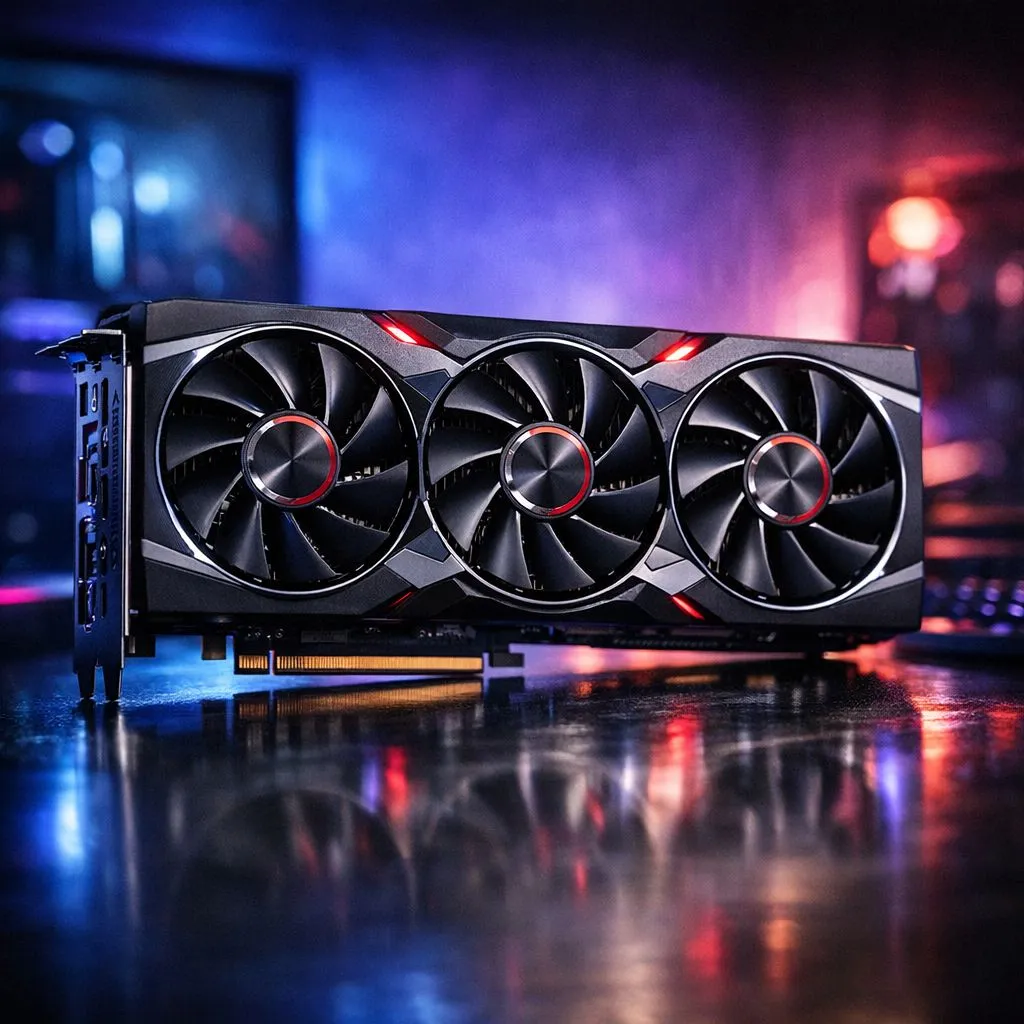
Master Your Graphics with RDNA 4
RDNA 4 is almost here... and South African gamers are ready to push their rigs to the limit. Getting the most out of your new hardware requires more than just plugging it in. You must master the software. By fine-tuning your AMD Adrenalin settings RDNA 4, you ensure smooth frames while keeping your power bill in check. It is about balancing raw power with smart efficiency.
Getting Started with RDNA 4 Optimisation
The latest architecture brings massive improvements in ray tracing and efficiency. Before diving into the nitty-gritty, ensure you have the latest drivers. If you are still running older hardware, check out our current Radeon Graphics Cards to see how the landscape is shifting. AMD Adrenalin is the heart of your experience... offering tools that rival even the best GeForce Graphics Cards on the market. 🚀
Key Settings for Peak Performance
AMD’s software suite is packed with features. For RDNA 4, focus on Radeon Anti-Lag+ and AMD Fluid Motion Frames. These technologies reduce latency and boost visual smoothness significantly. When looking for the best deals on graphics cards, remember that software support is just as vital as raw teraflops. A well-configured setup can save you thousands of ZAR in unnecessary hardware upgrades later. ⚡
Smoothness Pro Tip ⚡
Turn on 'Radeon Super Resolution' in the Adrenalin 'Gaming' tab if you are playing at 4K but want 1440p performance. It uses a high-quality upscaling algorithm that keeps your games looking crisp without the massive hardware hit. This is perfect for competitive titles where every millisecond counts.
Advanced Tuning and MSI Integration
Many enthusiasts prefer specific board partners for their cooling solutions. We often see top-tier performance from MSI models due to their robust power delivery. Within Adrenalin, use the 'Performance' tab to monitor your clock speeds. Adjusting the power limit by a small percentage can often stabilise your boost clocks during heavy gaming sessions. ✨
RDNA 4 is designed to be smarter... not just faster. By using the 'Eco Mode' or 'Chill' settings, you can maintain high performance while reducing heat. This is essential for the South African summer when ambient temperatures rise. Keep your fans spinning efficiently and your frame rates high by following these simple software tweaks. 🔧
Ready to Upgrade Your Gaming Rig? RDNA 4 represents a massive leap in efficiency and power for local gamers. Whether you are building a new PC or upgrading an old favourite, we have the hardware to make it happen. Browse our full range of graphics cards and find the perfect GPU to dominate the leaderboards today.











