

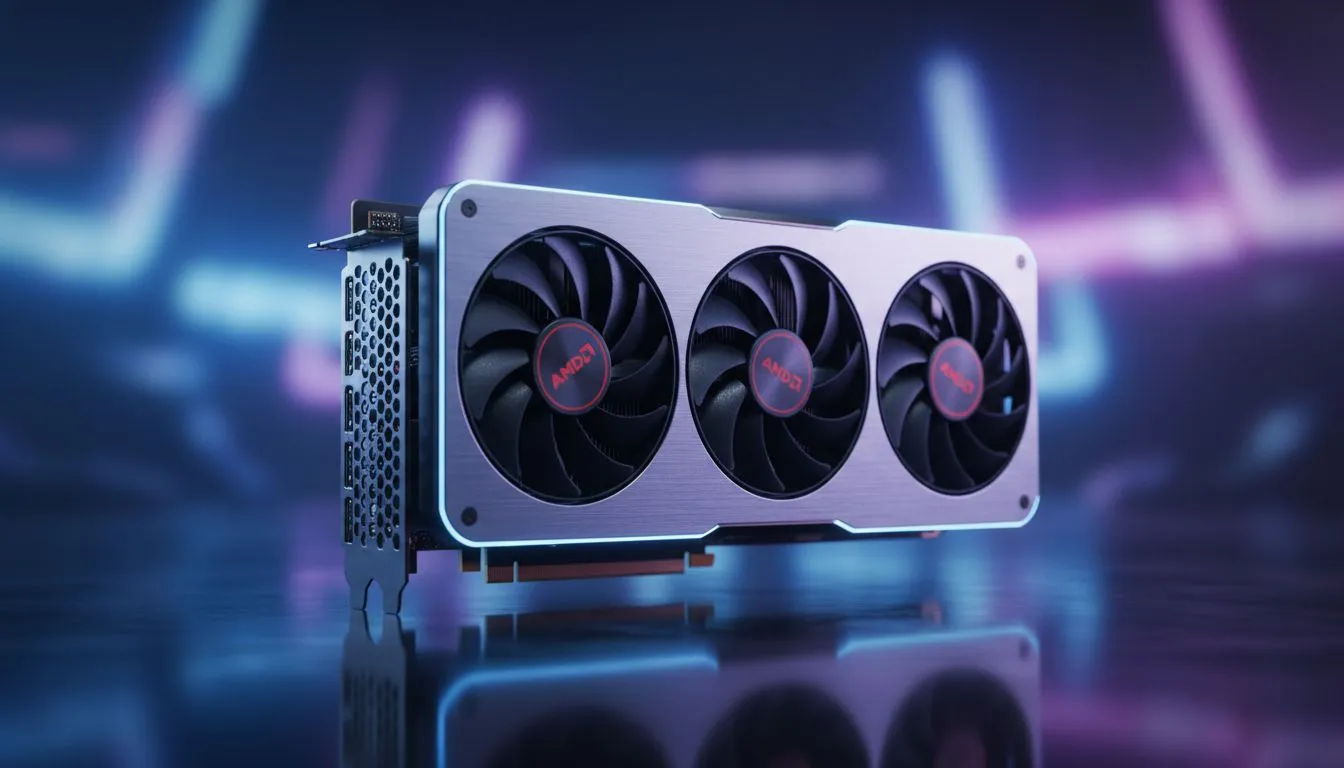
Living in South Africa means power is always on your mind. Between rising Eskom tariffs and the constant threat of load shedding, your PC's wattage matters more than ever. If you are eyeing a new build, understanding AMD GPU power consumption is vital for your wallet and your inverter's runtime. Let's look at how to balance high frame rates with energy efficient gaming ⚡.
Understanding TBP and AMD GPU Power Consumption
When you browse for new graphics cards, you will often see the term TDP. However, AMD typically uses TBP... or Total Board Power. This figure represents the actual wattage the entire card pulls from your power supply.
High performance often demands more juice. Yet, modern RDNA architectures focus heavily on performance per watt. This means you get more frames without necessarily doubling your electricity bill. In a country where every kilowatt counts, choosing an efficient card is a smart financial move. You could save hundreds of Rands annually just by picking a more efficient tier.
Balancing Inverter Load for Uninterrupted Gaming
If you game through load shedding using a lithium battery and inverter setup, efficiency is your best friend. A card with high AMD GPU power consumption will drain your backup batteries significantly faster. For example, a card pulling 300W might cut your gaming session short by an hour compared to a 200W model.
While many users compare these specs against GeForce Graphics Cards, AMD has carved out a niche for excellent mid-range efficiency. By managing your power profile, you can ensure your inverter handles the load without tripping. This allows for longer sessions when the lights go out in your neighbourhood.
Efficiency Pro Tip ⚡
Use the Radeon Software to set a frame rate cap that matches your monitor's refresh rate. If your GPU is pumping out 200 FPS on a 60Hz screen, you are wasting power and generating unnecessary heat. Capping your frame rate can lower power draw by up to 30% in less demanding titles.
Why RDNA Architecture Favours Energy Efficient Gaming
The shift to smaller process nodes has allowed AMD to refine how their chips handle voltage. The latest Radeon Graphics Cards are designed to boost clocks only when necessary. This "race to sleep" methodology ensures that the GPU stays in a low-power state during desktop tasks or lighter indie games.
For those who want the best of both worlds, brands like MSI provide custom PCB designs. These often feature enhanced power phases. Better power delivery means the card operates more stably at lower voltages... a process known as undervolting.
Expert Insights for South African Gamers
Optimising your rig for the local climate is also essential. Higher power consumption leads to more heat. In a South African summer, a power-hungry GPU can turn your room into a sauna. By choosing an energy-efficient model, you reduce the thermal load on your entire system. This leads to quieter fans and a longer lifespan for your components 🚀.
Always check the recommended power supply unit (PSU) wattage before buying. A high-quality 80 Plus Gold PSU will ensure that the power being pulled from the wall is converted as efficiently as possible. This further reduces the strain on your home's electrical circuit and your inverter system.
Ready to Optimise Your Setup? Balancing power and performance is the key to the ultimate South African gaming experience. Whether you are looking for raw frames or inverter-friendly efficiency, we have the right hardware for you. Explore our massive range of AMD Radeon GPUs and find the perfect match for your build today.








