


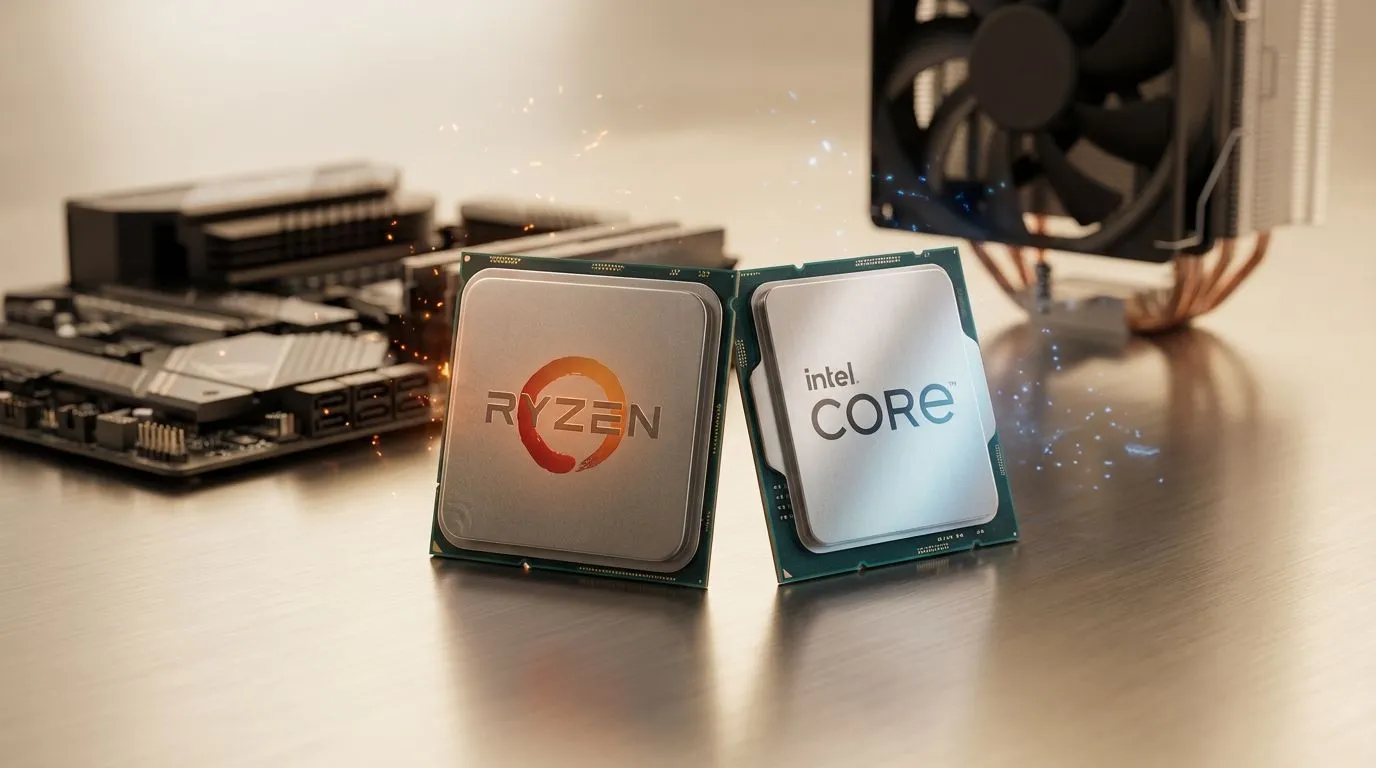
Whether you are dodging fireballs in Elden Ring or watching sparks fly in Cyberpunk 2077, particle effects define the "wow" factor. But when the screen fills with chaos, does your PC stutter? Choosing between AMD vs Intel: Which CPU for Particle Effects is best depends on how these chips handle thousands of tiny physics calculations simultaneously. Let’s dive into what makes a processor truly "particle-ready" for South African gamers. ⚡
Understanding the Physics of Particle Loads
Particle effects are more than just pretty colours on your monitor. Each spark, drop of rain, or puff of smoke is a dynamic entity that requires the CPU to calculate its trajectory, lifespan, and interaction with the environment. If your processor cannot keep up, you will see your frames drop the moment an explosion occurs. To ensure your rig stays smooth during intense raids, you should browse and buy CPU processors online that prioritise high instructions per clock (IPC).
AMD vs Intel: Which CPU for Particle Effects?
The debate between the two giants often comes down to how they manage workloads. Intel’s hybrid architecture... featuring Performance-cores and Efficient-cores... excels at managing background tasks while pushing high frequencies for gaming. If you want a chip that handles high-intensity bursts of magic effects with ease, you might want to buy an Intel CPU from the latest 14th Gen range. Their high clock speeds are legendary for maintaining stability when the screen gets crowded.
On the other side of the fence, AMD has dominated the "gaming-first" conversation with their 3D V-Cache technology. This massive L3 cache allows the processor to store more data closer to the cores, which is a massive benefit for physics-heavy games. When you buy an AMD CPU like the Ryzen 7 7800X3D, you are investing in a chip that specifically reduces the latency associated with complex particle simulations. 🚀
Particle Performance Pro Tip ⚡
If you notice stuttering during explosions, check your "Particle Quality" settings in-game. Lowering this setting often shifts the burden from the CPU to the GPU, but if you have a top-tier Ryzen or Core i9, you can usually leave this on 'Ultra' without breaking a sweat. Always ensure your chipset drivers are updated to the latest version to optimise core scheduling in Windows 11.
Core Count vs Single-Core Speed
While it is tempting to think that more cores automatically mean better fireballs, particle effects in most modern engines still rely heavily on single-core performance. However, as games become more multithreaded, having at least 6 to 8 high-performance cores is the sweet spot for South African gamers looking for value. Whether you are spending R4,000 or R12,000, the goal is to find a balance where your CPU doesn't bottleneck your graphics card during those high-action moments. ✨
The Verdict for Local Gamers
In the local market, pricing often dictates the winner. Intel generally offers a very stable, high-frequency experience that is great for streamers who need to encode video while gaming. AMD’s X3D chips, however, are currently the kings of pure gaming efficiency. If your budget allows for it, the extra cache on the AMD side often provides a smoother "1% low" frame rate, meaning fewer stutters when the dragon starts breathing fire. 🔧
Ready to Find Your Perfect Match? The AMD vs Intel debate is complex, but for maximum power, choice, and value in South Africa, Evetech has the hardware you need. Explore our massive range of CPU specials and find the perfect machine to conquer your world.











