

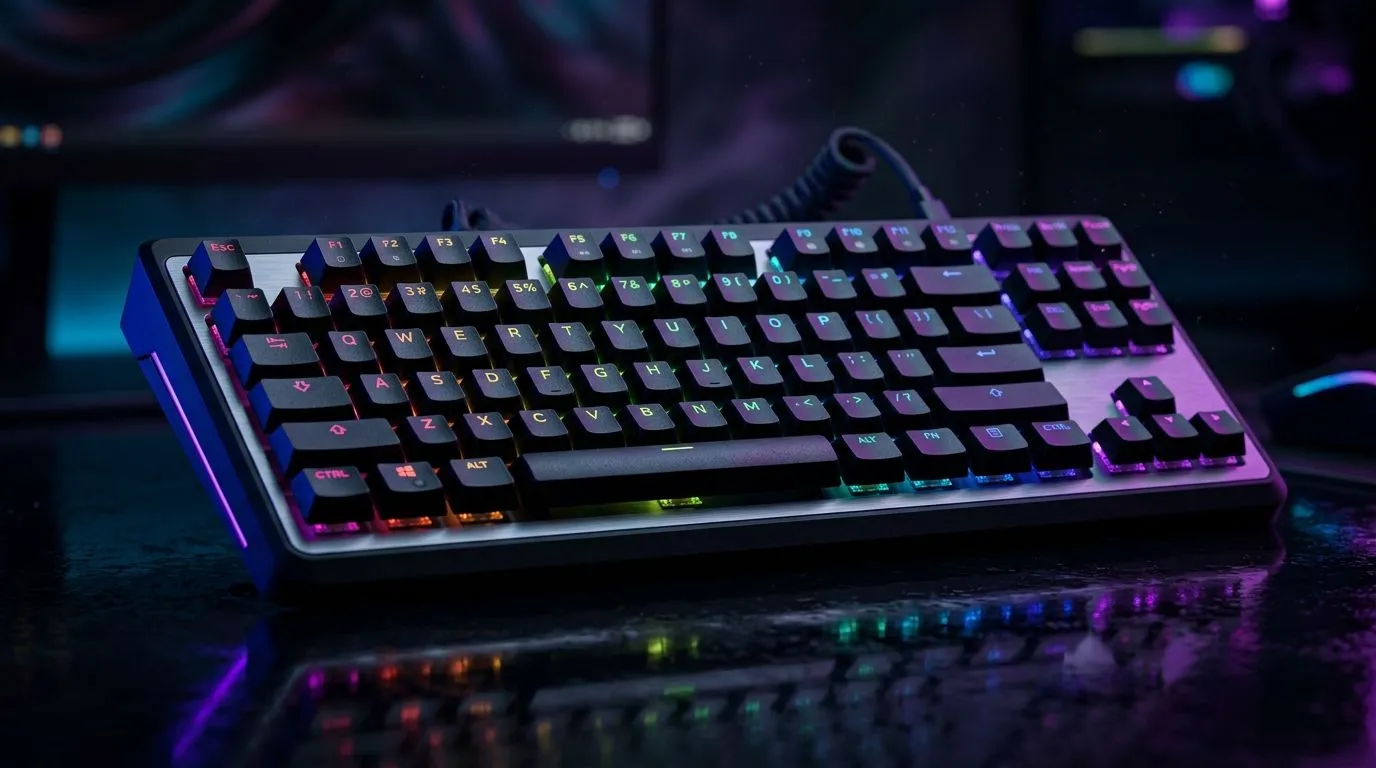
Anti-Ghosting and Full N-Key Rollover: the “press it once” problem for South African gamers
Ever had your keyboard miss a key press mid-round? You’re not alone. In CS2, Valorant, Fortnite… those split-second inputs can decide the round. Two specs get thrown around a lot: anti-ghosting and full N-key rollover. But do you need both, or is one enough? Let’s break it down in plain terms, then help you choose smarter before you pay for “marketing rollover”. 🔧
What anti-ghosting and full N-key rollover actually do
Anti-ghosting: prevents key “weirdness” on basic presses
Anti-ghosting is about stopping “phantom” keys and mis-registered inputs when multiple keys are pressed at once. Some keyboards only handle this for a limited set of keys. Others are more capable.
Full N-key rollover: aims to register many keys simultaneously
Full N-key rollover (often shown as “N-Key Rollover” or “NKRO”) means the keyboard can register any number of keys at once (within its design limits). In practice, this matters when you do complex combos: movement + abilities + weapon switching, plus maybe push-to-talk.
Do you need both? Usually, yes… but with a catch
If you play competitive titles that involve frequent multi-key actions, you’ll benefit from both features. However, “full” rollover is only useful if your keyboard’s switch matrix and firmware can truly handle those simultaneous presses. So rather than buying purely for the spec sheet, prioritise keyboards that explicitly advertise both anti-ghosting and N-key rollover and then check their connectivity type for how you game at home.
How to choose the right keyboard for your setup (wired vs wireless)
Wired stability for competitive play
Wired usually gives the most consistent latency. If you’re sensitive to timing, wired is the safe bet for ranked grinding. ⚡
Link options:
- Read today’s options on best gaming keyboard deals.
- If you want a focused look at the cheapest picks, browse cheapest gaming keyboard in South Africa (wired).
Wireless convenience for casual to semi-competitive
Wireless can be brilliant for living-room setups, desk tidy-ups, or if you share your space. Still, you should be clear-eyed about consistency. Choose wireless models that market low-latency performance and make sure charging is realistic for your routine. ✨
Link options:
- Compare another set of options on cheapest gaming keyboard in South Africa (wireless).
- Or bundle your upgrades with keyboard and mouse combos.
The practical “combo test” before you commit
If you’ve got a keyboard on hand (friends, store demo, or even return window), do this:
- Hold your movement keys (W + A or W + D).
- Press an ability key, then quickly spam your weapon keys.
- Ask: do you ever feel like a key “didn’t register”? If yes, you’re likely running into ghosting limits.
Productivity Pro Tip ⚡
On Windows, use the PowerToys FancyZones utility to create custom snap layouts for your windows. It's a lifesaver for managing multiple apps on an ultrawide monitor, letting you organise your timeline, preview window, and asset folders perfectly for video editing.
Quick buyer checklist (so you don’t overspend)
Aim for stated anti-ghosting plus N-key rollover
Look for both features in the keyboard description. If the listing only mentions “anti-ghosting” without rollover clarity, you could still get blocked on heavy combos.
Match connectivity to your playstyle
- Competitive, consistent, desk-first: wired.
- Comfort and flexibility: wireless, but verify it’s marketed for low-latency gaming.
Budget in ZAR, then decide
A keyboard that’s “good on paper” but overpriced in your budget will haunt you. Start with deals and best-fit listings, then narrow down by features.
Link options:
- If you’re comparing general pricing, check cheapest gaming keyboard in South Africa.
- When you want to see broader deal options quickly, revisit best gaming keyboard deals.
Ready to stop ghost inputs and pick confidently
The truth is simple: competitive play punishes missed inputs. Anti-ghosting helps prevent key weirdness, and full N-key rollover gives you more headroom when you stack actions. If you find a model that clearly supports both, you’re usually buying less guesswork and more reliability for the rounds that matter. 🚀
Ready to Find Your Perfect Match? The Mac vs Windows debate is complex, but for maximum power, choice, and value in South Africa, Windows is hard to beat. Explore our massive range of laptop specials and find the perfect machine to conquer your world.








