

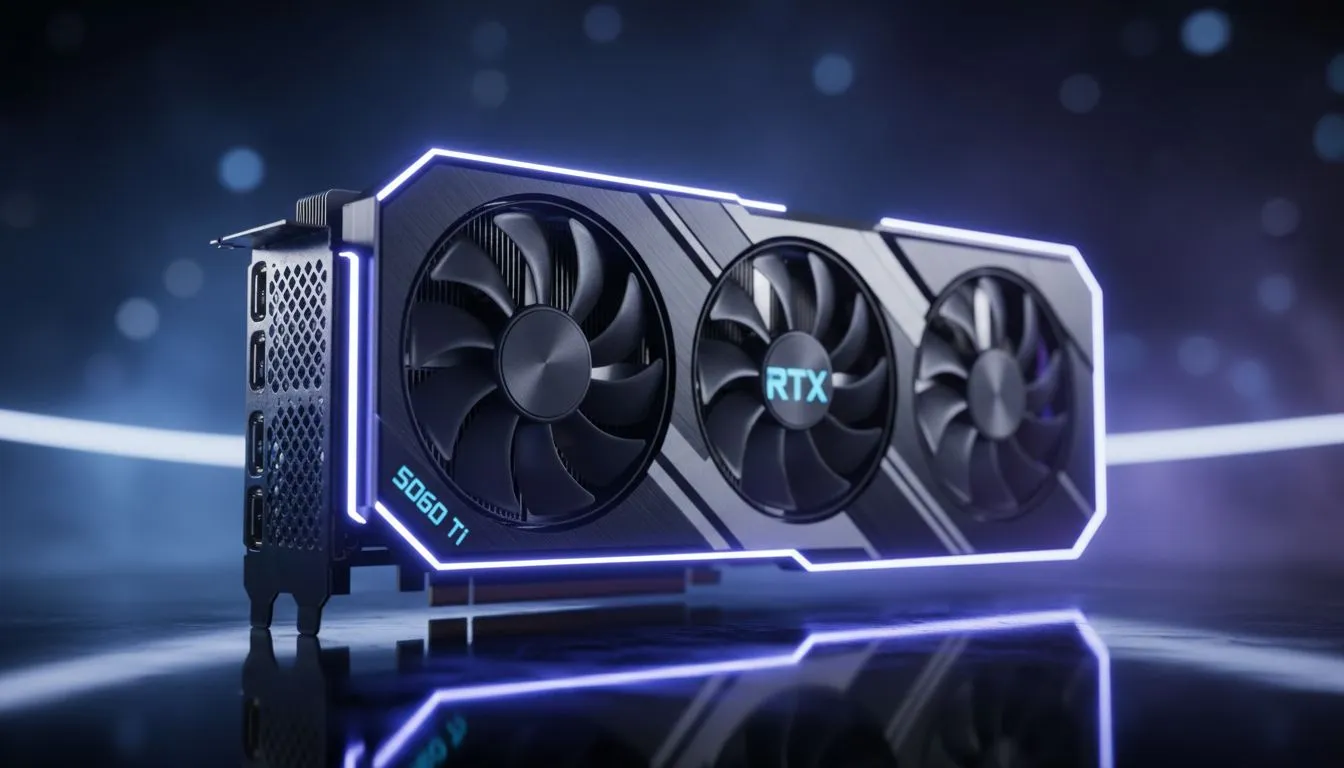
Optimising for the Outlands with High-End Hardware
Dropping into the Apex Games requires more than just fast reflexes... you need visual precision to spot a crouched Wraith from 200 metres away. If you have secured the latest hardware, finding the Apex Clarity Settings for RTX 5060 Ti is essential for that competitive edge. We want to ensure your frames are high and your image is sharp enough to cut through the chaos. 🔧
The Foundation of Visual Precision
To achieve the best visuals in a fast-paced battle royale, you must balance raw power with visibility. When browsing the latest NVIDIA or ATI graphics cards, users often focus solely on frame rates. However, clarity comes from how those frames are rendered. Start by setting your Native Resolution. For the RTX 5060 Ti, 1440p is the sweet spot for crispness.
Next, look at Texture Filtering. Set this to Anisotropic 16x. It has a minimal performance hit on modern cards but makes distant floor textures look significantly sharper. This helps you identify loot and enemy movement much faster. If you prefer hardware with robust cooling to maintain these high settings, MSI graphics cards are renowned for their thermal efficiency in the South African heat. ⚡
Fine-Tuning for Maximum Visibility
Clarity Pro Tip ⚡
Set your 'Model Detail' to High while keeping 'Effects Detail' on Low. This ensures that enemy character models stand out clearly against the environment, but flashy explosions and smoke don't clutter your screen during intense 1v1 fights. It is the secret to staying focused when the ring starts closing in.
While the RTX 5060 Ti is a powerhouse, the market is full of diverse options. Some budget-conscious gamers might look toward Intel Arc graphics cards for secondary streaming rigs. Others might require workstation graphics cards for heavy 3D rendering during the day and gaming at night. Regardless of your choice, the goal remains the same... eliminating blur.
Why Every Frame Matters in South Africa
With local servers often having varied latency, having a visual advantage is paramount. High-speed rasterization is a specialty of AMD Radeon graphics cards, which often provide excellent value in ZAR for pure frame-chasing. However, for those using the RTX 5060 Ti, enabling NVIDIA Reflex is non-negotiable. It reduces system latency... making the game feel more responsive even when the action gets heavy. 🚀
Investing R9,000 or more into a GPU upgrade should result in a night-and-day difference. By using these Apex Clarity Settings for RTX 5060 Ti, you ensure that your hardware isn't just fast... it is accurate. Turn off Motion Blur and Volumetric Lighting immediately. These settings add "cinematic" weight but only serve to hide enemies in the shadows. ✨
Ready to Find Your Perfect Match? Finding the right balance between price and performance is easier than ever. For maximum power, choice, and value in South Africa, our curated GPU selection is hard to beat. Explore our massive range of graphics card specials and find the perfect machine to conquer your world.











