

RTX 5060 Ti vs RX 9070: Gaming Performance Compared in South Africa 2026
Head-to-head comparison of RTX 5060 Ti vs RX 9070: Gaming Performance for SA gamers. Performance benchmarks, Rand pricing & which delivers better value.
Read moreApex Legends mouse polling rate explained and overclocked to lower input lag and sharpen aim. Learn safe PC steps, tools, and settings to boost responsiveness. ⚡🖱️
Dropping into Fragment or Storm Point requires more than just good aim. In a high-speed battle royale like Apex Legends, every millisecond counts toward that final kill leader badge. If your cursor feels sluggish during a Wingman duel, your Apex Legends mouse polling rate might be the culprit. Let's look at how to overclock your setup for peak performance.
Most standard mice report their position 125 times per second. In a game as fast as Apex, that is simply too slow. High-end gaming mice usually default to 1000Hz. This means the mouse updates its position every single millisecond. When you are tracking a sliding Octane, that extra data helps your aim feel fluid... not jittery.
Overclocking your polling rate is about pushing your hardware to its limits. Many modern sensors can handle 4000Hz or even 8000Hz. To start, you need to check if your mouse software allows these higher steps. Brands like Razer often include these settings in their peripheral suites.
If your mouse is older, you might use third-party tools like HIDUSBF. This software forces the Windows USB driver to communicate faster. Be careful though... pushing a cheap mouse too far can cause tracking instability. Always test your settings in the Firing Range before jumping into a Ranked match.
Higher polling rates require more CPU power. If you are running an older processor, jumping from 1000Hz to 8000Hz might actually lower your FPS in Apex Legends. Monitor your frame times to ensure the smoother input does not cause stutters during heavy gunfights.
The quest for lower latency is not just for mouse users anymore. South African competitive players are looking at every piece of hardware. While mice lead the way, the same tech is hitting the world of gaming controllers lately.
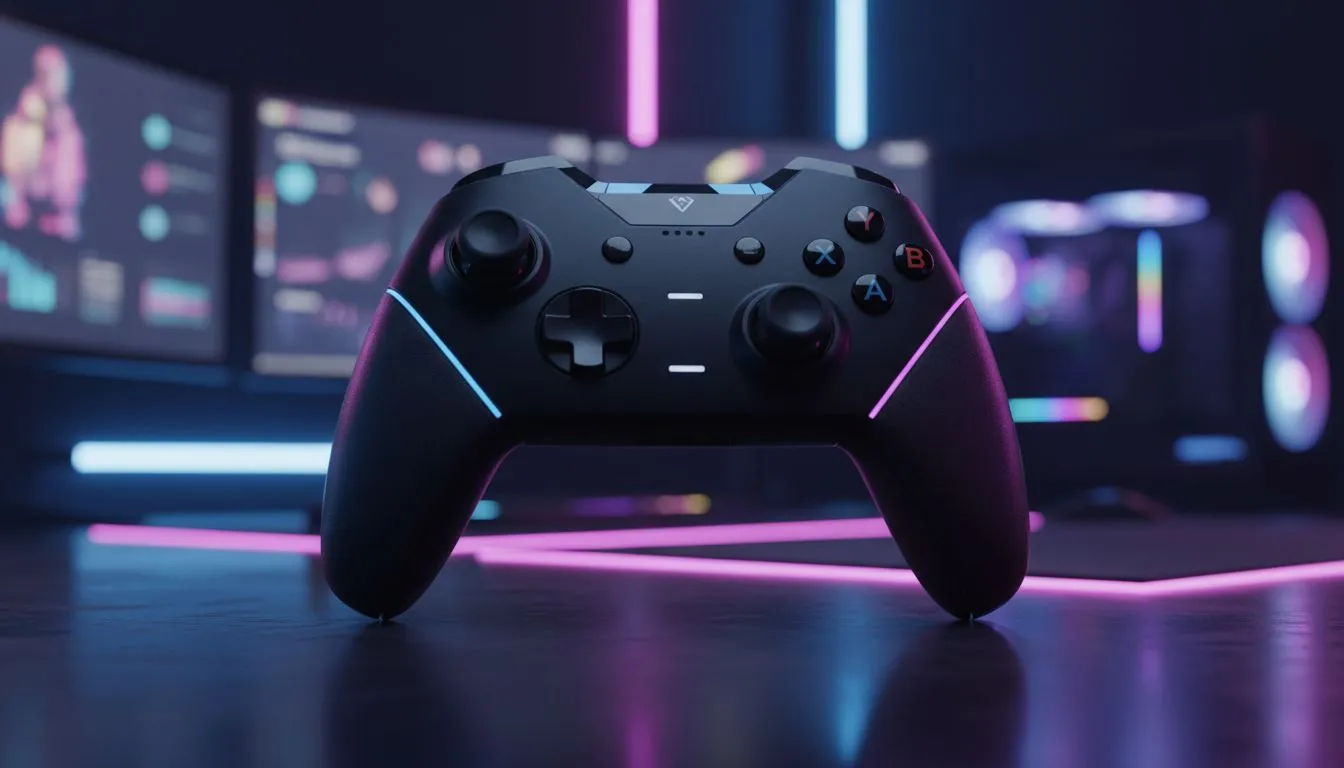
Reducing input lag is a holistic process. If you prefer the sticks over a mouse, choosing Razer ensures you get the most responsive hardware on the market. For instance, the Razer Wolverine V3 Tournament Edition 8K brings that elite 8000Hz polling rate to controller fans. This level of responsiveness was unheard of a few years ago. 🔧
Software plays a massive role in how your Apex Legends mouse polling rate feels. Disable "Enhance Pointer Precision" in your Windows settings immediately. This is just a fancy name for mouse acceleration. It ruins your muscle memory by changing your sensitivity based on how fast you move the mouse.
You should also ensure your USB ports are not being throttled. Use the ports directly on your motherboard rather than a front-panel hub. This provides the cleanest signal for your high-polling hardware. A stable connection is vital when you are fighting for the win in the final ring. 🚀
Ready to Find Your Perfect Match? Mastering your polling rate is just the start of your competitive journey. For maximum precision, choice, and value in South Africa, Evetech has the gear you need to climb the ranks. Explore our massive range of gaming peripherals and find the perfect tool to dominate the Outlands.
Polling rate is how often your mouse reports to the PC. Higher Apex Legends mouse polling rate lowers input lag and can improve aim.
Yes—many mice support safe overclocking. Follow tested steps, backup settings, and check stability to avoid USB or tracking issues.
Use your mouse software or USB report rate tools to set a higher mouse Hz, then test in Apex Legends practice range.
Not always. Higher polling rate reduces input lag but depends on mouse sensor, CPU load, and USB bandwidth for visible gains.
Use polling-rate test utilities and in-game practice ranges to measure mouse hz and confirm reduced input lag for Apex Legends.
1000Hz usually offers lower latency, but gains vary. Test both 500Hz and 1000Hz to see which polling rate fits your setup.
Yes—raising USB report rate can increase power draw and may impact wireless stability or battery life on some mice.
Head-to-head comparison of RTX 5060 Ti vs RX 9070: Gaming Performance for SA gamers. Performance benchmarks, Rand pricing & which delivers better value.
Read more
RTX 5090 Star Wars Outlaws at 1440p: FPS. Real-world benchmark data, FPS numbers & performance analysis. What SA gamers can actually expect.
Read more
RTX 5060 Star Wars Outlaws at 4K: FPS Benchmark. Real-world benchmark data, FPS numbers & performance analysis. What SA gamers can actually expect.
Read more
Head-to-head comparison of RTX 5060 vs RX 7700 XT: Price-to-Performance for SA gamers. Performance benchmarks, Rand pricing & which delivers better value.
Read more
RTX 3060 Red Dead Redemption 2 FPS: Performance. Real-world benchmark data, FPS numbers & performance analysis. What SA gamers can actually expect.
Read more
Head-to-head comparison of RTX 5060 Benchmarks vs Real Gaming Performance for SA gamers. Performance benchmarks, Rand pricing & which delivers better value.
Read more
When Will the RTX 6090 Launch in South Africa Detailed answer with SA data, expert analysis & practical recommendations for local buyers.

Top Valorant Settings for RTX 5070: FPS Optimisation picks evaluated on performance, value & SA availability with current Rand pricing from Evetech.

RDNA 3.5 Graphics in Ryzen AI 400? Can You Game. Plain-English explanation of what it means, why it matters & how it affects your buying decisions in SA.

GPU Price Index : December Report. Current stock data & price tracking for SA buyers. See what is available and where prices are heading.

Core i5-14600K + B760 + RTX 5060 Build Under. Full parts list, Rand pricing & expected performance. Build confidently with SA-available components.

RX 7600 Apex Legends at 4K: FPS Benchmark. Real-world benchmark data, FPS numbers & performance analysis. What SA gamers can actually expect.

RX 7900 XTX GTA 6 at 4K: FPS Benchmark & Optimal. Real-world benchmark data, FPS numbers & performance analysis. What SA gamers can actually expect.

Head-to-head comparison of RTX 5070 vs RX 9070 XT: Gaming Performance for SA gamers. Performance benchmarks, Rand pricing & which delivers better value.

Starfield Max Settings on RTX 5070. Tested & verified settings for best FPS and visual quality on SA hardware budgets.

Top RX 7800 XT Model Under R8,000 picks evaluated on performance, value & SA availability with current Rand pricing from Evetech.

RTX 5070 Valorant Optimised Settings: Graphics. Real-world benchmark data, FPS numbers & performance analysis. What SA gamers can actually expect.

Top Laptop with Core i7 + RX 7700S: Picks picks evaluated on performance, value & SA availability with current Rand pricing from Evetech.