

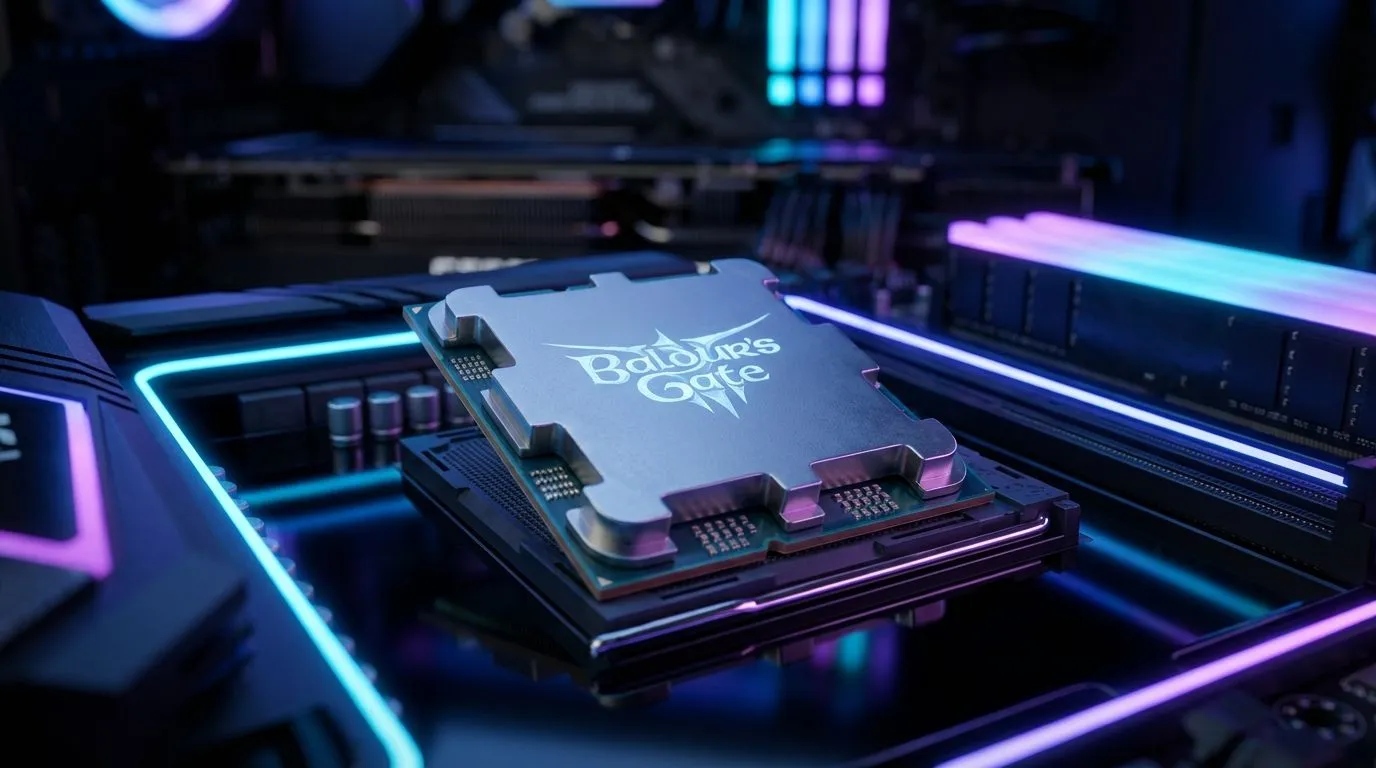
The Act 3 Performance Wall in Baldur's Gate 3
You’ve spent sixty hours trekking through the Shadow-Cursed Lands, only to arrive at the gates of the titular city and watch your frame rate plummet. If your PC feels like it’s wading through treacle in Act 3, you aren’t alone. While the first two acts are relatively kind to hardware, Baldur's Gate 3 is notoriously CPU bound once you reach the bustling streets of the Lower City.
The transition from the wilderness to the urban sprawl of Baldur’s Gate introduces a massive spike in complexity. It is not just about the graphics... it is about the sheer volume of logic calculations happening behind the scenes. Every single NPC in the city has its own pathfinding, daily routine, and interaction script. When hundreds of these characters occupy the same zone, your processor has to work overtime to keep track of them all.
Why Your GPU Isn't the Solution
In most modern titles, if you want more frames, you simply lower the resolution or buy a better graphics card. However, when a game is CPU bound, your GPU often sits at 50% usage while your frame rate remains stuck in the low 40s. This is a classic bottleneck. The processor cannot feed instructions to the graphics card fast enough because it is too busy calculating NPC behaviour and physics.
For South African gamers looking to smooth out their experience, looking at a modern range of CPU processors is often the only way to maintain a stable 60 FPS in the city. If your chip is more than a few generations old, the architectural improvements in newer models can offer a massive uplift in these specific, logic-heavy scenarios.
Performance Pro Tip ⚡
Try lowering the 'Crowd Density' setting in the options menu. This reduces the number of background NPCs the engine has to simulate, which is the single biggest factor when Baldur's Gate 3 becomes CPU bound in the city streets. It won't affect the story, but it will certainly stabilise your frame times.
Choosing the Right Hardware for Larian’s Masterpiece
If you prefer the blue team, moving to a high-clock, performance-driven Intel CPU can provide the single-core speed necessary to handle those complex NPC scripts. Modern chips are designed to boost higher for longer, ensuring that the heavy crowds of the Lower City don't turn your epic RPG adventure into a slideshow. 🔧
On the other hand, many local enthusiasts swear by the massive L3 cache found on certain chips. Upgrading to a top-tier AMD CPU with 3D V-Cache technology has shown significant benefits in simulation-heavy games like this one. The extra on-chip memory allows the processor to access game data much faster, which is exactly what a title as complex as Baldur’s Gate 3 craves. 🚀
Investing in a platform that supports faster DDR5 RAM also plays a role. Since the CPU has to move so much data around during city exploration, faster memory speeds help reduce the "stutter" often felt when turning the camera quickly in crowded areas. ⚡
Optimising Your Current Setup
Before you reach for your wallet, ensure your background processes are minimised. In South Africa, where we often deal with background downloads or heavy security software, these can sap precious cycles from your processor. Closing Chrome tabs or pausing updates can sometimes give you that extra 5% performance needed to make the city playable. ✨
Ultimately, Baldur’s Gate 3 is a generational leap in RPG design, and that comes with a cost. If you want to experience the conclusion of your journey with the fluid performance the developers intended, ensuring your CPU is up to the task is the most important step you can take.
Ready to Conquer the Lower City? Don't let a bottleneck ruin your journey through the Forgotten Realms. For maximum power and the best gaming value in South Africa, upgrading your core components is the way to go. Explore our massive range of CPU specials and find the perfect processor to eliminate the lag today.











