


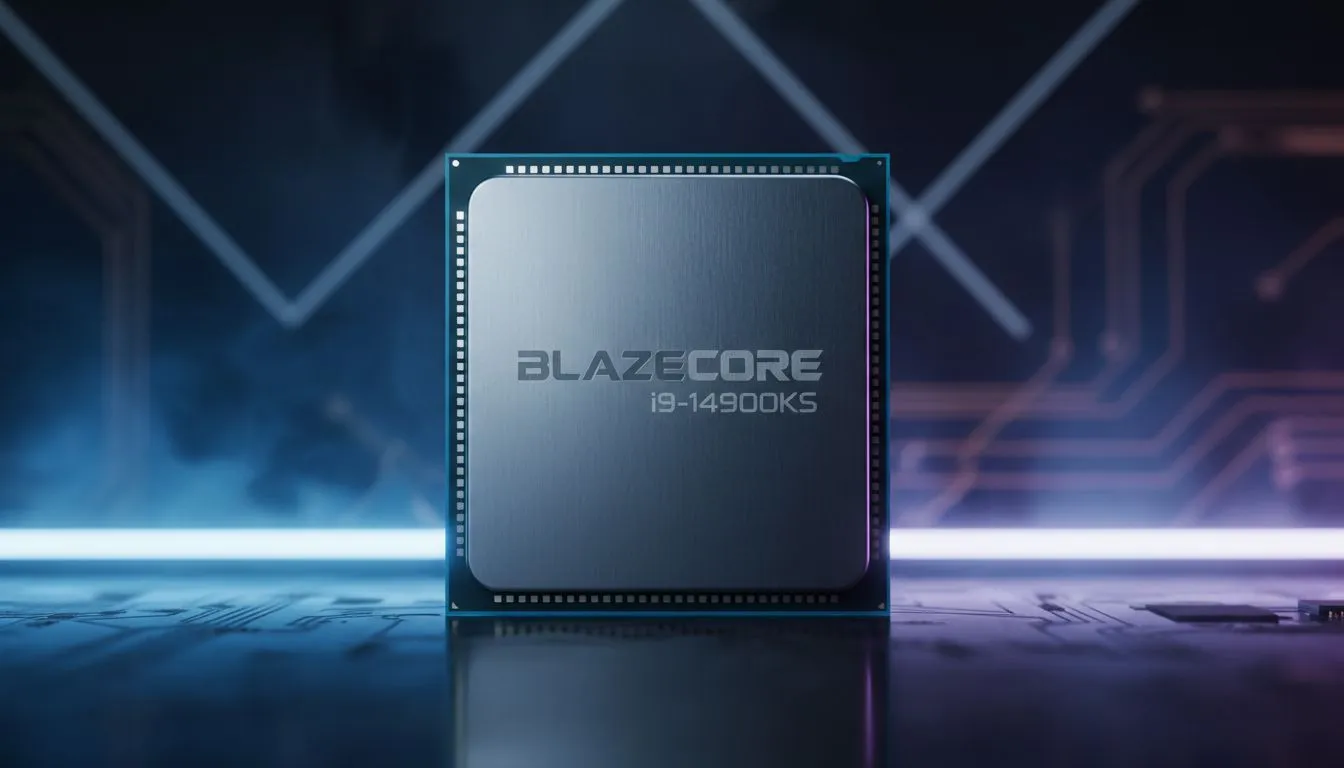
The Secret to High FPS in League of Legends
There is nothing worse than lining up a perfect Malphite ult only to have your screen freeze for a split second. In the high-stakes world of Summoner's Rift, every frame counts. If you want to climb the ranks in 2026, finding the best CPU for LoL is the most effective way to fix teamfight FPS drops and ensure smooth gameplay ✨.
Finding the Best CPU for LoL (2026) to Stop Stutters
League of Legends is notoriously light on your GPU, but it puts a massive load on a single processor core. If your frame rate tanks when ten champions start spamming abilities in the mid-lane, your processor is likely the bottleneck. To maintain a stable 240Hz or 360Hz refresh rate, you need a chip with high instructions-per-clock (IPC) performance.
For most South African gamers, the sweet spot involves balancing price and raw speed. If you want pure clock speed for competitive titles, you should buy Intel CPUs that feature high boost frequencies. These chips handle the chaotic calculations of a late-game teamfight without breaking a sweat.
Performance Pro Tip ⚡
Disable "Full-screen Optimisations" in the League of Legends executable properties. This small Windows tweak can reduce input lag and prevent weird frame-time spikes during intense combat. It is a simple fix that helps your hardware breathe easier when the action gets hectic.
How to Fix Teamfight FPS Drops for Good
If you have noticed your performance dipping below 100 FPS during objective contests, it is time for an upgrade. The latest architecture from Team Red is also a fantastic choice for esports. When you buy AMD CPUs, you often get massive L3 cache sizes. This "3D V-Cache" technology is a miracle for 1% low frame rates, which are the main cause of those annoying stutters.
Remember that a great processor needs a solid foundation. The easiest way to buy CPU processors online in South Africa is to look for bundles that include compatible motherboards. This ensures your new hardware runs at peak efficiency from the moment you hit the power button 🔧.
Optimising Your Setup for Summoner's Rift
Upgrading your hardware is the first step, but software matters too. Ensure your power plan is set to "High Performance" in Windows. This prevents your CPU from down-clocking during quiet moments in the laning phase. With the right hardware, you can stop worrying about your hardware and start focusing on your map awareness 🚀.
Ready to Fix Your Teamfight FPS? Don't let a slow processor hold back your rank in 2026. Whether you are looking for the latest Intel power or AMD efficiency, we have the best deals in ZAR. Explore our full range of CPU processors and take your League of Legends performance to the next level.











