

Is Overclocking TKL keyboard Worth It in SA?
Is Overclocking TKL keyboard Worth It in SA Detailed answer with SA data, expert analysis & practical recommendations for local buyers.
Read more• Test eDPI • Choose by playstyle • Balance speed/precision • Use profiles Best DPI for Valorant: actionable DPI ranges and setup tips for CS2 and other FPS games to improve aim and consistency 🎯🖱️
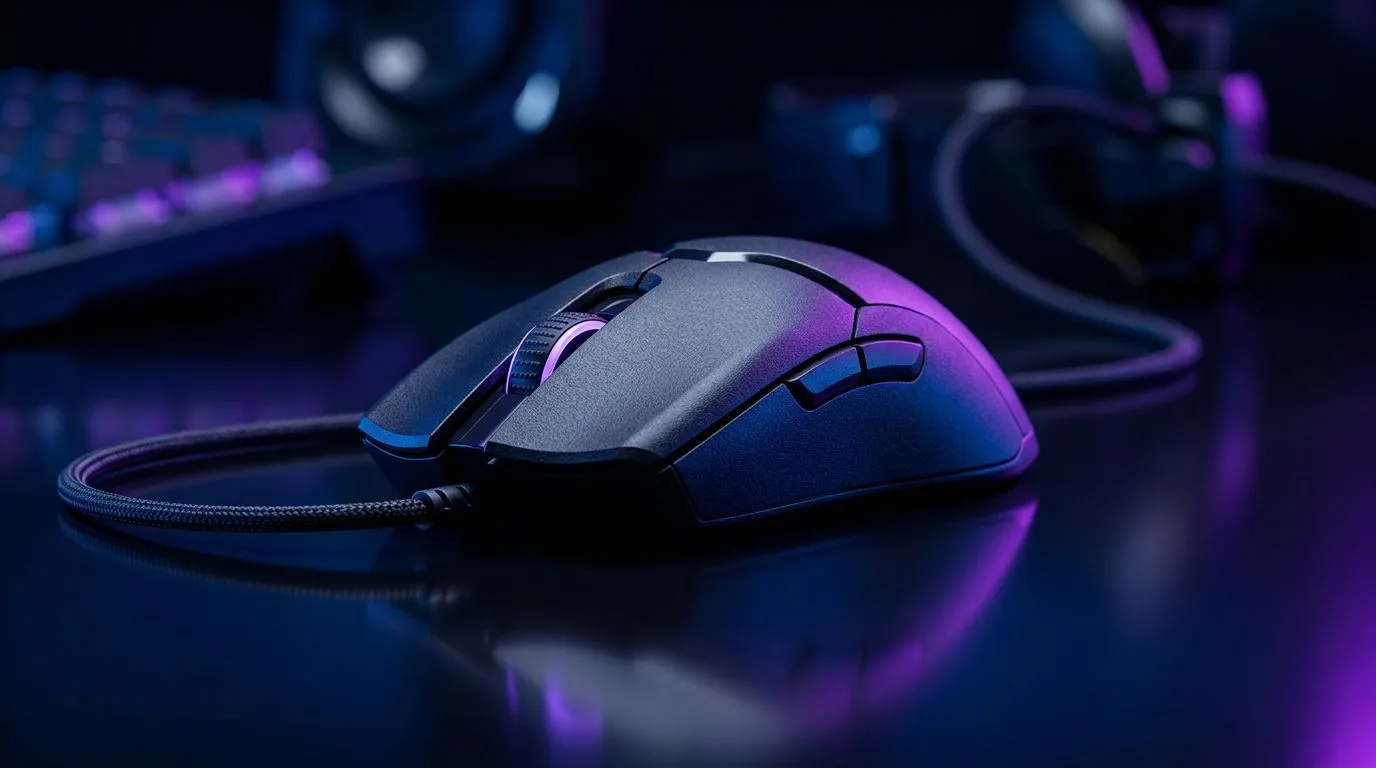
Ever feel like your crosshair is dancing just a millimetre off your target in a high-stakes clutch? In South African lobbies, where every millisecond counts, your sensitivity settings are often the invisible wall between a Silver rank and a Radiant climb. Finding the best DPI for Valorant, CS2 and other FPS games isn't about copying a pro; it’s about finding the balance between pixel-perfect micro-adjustments and the ability to flick across your mousepad. ⚡
Most competitive players swear by a lower DPI, typically between 400 and 800. Why? It provides a smoother, more consistent tracking experience that reduces the jitter often found at higher settings. If you are still using a generic office mouse, you are likely fighting against sensor acceleration that ruins your muscle memory. It is time to upgrade your gaming mouse to something with a flawless optical sensor.
Calculate your eDPI by multiplying your mouse DPI by your in-game sensitivity. A common sweet spot for tactical shooters is an eDPI between 200 and 400. If you feel sluggish, increase it in small increments of 0.05 until your movement feels snappy but controlled.
Once you have settled on your preferred settings, ensure your gear is up to the task. Whether you prefer the freedom of a wireless gaming mouse to keep your desk clutter-free or the reliability of a wired gaming mouse for zero latency, Evetech has you covered. Don't forget that a high-end mouse is only as good as the surface it sits on; check out our mouse accessories to ensure your glide is as smooth as your aim. 🚀
Finding the right setup is only half the battle. If you are looking to save some cash while upgrading your competitive kit, keep an eye on our best gaming mouse deals. When you lock in your DPI, stick to it. Constantly changing your sensitivity is the fastest way to destroy the muscle memory required for those pixel-perfect headshots. Keep your settings stable, practice your crosshair placement, and watch your win rate climb. ✨
Ready to Find Your Perfect Match? Precision is the difference between a win and a respawn. Whether you are hunting for the latest sensor tech or a ergonomic shape that fits your grip perfectly, we have the gear to help you dominate the leaderboard. Explore our massive range of gaming mice today and find the perfect tool to conquer your world.
Most players use 400–800 DPI with a low in-game sensitivity. Aim for an eDPI between 200 and 400 for consistent aiming.
Higher DPI isn't always better. CS2 benefits from lower DPI (400–1600) combined with appropriate in-game sensitivity for precision.
Multiply your mouse DPI by in-game sensitivity. eDPI = DPI × sensitivity. Use eDPI to compare feel across setups.
On higher resolutions, slightly higher DPI can help cursor travel, but keep eDPI consistent to preserve aim muscle memory.
DPI is hardware mouse resolution; sensitivity is game scaling. Both affect aim. Adjust together to find a comfortable eDPI.
Yes. Pro players use multiple DPI profiles or change in-game sensitivity per scenario. Test profiles to match playstyle and maps.
Start with 400–800 DPI, set in-game sensitivity for comfortable crosshair travel, then train with aim maps and adjust in small increments.
Is Overclocking TKL keyboard Worth It in SA Detailed answer with SA data, expert analysis & practical recommendations for local buyers.
Read more
Geekbench Keyboard Benchmarks: Rankings. Real-world benchmark data, FPS numbers & performance analysis. What SA gamers can actually expect.
Read more
Head-to-head comparison of Keyboard Prices: Online vs Physical Stores for SA gamers. Performance benchmarks, Rand pricing & which delivers better value.
Read more
Head-to-head comparison of Apple Magic Keyboard vs Third-Party: Is It Worth for SA gamers. Performance benchmarks, Rand pricing & which delivers better value.
Read more
CS2 Low FPS: Monitor Bottleneck. Real-world benchmark data, FPS numbers & performance analysis. What SA gamers can actually expect.

Is AOC a Good Monitor Brand for Gaming in South Africa Detailed answer with SA data, expert analysis & practical recommendations for local buyers.

What Gaming Monitor Can You Get for R20,000. Full parts list, Rand pricing & expected performance. Build confidently with SA-available components.

What Gamers Actually Bought: November Report. Real purchase data from SA retailers revealing what local buyers are actually choosing and why.

Can the RX 7700 XT Handle 1440p 144Hz Gaming. Performance testing verdict with real data & practical recommendations for SA buyers.

Top Laptop with Core i7 + RX 7700S: Picks picks evaluated on performance, value & SA availability with current Rand pricing from Evetech.

RX 7700 XT Black Myth Wukong 2 FPS: Performance. Real-world benchmark data, FPS numbers & performance analysis. What SA gamers can actually expect.

RTX 6080 Gran Turismo 7 PC Performance: FPS Test. Real-world benchmark data, FPS numbers & performance analysis. What SA gamers can actually expect.

MacBook Pro 16-Inch M5 Max: Complete Specs,. Everything you need to know with SA pricing, step-by-step instructions & expert recommendations.

Travelling With a MacBook: Travellers. Everything you need to know with SA pricing, step-by-step instructions & expert recommendations.

Back-to-School Parent Guide: Laptops. Everything you need to know with SA pricing, step-by-step instructions & expert recommendations.

MacBook Air 13-Inch M5: Complete Specs, Features. Everything you need to know with SA pricing, step-by-step instructions & expert recommendations.