


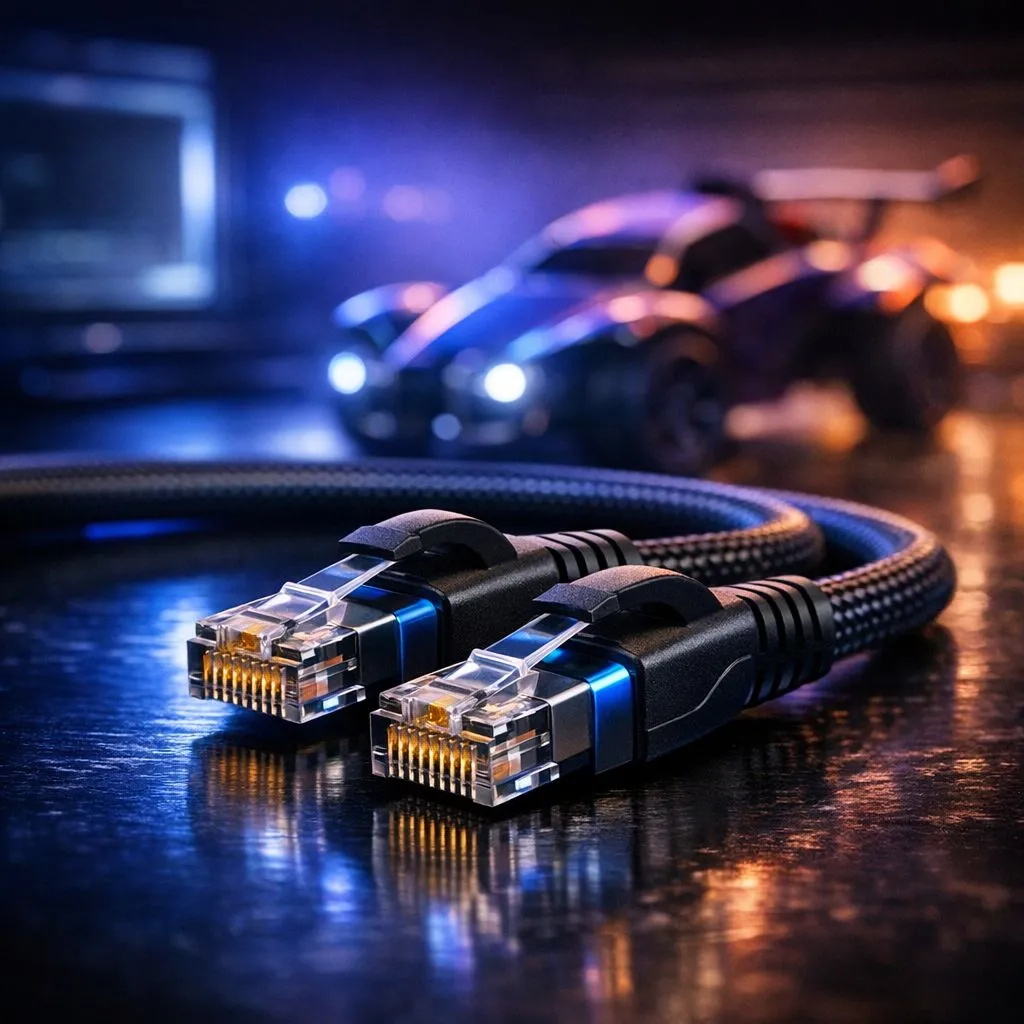
There is nothing worse than being mid-aerial in a Diamond rank match only to see that dreaded "Packet Loss" icon. In South Africa, where ping to European servers is already a challenge, your local setup needs to be flawless. Finding the best Ethernet cable for Rocket League isn't just about speed... it is about stability. Let's ensure your connection never lets you down during overtime. 🚀
Why a Wired Connection is Vital for Rocket League
Rocket League is a physics-based game. Every millisecond counts. If your data packets take a detour, you miss the ball. While many gamers rely on standard wireless networking components, a physical connection is non-negotiable for competitive play. Packet loss usually occurs because of interference or congestion on your local network.
Using the best Ethernet cable for Rocket League ensures that your inputs reach the server without interruption. In South Africa, we often deal with higher base pings to international servers. Adding local jitter on top of that makes the game unplayable. Upgrading to a Cat6 or Cat6a cable is often the most affordable way to see an immediate improvement in your rank.
Choosing the Right Cable Category to Fix Packet Loss
Not all cables are made the same. You might see Cat5e, Cat6, or even Cat8 on the shelf. For most South African homes, a Cat6 cable is the sweet spot. It supports 10Gbps over short distances and has better internal shielding than Cat5e. This shielding prevents "crosstalk" from other electronics in your room. ⚡
If your setup involves long runs through walls, ensure your high-performance wireless routers are paired with high-quality copper cabling. Avoid "CCA" (Copper Clad Aluminium) cables... they are brittle and offer worse performance over time. Always look for 100% oxygen-free copper for the best results.
The Golden Rule of Cable Length ⚡
Keep your Ethernet runs as short as possible. While Ethernet is rated for up to 100 metres, every extra metre introduces a tiny bit of latency. If you are serious about fixing packet loss, try to keep your gaming PC within 10 to 15 metres of your router for the cleanest signal possible.
Troubleshooting Your Connection Issues
Sometimes the cable isn't the only culprit. If you find your signal dropping in the bedroom or a far corner of the house, you might consider wireless range extenders to bridge the gap for other devices. This keeps the main bandwidth clear for your gaming rig.
Check your cable for physical damage. A sharp bend or a heavy chair leg on the wire can cause intermittent packet loss. If you see the orange "disconnected" icon in Rocket League, swap your cable first before calling your ISP. It is usually a R100 fix rather than a hardware failure. 🔧
When a Hardwired Connection is Impossible
We get it... running a 20-metre cable through the lounge isn't always an option. If you are stuck on Wi-Fi, you need the best possible hardware to mimic a wired feel. Investing in premium wireless adapters with external antennas can help stabilise your connection. ✨
However, for the lowest possible ping, nothing beats a direct line. Even a basic Cat5e cable will outperform the most expensive Wi-Fi 6 setup when it comes to raw stability in high-paced titles like Rocket League.
Ready to Fix Your Lag for Good? Don't let a poor connection hold back your Grand Champion dreams. Whether you need high-speed cabling or a network overhaul, we have the gear to get you back in the game. Explore our full range of networking solutions and dominate the pitch today.











