

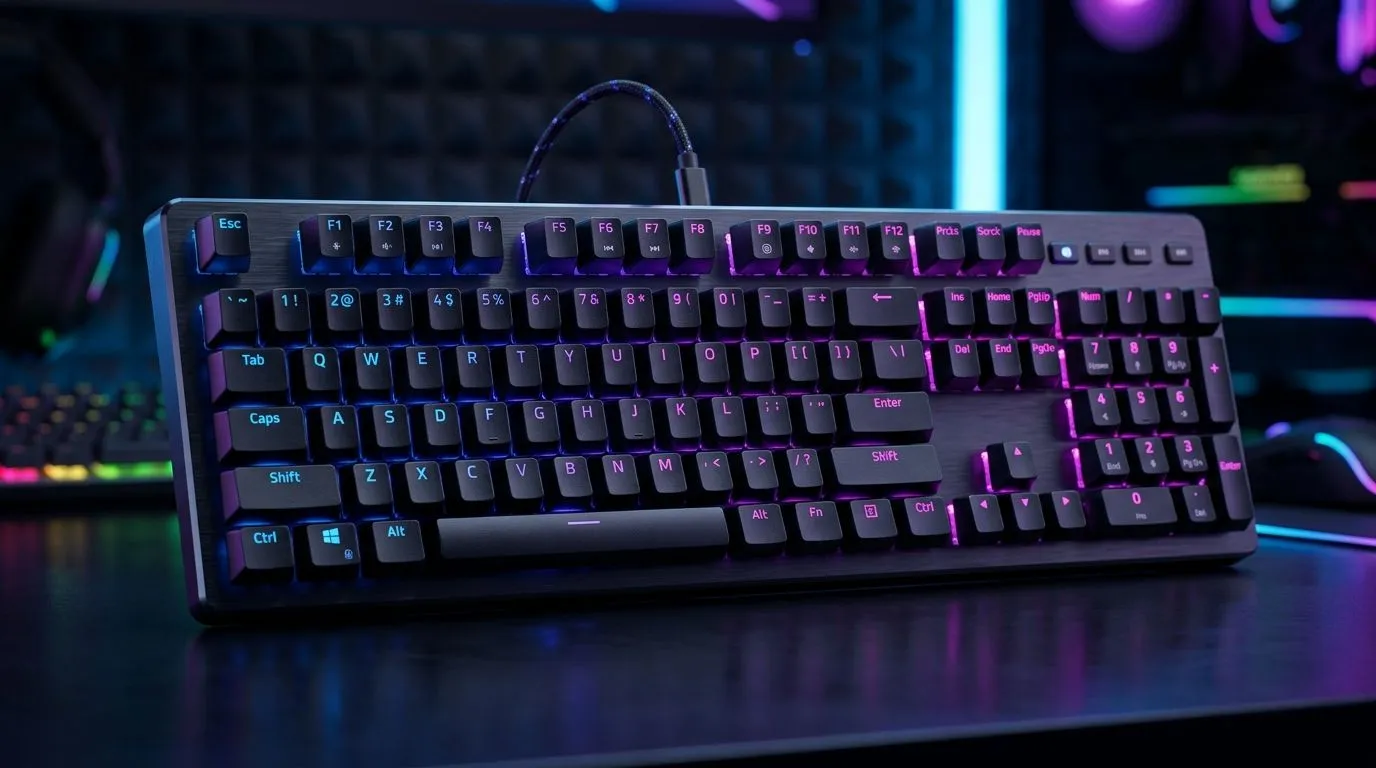
Best Gaming Keyboard Features for South Africa Under R2500: Start Winning Sooner
If you’ve ever died because your keyboard “felt” laggy… you already know. In SA, a keyboard under R2500 isn’t just about looks. It’s about reliability, comfort, and inputs that register when it matters. Whether you’re swapping between Fortnite and Apex, grinding ranked, or doing school or work between queues… the right features can noticeably improve your day. ⚡
Best Gaming Keyboard Features for South Africa Under R2500: What Actually Matters
When you’re shopping on a budget, prioritise the features that improve your real-world gameplay. Here’s the checklist we’d use at checkout.
Best switch type for value (and fewer regrets) 🔧
Look for consistent key feel. Mechanical keyboards (or at least hybrid mechanical options) tend to offer better feedback than cheap membrane boards. Evetech’s keyboard listings typically help you compare what you’re getting, especially around “wired vs wireless” and the general platform choice.
Connectivity: Wired first for competitive play ⚡
For competitive shooters, wired generally wins on responsiveness and reliability. Wireless can be fine for story games and casual play, but competitive players often prefer wired to remove variables like battery and signal stability.
Layout and comfort for long sessions ✨
A full-size board can be great, but many gamers prefer 75% or compact designs to keep the mouse space comfortable. Check whether the board includes extra keys like media controls, a number pad (if you need it), and whether the keycaps feel durable for daily use.
Productivity Pro Tip ⚡
On Windows, set up a “per game” keyboard layout using Windows Settings plus your game’s keybind profiles. Keep your movement keys consistent across shooters, and rebind only action keys when needed. It makes switching games much faster, especially after long ranked sessions.
Best Gaming Keyboard Features for South Africa Under R2500: How to Choose Wired vs Wireless
Before you buy, decide how you play. If your setup stays at your desk, go wired and put that budget into better stabilisers, key feel, or extra programmable keys. If you move around, stream from the couch, or share a workspace, wireless can be worth it.
You can browse Evetech’s options here for wired choices:
And if you’re specifically after wireless:
If you want a starting point for keyboard deals overall, start here:
Best Gaming Keyboard Features for South Africa Under R2500: Avoid the “cheap trap”
Under R2500, it’s easy to overpay for RGB but underinvest in what you feel. Prioritise:
- Consistent key travel and actuation (your fingers notice it fast)
- Programmable keys if you rotate abilities often
- Good cable management for wired boards (less tugging = fewer accidental inputs)
- Software support only if you’re actually going to customise profiles
One practical approach: choose the connectivity first, then evaluate the board’s layout. Only after that should you judge lighting. For bundles, pairing a keyboard with a mouse can simplify your upgrade path and keep you on budget:
Best Gaming Keyboard Features for South Africa Under R2500: Quick Buying Guide (SA Gamer Edition)
Here’s a simple decision flow:
- Competitive FPS? Choose wired for consistency.
- Long sessions? Choose comfort and a layout that keeps mouse space roomy.
- You bind a lot of keys? Choose boards with extra programmable buttons.
- You’re unsure? Start with Evetech’s comparison pages and shortlist two options.
If you want a broader view of budget keyboard picks, use this page to explore:
Best Gaming Keyboard Features for South Africa Under R2500: Finish the Upgrade
The right keyboard won’t play for you… but it removes friction. Less accidental keystrokes. More confident binds. Better sessions. That’s what you want under R2500.
Ready to Find Your Perfect Match? The Mac vs Windows debate is complex, but for maximum power, choice, and value in South Africa, Windows is hard to beat. Explore our massive range of laptop specials and find the perfect machine to conquer your world.











