

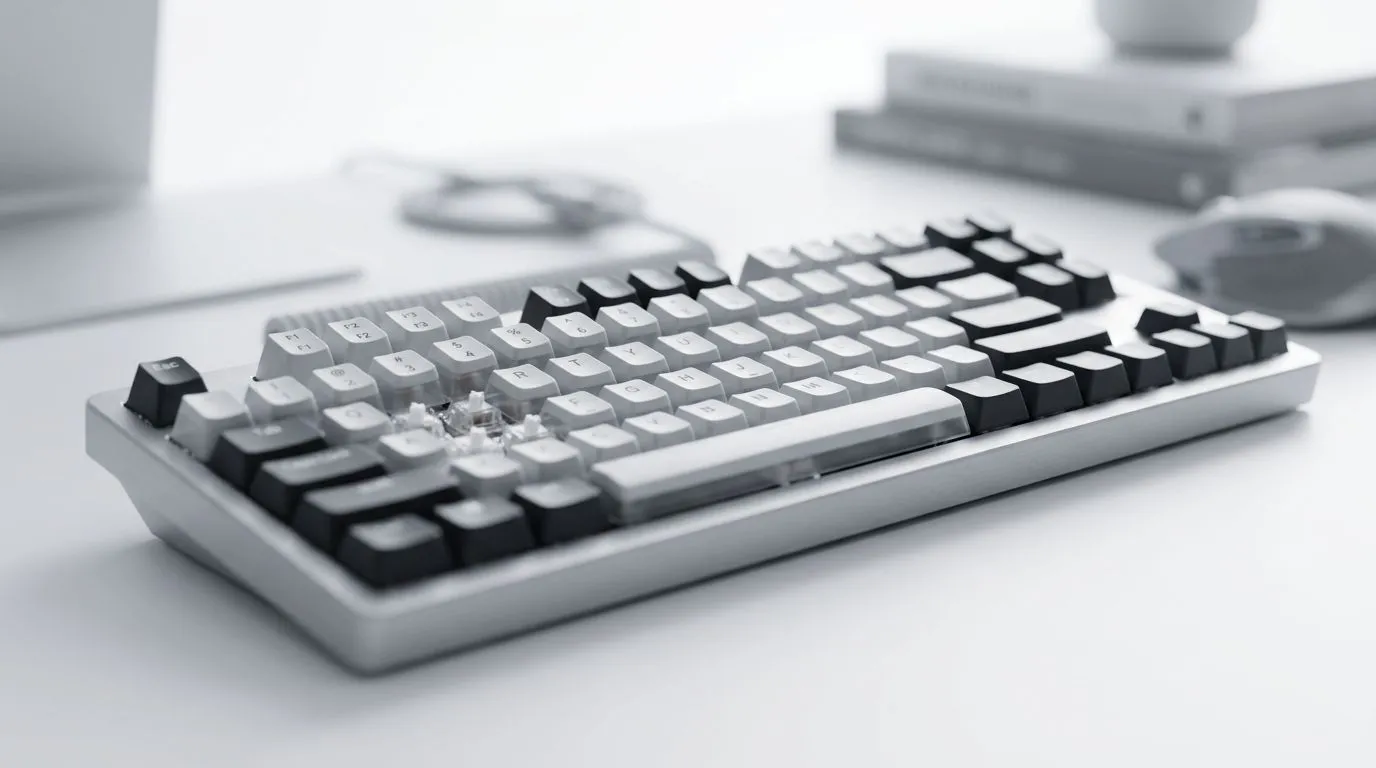
Best Gaming Keyboard Layout: Full-Size vs TKL vs Compact (and why it matters in SA)
Walk into any LAN, club night, or weekend Discord with local oke energy and you’ll hear it fast… “Do you need the numpad?” That one detail changes your aim routines, your editing workflow, and even how fast you tab into menus mid-match. If you’re shopping in South Africa, the real question is simple: which layout fits your hands, your games, and your desk space? 🎮
In this guide, we break down the best gaming keyboard layout: full-size vs TKL vs compact, with practical buying tips and honest trade-offs. Then we’ll point you to the right deals before you second-guess your cart.
Best Gaming Keyboard Layout: Full-Size vs TKL vs Compact for gamers who play daily
Full-size keyboards (usually 104 keys) keep everything: arrows, function row, and the numpad. That’s useful if you switch between gaming and tasks that love number input. If you do productivity on the same PC (spreadsheets, CAD light work, or just heavy Excel days), full-size becomes a “one keyboard does everything” option. ⚡
Where full-size shines
- You want a numpad for quick number entry.
- Your muscle memory is built around standard office layouts.
- You game and work on the same machine all day.
The downside
- They take more desk depth. Tight setups can push your mouse closer than you want, which can mess with comfort over long sessions.
Best Gaming Keyboard Layout: Full-Size vs TKL vs Compact for competitive play (TKL focus)
TKL (Tenkeyless) removes the numpad while keeping arrow keys and the main key cluster. Most competitive gamers prefer TKL because it keeps the keyboard narrower. That usually means more mouse space, better reach, and less desk clutter. 🔧
TKL advantages
- Frees up space for lower DPI or wider swings.
- Easier to centre your mouse and keep posture consistent.
- Often comes with strong gaming-centric features (depending on the model).
TKL trade-offs
- If you frequently use numeric entry, you’ll either relearn shortcuts or rely on external number input.
Best Gaming Keyboard Layout: Full-Size vs TKL vs Compact for small desks and big ambition (Compact)
Compact layouts (often 60% to 75%) cut further. This is the “desk minimalism” choice. You’ll gain space, but you’ll also rely more on layers, shortcuts, and dedicated key combinations.
Compact is ideal when
- Your desk is small and your mouse arm needs room.
- You’re okay learning shortcuts.
- You want to travel light (or your keyboard lives in a backpack).
Compact pitfalls
- Not everyone enjoys layered control during intense moments.
- If your games rely on frequent key changes, you’ll want a layout you can configure without friction. 🚀
Productivity Pro Tip ⚡
On Windows, use the PowerToys FancyZones utility to create custom snap layouts for your windows. It's a lifesaver for managing multiple apps on an ultrawide monitor, letting you organise your timeline, preview window, and asset folders perfectly for video editing.
What to buy: match the layout to your use, then lock in the deal
Not sure what you need? Start with how you play and what you do between matches. If your work depends on numbers, go full-size. If you mostly game and want comfort, TKL is the safe middle ground. If your desk is tight and you’re happy with shortcuts, compact can feel amazing.
If you’re ready to stop debating and start testing, check current keyboard options here:
- See a curated selection of gaming keyboard deals in South Africa at Evetech gaming keyboard deals.
- Want a direct way to compare options? Browse keyboard-and-mouse combo bundles at keyboard and mouse combo deals.
- If you’re focused on value and wired reliability, explore the cheapest gaming keyboard options (wired).
- Prefer wireless for a cleaner desk? Compare the cheapest gaming keyboard options (wireless).
- Still deciding between layout types? Start with the broader picker at cheapest gaming keyboard picks.
Best Gaming Keyboard Layout: Full-Size vs TKL vs Compact (final call before you checkout)
The “best” layout isn’t universal. It’s the one that keeps your aim consistent, your posture comfortable, and your desk usable. Pick a layout, then fine-tune your keybinds. Your next match starts the moment you stop wrestling your keyboard.
Ready to Find Your Perfect Match? The Mac vs Windows debate is complex, but for maximum power, choice, and value in South Africa, Windows is hard to beat. Explore our massive range of laptop specials and find the perfect machine to conquer your world.











