

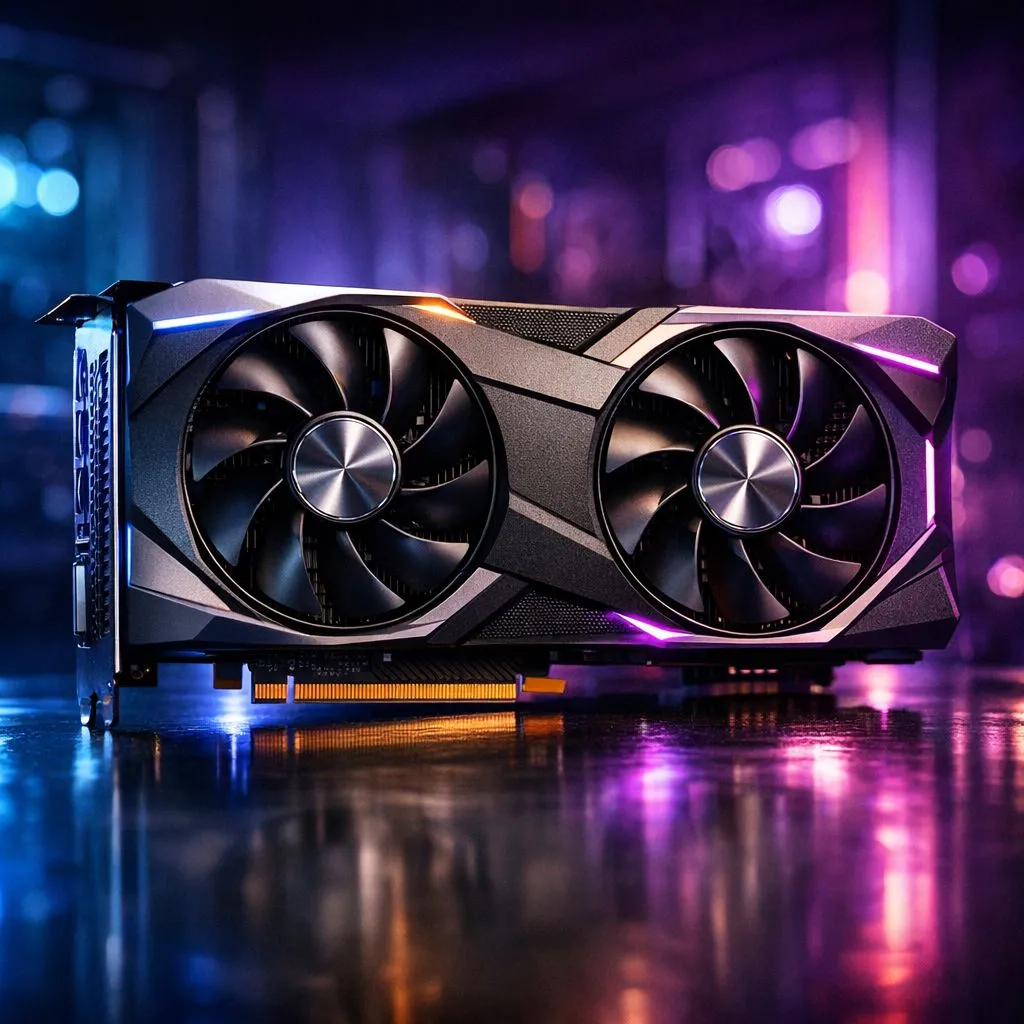
Marvel Rivals is the fast-paced hero shooter taking the South African gaming scene by storm. Whether you are flying as Iron Man or diving in as Black Panther, performance matters. To truly dominate the 6v6 chaos, you need hardware that keeps up with the action. Finding the best GPU for Marvel Rivals ensures you stay ahead of the competition while enjoying stunning visuals 🚀.
Understanding the Best GPU for Marvel Rivals
The game is built on Unreal Engine 5. This means it uses advanced features like Lumen global illumination. For many, the choice is simple. Do you want the smoothest 240FPS experience for ranked play? Or do you want the cinematic beauty of Lumen graphics? Most local players want a balance of both.
If you are looking for the most reliable performance, browsing the latest NVIDIA graphics cards is a great starting point. Their DLSS technology is a massive help in this title. It allows you to maintain high frame rates even when the screen is filled with ability effects.
The Visual Power of Unreal Engine 5 Lumen
Lumen graphics bring a new level of realism to hero shooters. It handles light and reflections dynamically. This creates a vibrant world that feels alive. However, Lumen is demanding on hardware. To see every detail in the Wakanda or Yggsgard maps, you need a card with strong Ray Tracing capabilities.
Many South African gamers prefer specific manufacturers for their cooling solutions. You can find high-end MSI graphics cards that keep temperatures low during our hot summer months. Keeping your card cool is vital for maintaining peak clock speeds during intense matches ✨.
Balancing Performance and Value
Not everyone has a massive budget for a top-tier flagship. Fortunately, the market has expanded. If you are looking for competitive rasterization performance, you should buy AMD Radeon graphics cards. They often provide excellent VRAM capacity for the price in ZAR... which is great for high-resolution textures.
Even the newcomers are making waves. Budget-conscious builders might consider Intel Arc graphics cards for a modern entry-level experience. While they are newer to the scene, their driver updates have significantly improved performance in Unreal Engine titles.
Optimisation Pro Tip ⚡
To hit a stable 240FPS in Marvel Rivals, set your 'Global Illumination' to Low or Medium. This disables the heaviest Lumen features while keeping the game looking crisp. Combine this with Reflex or Anti-Lag to reduce input latency for a snappier feel during high-speed combat.
Cracking the 240FPS Barrier
For the competitive crowd, 240FPS is the gold standard. It provides the lowest possible input lag. This makes tracking fast-moving targets like Spider-Man much easier. To hit this target, you need a powerful GPU and a fast CPU to match.
Some users try to use their professional rigs for gaming. While workstation graphics cards are designed for rendering and CAD, they can run Marvel Rivals... but they lack the gaming-optimised drivers found in GeForce or Radeon lines. For the best experience, stick to gaming-grade silicon 🔧.
Choosing the right hardware depends on your monitor. If you play at 1080p, focus on high clock speeds. At 4K, VRAM and upscaling technology become the priority. No matter your choice, Marvel Rivals is a visual treat that deserves the best hardware you can afford.
Ready to Dominate the Arena? Whether you need 240FPS for competitive glory or Lumen for maximum immersion, we have the hardware to get you there. Explore our massive range of graphics cards and find the perfect GPU to power your Marvel Rivals journey today.








