

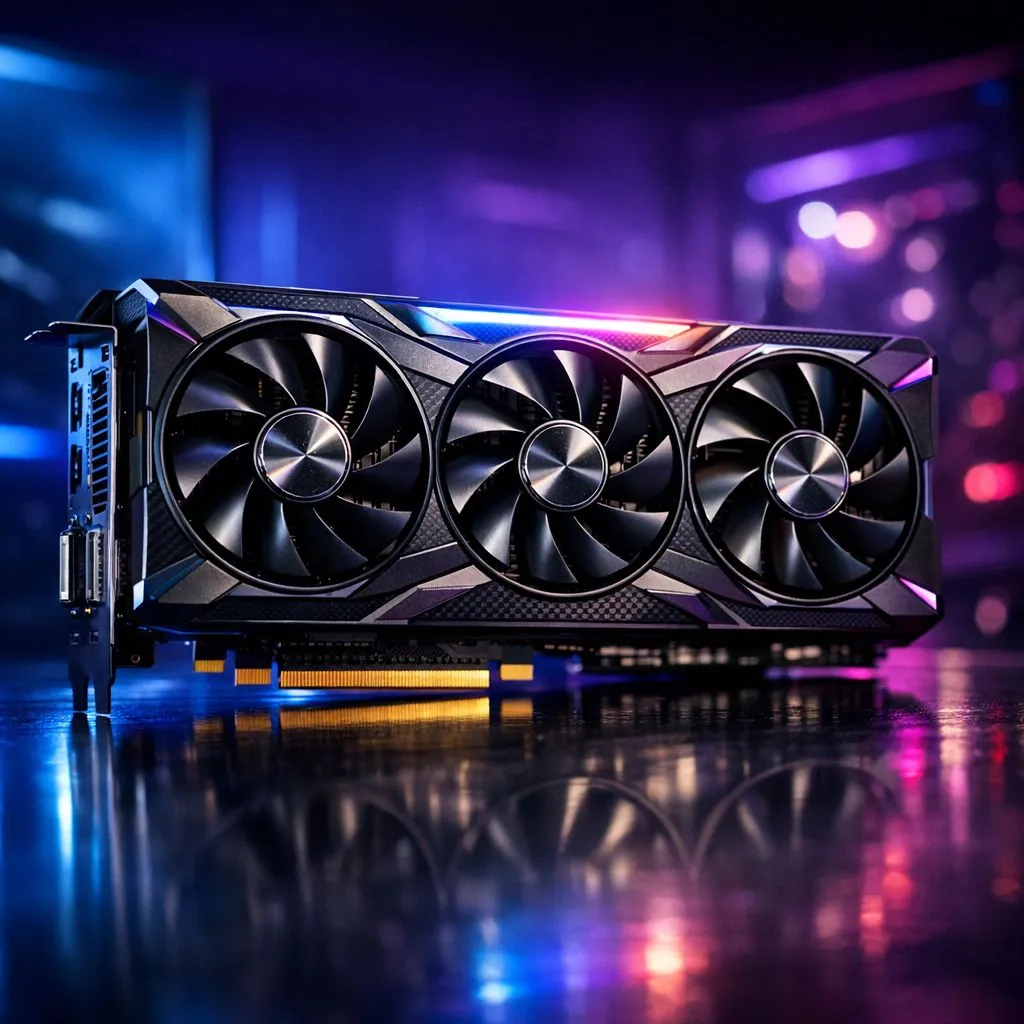
Landing in Pochinki with a frame rate that stutters is a recipe for an early trip back to the lobby. For competitive South African players, hitting that 240Hz sweet spot in 2026 requires more than just luck. You need the right hardware to ensure your reaction times aren't bottlenecked by your monitor. Let's find the best GPU for PUBG 240Hz to keep your chicken dinners coming.
Why You Need the Best GPU for PUBG 240Hz in 2026
PUBG remains a demanding title because of its massive maps and unoptimised assets. To maintain a stable 240Hz, your hardware must deliver frames faster than the monitor can refresh. This is especially true during intense final circles where smoke grenades and vehicle explosions tax the system. Choosing from the latest NVIDIA graphics cards is often the first step for local pros. These cards offer the driver stability needed for long tournament sessions... ensuring your frame times stay consistent when it matters most. ⚡
Top Contenders for High-Refresh Gaming
Consistency is king in battle royales. Brands like MSI offer superior thermal management which prevents thermal throttling during hot South African summers. Investing in MSI graphics cards ensures your clock speeds stay high throughout the match. If you prefer the red team, the latest AMD Radeon graphics cards provide excellent raw performance. They often offer more VRAM for the price... which helps if you like to keep your textures on 'Ultra' while everything else is set to 'Low' for visibility. 🚀
Alternative GPU Options for Niche Builds
While most gamers stick to the big two, the market is expanding. Some might look at Intel Arc graphics cards for budget-friendly entries into high-refresh gaming. These are improving rapidly with every driver update. On the other hand, while workstation graphics cards are built for rendering and CAD, they aren't the primary choice for Erangel. They lack the gaming-specific optimisations found in consumer silicon. Stick to gaming-focused hardware to ensure you get the most frames for your ZAR. 🔧
PUBG Performance Tip ⚡
To maximise visibility and frames, set most graphics options to 'Very Low' except for Anti-Aliasing and View Distance. This reduces visual clutter and ensures your GPU focuses entirely on maintaining that 240Hz target during intense firefights.
Balancing Your Competitive Budget
In 2026, the mid-range has shifted. You no longer need to spend R30,000 to get competitive performance. However, pairing your GPU with a fast CPU is vital. PUBG is notoriously CPU-heavy... a slow processor will bottle-neck even the fastest card. Focus on a balanced build to ensure your 1% lows stay above 144 FPS. This prevents the jarring stutters that occur when driving through cities or engaging in close-quarters combat. ✨
Ready to Find Your Perfect Match? The race for 240Hz is intense, but the right hardware makes the climb to Grandmaster much smoother. Explore our massive range of graphics cards and find the perfect machine to conquer Erangel today.





