

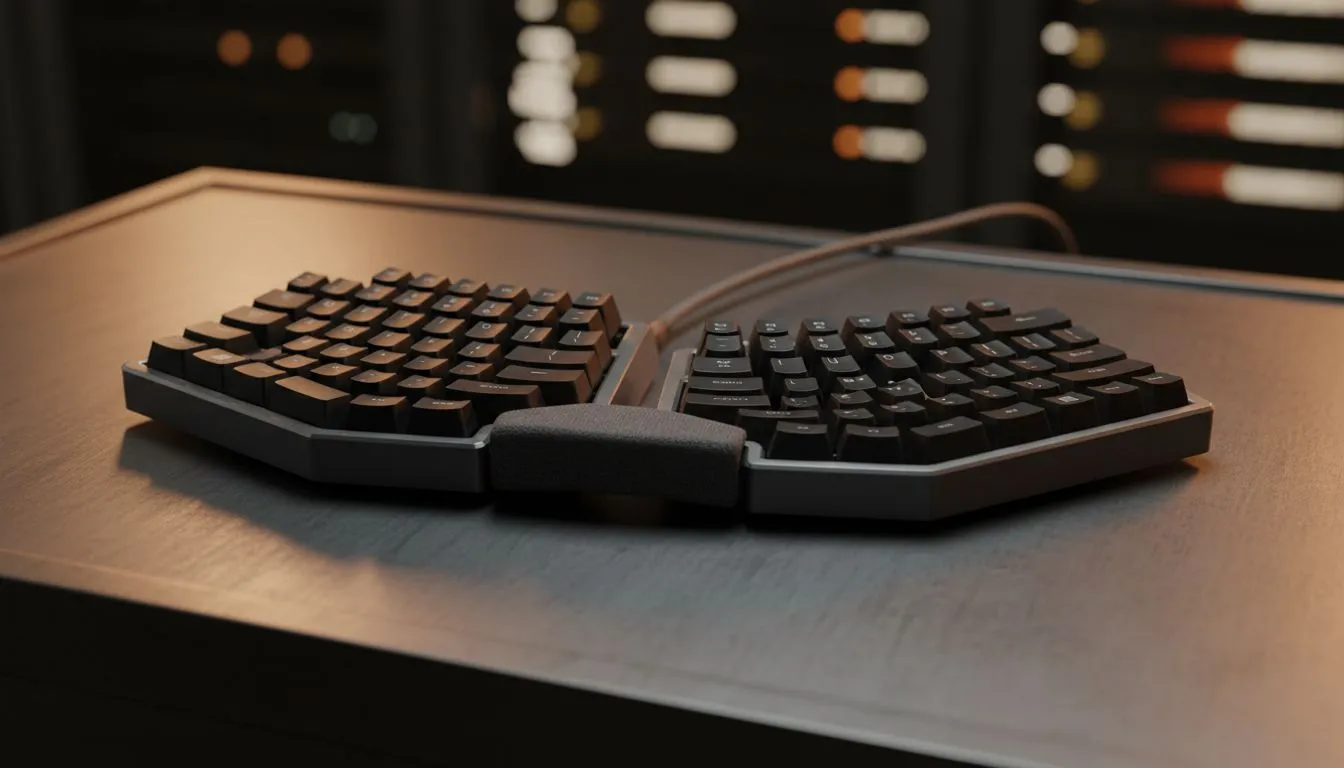
Tired of choking your clutch plays because of a fat-finger mistake? Whether you are grinding in Valorant or rushing a university assignment in Jozi, your hardware settings matter. Mastering the best keyboard settings to improve typing speed and reduce mistakes isn't just for pros. It is about making your gear work for you. Let's fine-tune your setup for peak South African performance. ✨
Optimising Your Windows Keyboard Properties
The first step to faster typing starts in your operating system. Many users ignore the default Windows keyboard properties. Open your Control Panel and find the keyboard settings. You will see "Repeat delay" and "Repeat rate" sliders.
Setting your repeat delay to "Short" ensures your PC responds instantly. A "Fast" repeat rate helps when deleting text or moving through code. These are the best keyboard settings to improve typing speed and reduce mistakes for daily productivity. If your current board feels sluggish despite these tweaks, it might be time to browse the best gaming keyboard deals to find more responsive hardware.
Choosing the Right Hardware for Accuracy
Hardware choice is just as vital as software tweaks. Mechanical switches provide tactile feedback that membrane keys lack. This physical "bump" tells your brain exactly when a keypress registers. This feedback loop naturally reduces "bottoming out" errors and double-taps.
You do not need to spend thousands of ZAR to get a better experience. You can find the cheapest gaming keyboard in South Africa right here at Evetech. Look for Red or Brown switches if you want a balance between gaming speed and typing accuracy. 🔧
Accuracy Pro Tip ⚡
Use a typing tutor website for fifteen minutes a day. Focus entirely on accuracy rather than speed. Once your mistake rate drops below two percent, your speed will naturally climb. It is the most effective way to build muscle memory for those difficult-to-reach symbol keys.
Advanced Latency and Connectivity Settings
Input lag is the enemy of speed. If there is a delay between your finger moving and the character appearing, your rhythm breaks. This leads to more typos as you try to overcompensate. For a seamless desktop setup, a high-quality keyboard and mouse combo ensures your peripherals are synchronised for the best performance.
Connectivity also plays a major role in how your inputs are handled. Many competitive players still prefer wired gaming keyboards to eliminate any chance of interference. However, modern wireless models now offer 1ms response times. These are perfect for keeping your desk clean without sacrificing the best keyboard settings to improve typing speed and reduce mistakes. 🚀
Software Customisation and Macros
Many high-end keyboards come with dedicated software like Razer Synapse or Logitech G Hub. Use these tools to disable the Windows Key during gaming sessions. There is nothing worse than hitting the Windows Key in the middle of a team fight... it usually leads to a quick trip back to the lobby.
You can also use software to create macros for repetitive tasks. This reduces the number of keystrokes needed for complex actions. By minimising the physical work your hands do, you reduce fatigue. Less fatigue means fewer mistakes during those long weekend gaming marathons.
Ready to Find Your Perfect Match? Finding the right balance of speed and accuracy starts with the right gear. Whether you need a mechanical powerhouse or a sleek wireless setup, we have the best tech in South Africa. Explore our massive range of keyboard specials and find the perfect tool to conquer your world.











