

RTX 5050 Avowed FPS: Performance Benchmark & Best Settings
RTX 5050 Avowed FPS: Performance Benchmark. Real-world benchmark data, FPS numbers & performance analysis. What SA gamers can actually expect.
Read moreBest laptop for Apex Legends: Compare GPUs, CPUs, displays and thermals to find models that deliver stable 144+ FPS and low latency. Read budget, midrange and high-end picks 🎮🔍
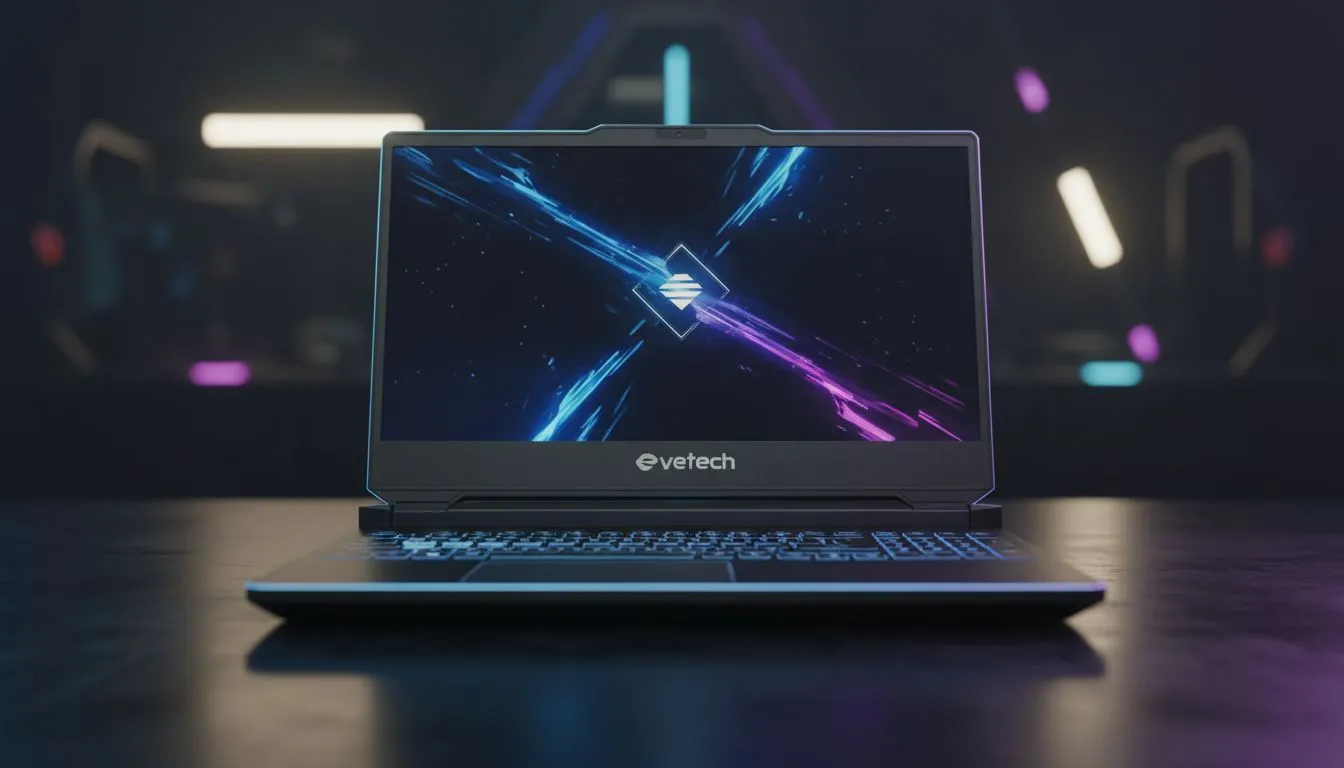
Dropping into Fragment West with a stuttering screen is a quick way to head back to the lobby. For South African Legends... where ping is already a challenge... having the right hardware is vital. You need smooth frames to track a stimming Octane or a teleporting Loba. Finding the best laptop for Apex Legends isn't just about the price tag. It is about hitting that 144Hz sweet spot. ⚡
Apex Legends is a fast-paced battle royale that demands split-second reactions. If your hardware lags... your bullets won't find their mark. Many local players find that geforce rtx gaming laptops on special provide the DLSS support needed to keep frames stable during chaotic final circles.
The game is surprisingly heavy on the CPU while demanding a solid GPU for those high-intensity gunfights. If you prefer Team Blue... checking out the latest intel laptops on special ensures you have the per-core clock speeds required for high-velocity movement. High clock speeds help reduce input latency... which is the difference between a headshot and a whiff.
To maximise your visibility in dark corners... set your Model Detail to High but keep Shadows on Low. This makes enemies pop against the environment without tanking your frame rate. Also... ensure your FOV is set between 90 and 104 for the best balance of peripheral vision and target size.
You do not need to spend fifty thousand Rand to be competitive in the Apex Games. There are fantastic gaming laptops under r20k that handle the Outlands with ease. These machines typically feature mid-range GPUs that can comfortably maintain 60 to 100 FPS on competitive settings.
For those who value multi-threaded efficiency and better battery life for study or work... the current ryzen laptop deals offer incredible value for money in the South African market. Ryzen processors are known for their efficiency... keeping your laptop cooler during those long ranked sessions. 🚀
Ultimately... which model plays Apex best depends on your refresh rate goals. A 300Hz screen is wasted if your GPU cannot push the frames to match it. Always aim for a balanced build. Browse the best gaming laptop deals to find a machine that pairs a high-refresh display with a capable graphics card. This ensures your gameplay remains buttery smooth even when Bangalore's rolling thunder is shaking the screen. ✨
Ready to Become a Champion? The hunt for the win is better with the right gear. Whether you are climbing the ranks in Master or just playing pubs with friends... we have the hardware to help you lead the pack. Explore our massive range of laptop specials and find your perfect Apex machine today.
GPU and cooling matter most; pair a strong GPU with a high-refresh display and good thermals for the best laptop for Apex Legends.
Yes on lower settings — look for a GTX 1650 or equivalent, 8–16GB RAM and SSD for the best budget laptop for Apex Legends.
Choose 1080p with 120–240Hz for competitive play; a 144Hz panel hits the sweet spot for best gaming laptop for 144Hz Apex.
Absolutely — thermal throttling drops FPS. Check Apex Legends laptop thermal performance before buying to ensure stable high FPS.
For consistent 144+ FPS at 1080p, target an RTX 3060 or better; refer to laptop GPU for Apex Legends benchmarks.
Thin laptops can play Apex, but may throttle; prefer balanced options if performance matters over portability for Apex Legends.
Lower shadow and texture detail, cap frame pacing and use low-latency modes; see Apex Legends laptop settings for high FPS guides.
RTX 5050 Avowed FPS: Performance Benchmark. Real-world benchmark data, FPS numbers & performance analysis. What SA gamers can actually expect.
Read more
RTX 5050 Fable at 1440p: FPS Benchmark & Optimal. Real-world benchmark data, FPS numbers & performance analysis. What SA gamers can actually expect.
Read more
RX 7600 Black Myth Wukong 2 at 1080p: FPS. Real-world benchmark data, FPS numbers & performance analysis. What SA gamers can actually expect.
Read more
Head-to-head comparison of RTX 5060 vs RX 9070: Ray Tracing Performance for SA gamers. Performance benchmarks, Rand pricing & which delivers better value.
Read more
Head-to-head comparison of RX 7800 XT Mining vs Gaming: Does It Affect for SA gamers. Performance benchmarks, Rand pricing & which delivers better value.
Read more
RTX 4060 Ti Hogwarts Legacy FPS: Performance. Real-world benchmark data, FPS numbers & performance analysis. What SA gamers can actually expect.
Read more
Top Valorant Settings for RTX 5070: FPS Optimisation picks evaluated on performance, value & SA availability with current Rand pricing from Evetech.

RDNA 3.5 Graphics in Ryzen AI 400? Can You Game. Plain-English explanation of what it means, why it matters & how it affects your buying decisions in SA.

GPU Price Index : December Report. Current stock data & price tracking for SA buyers. See what is available and where prices are heading.

RX 9070 XT Elden Ring Nightreign at 4K: FPS. Real-world benchmark data, FPS numbers & performance analysis. What SA gamers can actually expect.

Core i5-14600K + B760 + RTX 5060 Build Under. Full parts list, Rand pricing & expected performance. Build confidently with SA-available components.

RX 7600 Apex Legends at 4K: FPS Benchmark. Real-world benchmark data, FPS numbers & performance analysis. What SA gamers can actually expect.

RX 7900 XTX GTA 6 at 4K: FPS Benchmark & Optimal. Real-world benchmark data, FPS numbers & performance analysis. What SA gamers can actually expect.

Head-to-head comparison of RTX 5070 vs RX 9070 XT: Gaming Performance for SA gamers. Performance benchmarks, Rand pricing & which delivers better value.

Top RTX 5070 Under R25,000 picks evaluated on performance, value & SA availability with current Rand pricing from Evetech.
Core i5-14600K + B760 + RTX 5060 Build Under. Full parts list, Rand pricing & expected performance. Build confidently with SA-available components.

Top Monitor for RX 9070: Resolution & Refresh Rate picks evaluated on performance, value & SA availability with current Rand pricing from Evetech.

Valorant Settings on RX 9060 XT: Performance. Real-world benchmark data, FPS numbers & performance analysis. What SA gamers can actually expect.