


You're in the final circle, the tension is thick, and then... it happens. Your frames stutter, your aim lags, and you’re back in the lobby. That frustrating performance drop isn't always your GPU or internet connection. Often, it's thermal throttling—your CPU slowing down to prevent overheating. The unsung hero (or villain) in this story? Your motherboard. Choosing one of the best motherboards for cooling is your first line of defence against this performance killer. 🚀
Why Your Motherboard is a Cooling Kingpin
When we think PC cooling, we usually picture massive CPU coolers or a case full of RGB fans. But the motherboard is the foundation that dictates how effectively your components can perform under pressure. It’s not just a circuit board; it's the power delivery and management hub.
The key players here are the Voltage Regulator Modules, or VRMs. These tiny components feed clean, stable power to your power-hungry CPU. When you're pushing your rig in Warzone or rendering a video, the VRMs work overtime and generate a serious amount of heat. A cheap or poorly designed motherboard can't handle this load, causing the VRMs to overheat. This forces your CPU to throttle, tanking your performance to protect the hardware.
This is why finding a motherboard designed to stop thermal throttling is so crucial for any serious PC build in South Africa.
Key Features of the Best Motherboards for Cooling
So, what should you look for? It’s not just about brand names. When you're hunting for a motherboard with excellent thermal performance, focus on these physical features. They are the difference between a stable, high-performance machine and a stuttering mess.
Massive VRM Heatsinks
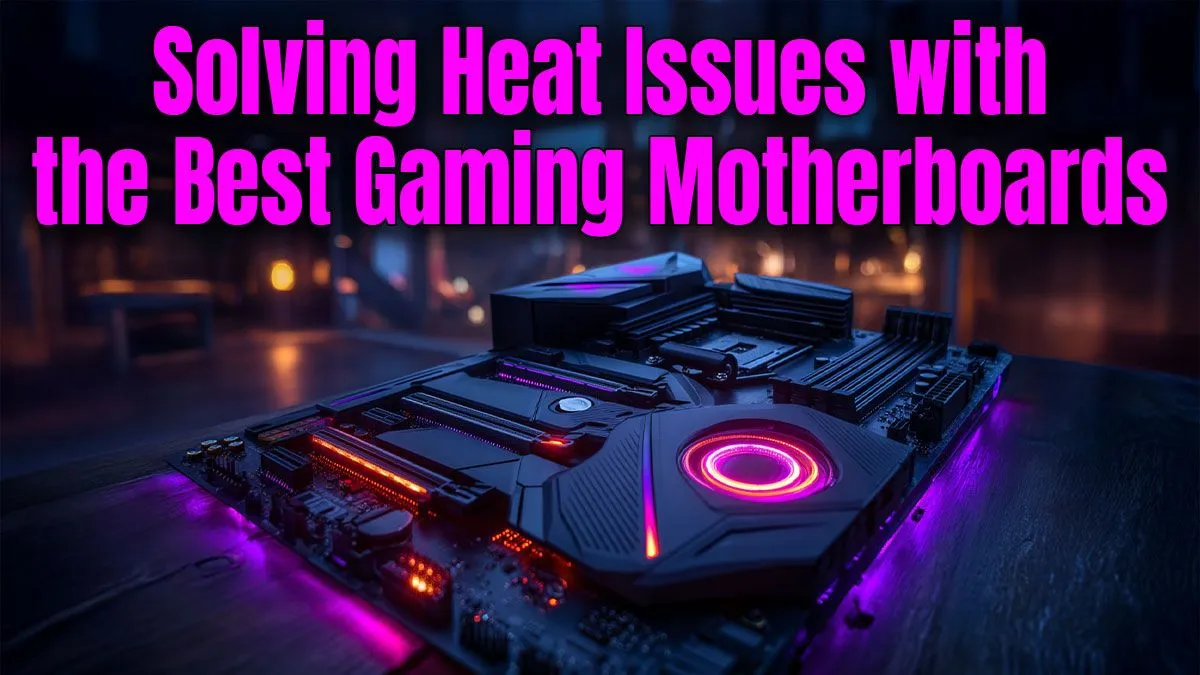
This is the most visible sign of a good cooling motherboard. Look for large, chunky metal heatsinks covering the area around the CPU socket. More surface area and fins mean better heat dissipation. Some high-end boards even use heat pipes to connect VRM heatsinks for maximum efficiency. These aren't just for looks; they are critical for keeping those power delivery components cool under sustained load. Quality heatsinks are a standard feature on many modern AMD motherboards, especially on the AM5 platform.
Smart Fan Control & Headers
A great motherboard gives you control. Look for boards with multiple 4-pin (PWM) fan headers spread across the board. This allows you to connect and independently control your case fans, creating optimised airflow zones. Paired with intuitive BIOS controls or software suites, you can create custom fan curves that ramp up cooling during intense gaming sessions and run silently during light work. 🔧
Check Your Temps 🌡️
Use free software like HWMonitor or Core Temp to check your CPU and VRM temperatures under load. If your CPU hits 95°C or your VRMs climb past 100°C during a gaming session, you're likely experiencing thermal throttling and could benefit from a motherboard with better cooling performance.
Integrated M.2 Heatsinks
Your super-fast NVMe SSD can also get toasty and throttle, slowing down your game load times and file transfers. Many of the best motherboards for cooling now come with integrated M.2 heatsinks or "shields." These simple metal plates with thermal pads make a significant difference in keeping your storage running at peak speed, especially during long data transfers or in cases with limited airflow.
Choosing Your Platform: Intel vs. AMD
Both Team Blue and Team Red offer CPUs that can draw significant power, making your motherboard choice critical. High-end processors like Intel's Core i9 or AMD's Ryzen 9 series demand robust power delivery to hit their advertised boost clocks without throttling.
When building a new rig, look for chipsets known for their quality. For Intel, Z-series boards (like Z790) are built for overclocking and typically feature the best VRM cooling solutions. For AMD, X-series boards (like X670E/X670) are the enthusiast choice, though many B-series (B650E/B650) boards also offer fantastic thermal performance for the price. You can find a wide selection of robust Intel motherboards built to handle the heat right here.
Don't Let Throttling Sabotage Your Build ✨
Ultimately, a top-tier motherboard for cooling is one that doesn't compromise on power delivery. A solid VRM setup with substantial heatsinks is the cornerstone of a stable, high-performance PC that won't let you down in the heat of battle. Investing a little more in a motherboard with good thermal design pays dividends in consistent, throttle-free performance for years to come.
You don't always have to break the bank, either. Many manufacturers are now including better VRM heatsinks and M.2 shields even on more affordable motherboards, bringing thermal stability to every budget.
Ready to Build a Cooler, Faster PC? Thermal throttling is the enemy of peak performance. A motherboard with superior cooling is your best defence. Explore our massive range of motherboards and find the perfect foundation for a stable, powerful, and throttle-free rig.









