

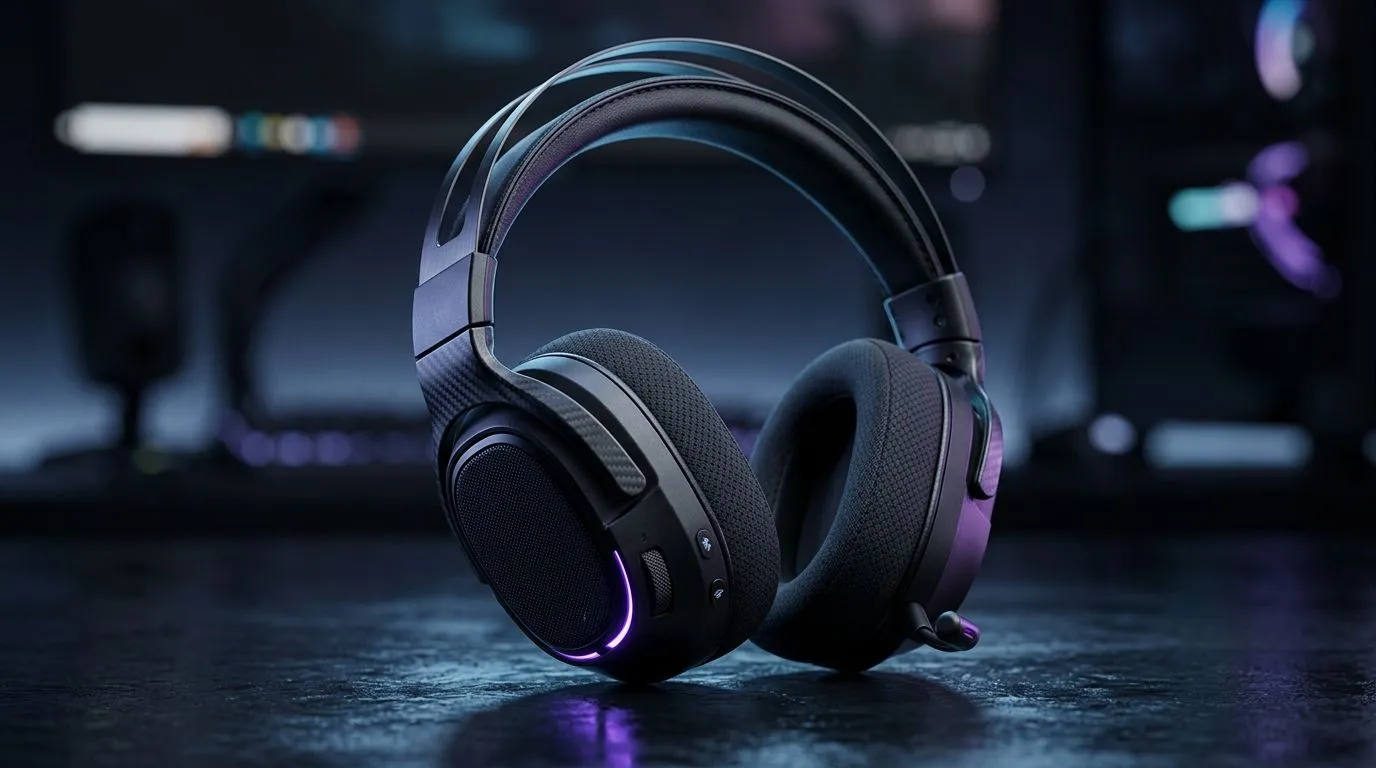
Best Multi-Device Wireless Headset Connectivity Setup for SA Gamers: Stop the Bluetooth Shuffle
South African gamers juggle more than one screen… PC at home, a console in the lounge, and a phone for Discord or calls on the go. The last thing you want is re-pairing your headset every time you switch devices. Worse still? Audio lag that ruins your timing. ⚡
This guide walks you through the Best Multi-Device Wireless Headset Connectivity Setup for SA Gamers so you can game smoothly, chat clearly, and switch devices without stress.
Best Multi-Device Wireless Headset Connectivity Setup for SA Gamers: Know Your Wireless Options (and the trade-offs)
Most wireless headsets do one of these well:
- 2.4GHz USB dongle + wireless (often best for gaming latency)
- Bluetooth (easy for phones and laptops)
- Multi-connect (dongle + Bluetooth in the same headset)
In practice, the “best” setup depends on what you’re switching between. For fast matches, a 2.4GHz dongle is usually the most reliable route. For convenience, Bluetooth keeps your phone connected without extra faff. That’s why multi-device headsets feel so good when the pairing logic is done right.
A quick micro-story from the lounge
You’re mid-queue. Your mate calls you on WhatsApp (yes, sometimes it’s during “one last match”). If your headset is set up properly, you can accept the call or check Discord audio without losing game audio… because the headset can handle both connections.
Best Multi-Device Wireless Headset Connectivity Setup for SA Gamers: Step-by-step pairing that actually sticks 🔧
Follow this order to reduce conflicts:
- Connect the headset to your gaming PC via USB dongle
Install any headset software if it’s required by the model. If you’re exploring options, start with a strong wireless baseline like the Razer Barracuda X Chroma:
Razer Barracuda X Chroma wireless headset deals - Pair Bluetooth last
On your phone or laptop, pair through Bluetooth settings and confirm the headset shows up as the audio device. - Use the headset’s “source” button or mode switch
Many headsets let you switch between dongle and Bluetooth. If yours has a dedicated button, use that instead of relying on Windows audio switching. - Set the correct default output per device
On Windows, pick the dongle as the default output while gaming, and your headset’s Bluetooth profile for calls.
="Productivity Pro Tip 🚀" On Windows, keep Bluetooth audio from “stealing” your game sound by setting the dongle (USB audio device) as the default playback device whenever you launch a match. If you’re on an ultrawide or multi-monitor setup, use Windows sound settings to confirm the output device before queuing, so you don’t discover the issue mid-round.
Best Multi-Device Wireless Headset Connectivity Setup for SA Gamers: Avoid common audio pitfalls (SA-specific reality) ⚡
Here are the issues that pop up most in real households:
- Multiple audio devices connected: Windows may route sound to the wrong one.
- Bluetooth profile mismatch: Calls can sound muffled if the headset switches modes.
- Room interference: Dongles generally behave well, but avoid using front USB ports packed with other high-power devices.
If you’re still deciding on a headset, browse Evetech’s range and filters to match your use-case:
Razer headphones and headsets range
Wireless headphone and headset options
For more “surround-style” audio on supported setups, check stereo versus 7.1 options:
Headsets with 7.1 audio options
Headsets with stereo audio options
Best Multi-Device Wireless Headset Connectivity Setup for SA Gamers: Quick checklist before you queue
Before you join your next match:
- Dongle connected first (PC gaming mode)
- Bluetooth paired and confirmed (phone/laptop)
- Correct default output selected
- Headset mode/source set to the device you need
- Test audio for 10 seconds, not 10 minutes…
Do this once and you’ll stop losing focus to connectivity headaches. ✨
Ready to Find Your Perfect Match? The Mac vs Windows debate is complex, but for maximum power, choice, and value in South Africa, Windows is hard to beat. Explore our massive range of laptop specials and find the perfect machine to conquer your world.





