


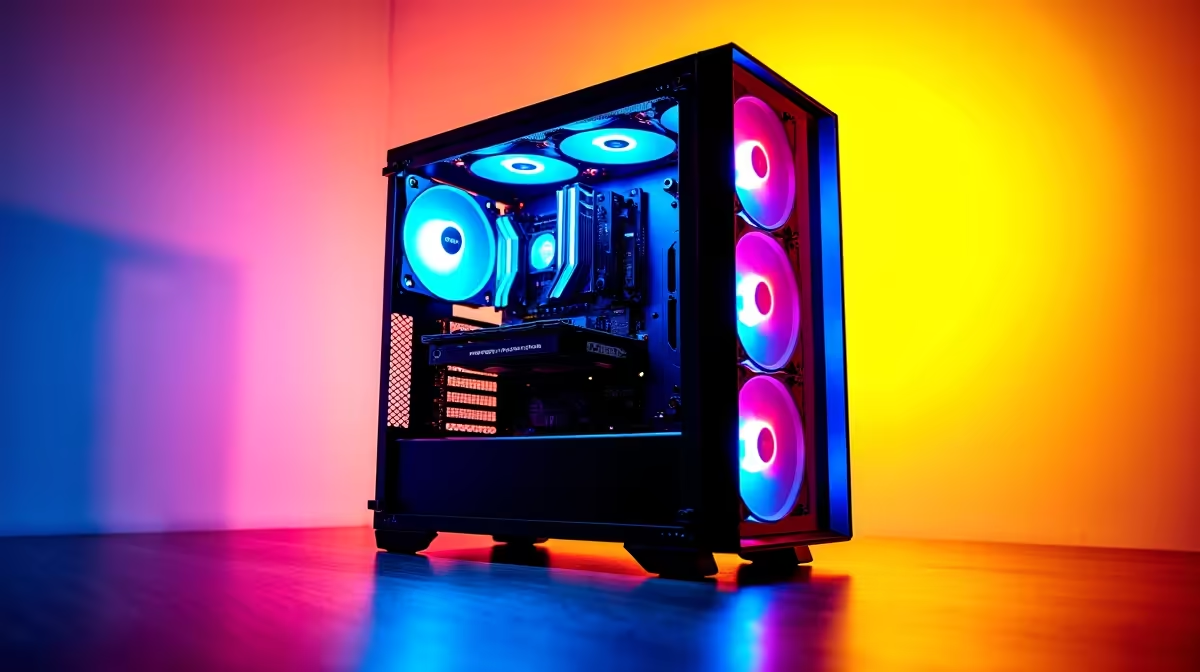
You’ve seen the AI buzz. From ChatGPT writing essays to Stable Diffusion creating mind-bending art, Large Language Models (LLMs) are everywhere. But you don't need to rely on the cloud. What if the ultimate tool for exploring this new frontier is already sitting on your desk? For many South African gamers and creators, the journey to finding the best PC for running LLMs starts with the powerful hardware you already own. Let's dive in.
Your Gaming Rig: An AI Powerhouse in Disguise?
It might surprise you, but the core components that deliver silky-smooth frame rates in Baldur's Gate 3 are the very same ones that power local AI. The heart of any LLM-capable machine is a powerful Graphics Processing Unit (GPU). Its parallel processing architecture, designed to render complex 3D worlds, is exceptionally good at handling the massive matrix calculations required by neural networks.
This is why your gaming PC is such a fantastic starting point. Whether you're running a system built around a powerful AMD Radeon GPU known for its excellent price-to-performance, or another top-tier card, you already have the foundational piece of the puzzle. The key is understanding how to leverage it for more than just gaming.
Key Components for Optimal LLM Performance
While the GPU does the heavy lifting, a balanced system is crucial. When speccing out a new build or upgrading an old one, here’s what you need to prioritise for the best possible experience running LLMs locally.
The GPU: VRAM is King 👑
For gaming, we often focus on core clock speeds and raw teraflops. For LLMs, the single most important specification is Video RAM, or VRAM. Think of VRAM as the GPU's personal workspace. The entire language model, along with its calculations (the "context"), needs to fit into this space. If it doesn't, performance plummets as the system resorts to using slower system RAM.
- 8GB–12GB VRAM: Great for experimenting with smaller, efficient models (like Llama 3 8B or Mistral 7B). You'll get fast responses for chatbots and text generation.
- 16GB–24GB VRAM: This is the sweet spot for enthusiasts. You can run larger, more capable models and even start fine-tuning them on your own data. This is where high-end NVIDIA GeForce gaming PCs, especially those with an RTX 4080 SUPER or RTX 4090, truly shine.
System RAM, CPU, and Storage: The Supporting Cast
Don't neglect the rest of your system. You'll want at least 32GB of fast system RAM, as many AI applications are memory-hungry. A modern multi-core CPU (like an Intel Core i7 or AMD Ryzen 7) ensures your system remains responsive while the GPU is under load. Finally, a fast NVMe SSD is non-negotiable for quickly loading large models, which can often exceed 50GB in size.
Get Started with Local LLMs 🚀
Want to experiment without complex setups? Check out Ollama. It's a simple tool that lets you download and run powerful open-source models like Llama 3 and Mistral with a single command in your terminal. It's the perfect way to test your PC's LLM performance.
Real-World Performance Benchmarks: What to Expect
Okay, let's talk practicals. What kind of performance can you actually expect? While exact "tokens-per-second" benchmarks vary wildly, we can outline some real-world scenarios.
A modern gaming PC with an RTX 4070 and 12GB of VRAM can run a sophisticated 13-billion parameter model with impressive speed, making it perfect for tasks like a private coding assistant or a creative writing partner. It’s a responsive and powerful setup that goes far beyond basic chatbots.
However, if your ambition is to fine-tune models, work with massive datasets, or run the largest open-source models (70B+ parameters), you'll hit the limits of consumer hardware. This is where you step into the professional leagues. Purpose-built workstation PCs equipped with multiple high-VRAM GPUs and 128GB or more of system RAM are designed for these sustained, demanding workloads, offering reliability and power that even the best gaming rigs can't match.
Ultimately, the best PC for running LLMs is the one that matches your goals. Start with your gaming rig, see what you can do, and when you're ready to push the boundaries of what's possible... you'll know it's time to upgrade. ✨
Ready to Unleash AI on Your Desktop? From tinkering with chatbots to fine-tuning custom models, the power is within your reach. The best PC for running LLMs is one that meets your ambition. Explore our massive range of high-performance PCs and find the perfect machine to build the future.











