

RTX 5050 Avowed FPS: Performance Benchmark & Best Settings
RTX 5050 Avowed FPS: Performance Benchmark. Real-world benchmark data, FPS numbers & performance analysis. What SA gamers can actually expect.
Read moreFinding the best refresh rate for your screen size is crucial for peak gaming performance. 🎯 This guide helps South African gamers balance pixel-perfect visuals with buttery-smooth gameplay, covering everything from 24-inch 144Hz monitors to 32-inch 4K beasts. Stop guessing and find your perfect match! 🚀
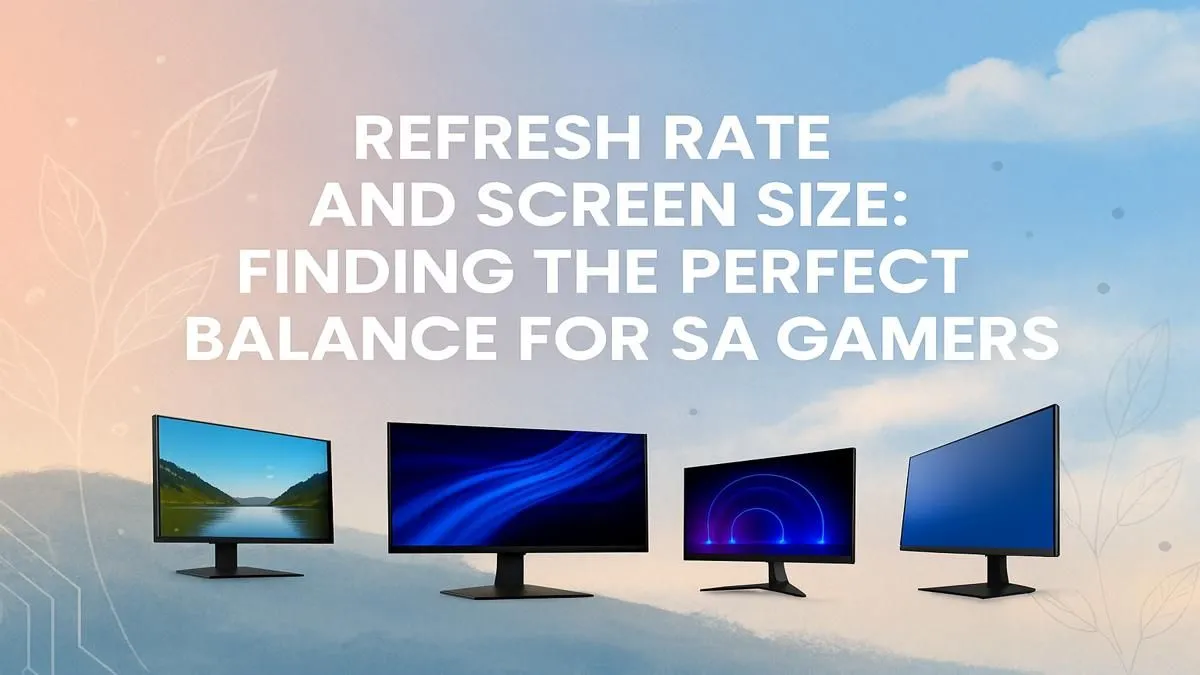
So, you’re hunting for a new gaming monitor in South Africa. You’ve saved up your rands, and you’re ready to upgrade. But then you hit the wall of specs… resolution, response time, and the big one: refresh rate. What’s the best refresh rate for the screen size you want? Choosing wrong can mean a blurry, choppy mess. Let's cut through the jargon and find the perfect combo for your rig and your games.
Before we match specs, let's quickly get on the same page. Refresh rate, measured in Hertz (Hz), is simply how many times your monitor updates the image on the screen every second.
A higher refresh rate means a smoother picture, less motion blur, and a more connected feel to your game. Simple as that. ⚡
Here’s where it gets interesting. You can’t just pick the highest refresh rate and the biggest screen you can afford. Why? Because screen size, resolution, and refresh rate are all linked by one crucial factor: your graphics card (GPU).
A bigger screen usually comes with a higher resolution (more pixels). For example, a 27-inch monitor is often 1440p, while a 32-inch might be 4K. More pixels demand more power from your GPU to render each frame. Pushing a 4K resolution at 144Hz requires a monster of a PC. This is why finding the best refresh rate for your screen size is about finding a balance that your system can actually handle. You need to explore the different PC monitors available to understand the common pairings.
Let's break down the most popular combinations to help you decide.
For competitive gamers, the 24-inch 1080p monitor is king. The smaller screen size keeps the pixel density sharp at 1080p, meaning you don't need a high-end GPU to drive insane frame rates. This makes achieving 240Hz or even 360Hz a realistic goal, giving you the smoothest possible gameplay for lightning-fast reactions. If you're serious about climbing the ranks, this is your zone. It's the most common choice across all gaming monitors for a reason.
This is the sweet spot for most South African gamers. A 27-inch screen at 1440p (QHD) resolution offers a stunning visual upgrade over 1080p without demanding a top-of-the-line PC. The best refresh rate for this screen size is typically between 144Hz and 180Hz. This combo provides crisp details for exploring worlds in AAA titles like Starfield and buttery smoothness for winning your Gulag in Warzone. It’s the perfect do-it-all solution.
Not sure if your PC can handle a higher resolution? Use NVIDIA's DLDSR or AMD's Virtual Super Resolution (VSR) in your graphics card's control panel. This lets you render the game at a higher resolution (like 1440p) on your 1080p monitor to see what kind of frame rate you'll get before you buy!
Ready to get lost in the game? A 32-inch or ultrawide monitor delivers an unparalleled cinematic experience. These displays, often featuring a gentle curve, fill your peripheral vision and make games feel epic. Given the larger size, you'll want at least a 1440p or even a 4K resolution. A refresh rate of 120Hz to 165Hz is a fantastic target here, offering smooth gameplay that complements the breathtaking visuals. Many of the best options in this category are beautiful curved monitors designed for maximum immersion.
The holy grail... a 4K monitor running at 144Hz or more. It looks absolutely incredible, but it's also incredibly demanding. You'll need a powerful (and pricey) GPU like an RTX 4080 or 4090 to consistently hit high frame rates at this resolution. For many, a 4K 120Hz monitor is a more balanced choice, offering stunning fidelity for single-player adventures. If visual quality is your absolute priority, exploring the latest 5K and 4K monitors is the way to go.
Remember, your monitor can only display the frames your GPU produces. If you have a 240Hz monitor but your PC can only push 90 frames per second (FPS), you're not getting the benefit. Always match your monitor's capabilities to your PC's power. It’s also worth considering a second screen; compact portable monitors are great for displaying Discord, OBS, or system stats without cluttering your main display.
Finding the best refresh rate for your screen size is about aligning your budget, your PC's power, and the types of games you play. Now you have the knowledge to make the right call. 🚀
Ready to Find Your Perfect Match? Choosing the right monitor can feel complex, but matching the refresh rate to the screen size is the key to unlocking your PC's true potential. Explore our massive range of PC monitor deals and find the perfect display to conquer your world.
For a 27-inch monitor at 1440p (QHD), 144Hz is the sweet spot for most gamers, offering a huge leap in smoothness over 60Hz without needing a top-tier GPU.
Yes, 144Hz is excellent for a 32-inch monitor, especially at 1440p or 4K. It provides fluid motion that enhances immersive single-player games and is great for casual play.
Not necessarily. Refresh rate (Hz) and screen size (inches) are independent specs. The key is matching the resolution and refresh rate to what your graphics card can handle.
Most competitive gamers in South Africa prefer 24 to 27-inch monitors. This size allows them to see the entire screen at once, which is crucial for fast-paced FPS games.
Yes, the jump from 144Hz to 240Hz is noticeable for highly competitive gamers, offering reduced motion blur. For most casual gamers, the difference is less critical.
It depends on your games. For fast-paced shooters like Valorant, prioritize a higher refresh rate. For immersive RPGs or strategy games, a bigger screen might be better.
RTX 5050 Avowed FPS: Performance Benchmark. Real-world benchmark data, FPS numbers & performance analysis. What SA gamers can actually expect.
Read more
RTX 5050 Fable at 1440p: FPS Benchmark & Optimal. Real-world benchmark data, FPS numbers & performance analysis. What SA gamers can actually expect.
Read more
RX 7600 Black Myth Wukong 2 at 1080p: FPS. Real-world benchmark data, FPS numbers & performance analysis. What SA gamers can actually expect.
Read more
Head-to-head comparison of RTX 5060 vs RX 9070: Ray Tracing Performance for SA gamers. Performance benchmarks, Rand pricing & which delivers better value.
Read more
Head-to-head comparison of RX 7800 XT Mining vs Gaming: Does It Affect for SA gamers. Performance benchmarks, Rand pricing & which delivers better value.
Read more
RTX 4060 Ti Hogwarts Legacy FPS: Performance. Real-world benchmark data, FPS numbers & performance analysis. What SA gamers can actually expect.
Read more
Top Valorant Settings for RTX 5070: FPS Optimisation picks evaluated on performance, value & SA availability with current Rand pricing from Evetech.

RDNA 3.5 Graphics in Ryzen AI 400? Can You Game. Plain-English explanation of what it means, why it matters & how it affects your buying decisions in SA.

GPU Price Index : December Report. Current stock data & price tracking for SA buyers. See what is available and where prices are heading.

RX 9070 XT Elden Ring Nightreign at 4K: FPS. Real-world benchmark data, FPS numbers & performance analysis. What SA gamers can actually expect.

Core i5-14600K + B760 + RTX 5060 Build Under. Full parts list, Rand pricing & expected performance. Build confidently with SA-available components.

RX 7600 Apex Legends at 4K: FPS Benchmark. Real-world benchmark data, FPS numbers & performance analysis. What SA gamers can actually expect.

RX 7900 XTX GTA 6 at 4K: FPS Benchmark & Optimal. Real-world benchmark data, FPS numbers & performance analysis. What SA gamers can actually expect.

Head-to-head comparison of RTX 5070 vs RX 9070 XT: Gaming Performance for SA gamers. Performance benchmarks, Rand pricing & which delivers better value.

Top Laptop with Ryzen 5 + RTX 4090 Laptop: Picks picks evaluated on performance, value & SA availability with current Rand pricing from Evetech.

Top Budget GPU for Marvel Rivals picks evaluated on performance, value & SA availability with current Rand pricing from Evetech.

Valorant Settings on RTX 5070: Performance. Real-world benchmark data, FPS numbers & performance analysis. What SA gamers can actually expect.

Top Budget GPU for Assassins Creed Shadows picks evaluated on performance, value & SA availability with current Rand pricing from Evetech.